
Configuring Your Workspace
Table of Contents
The Workspace Settings module is the central administrative interface for defining your organization’s core identity and configuration.
It establishes the foundational branding and contact information that is consistently applied across your workspace including Studio sites, event communications, and marketing assets.
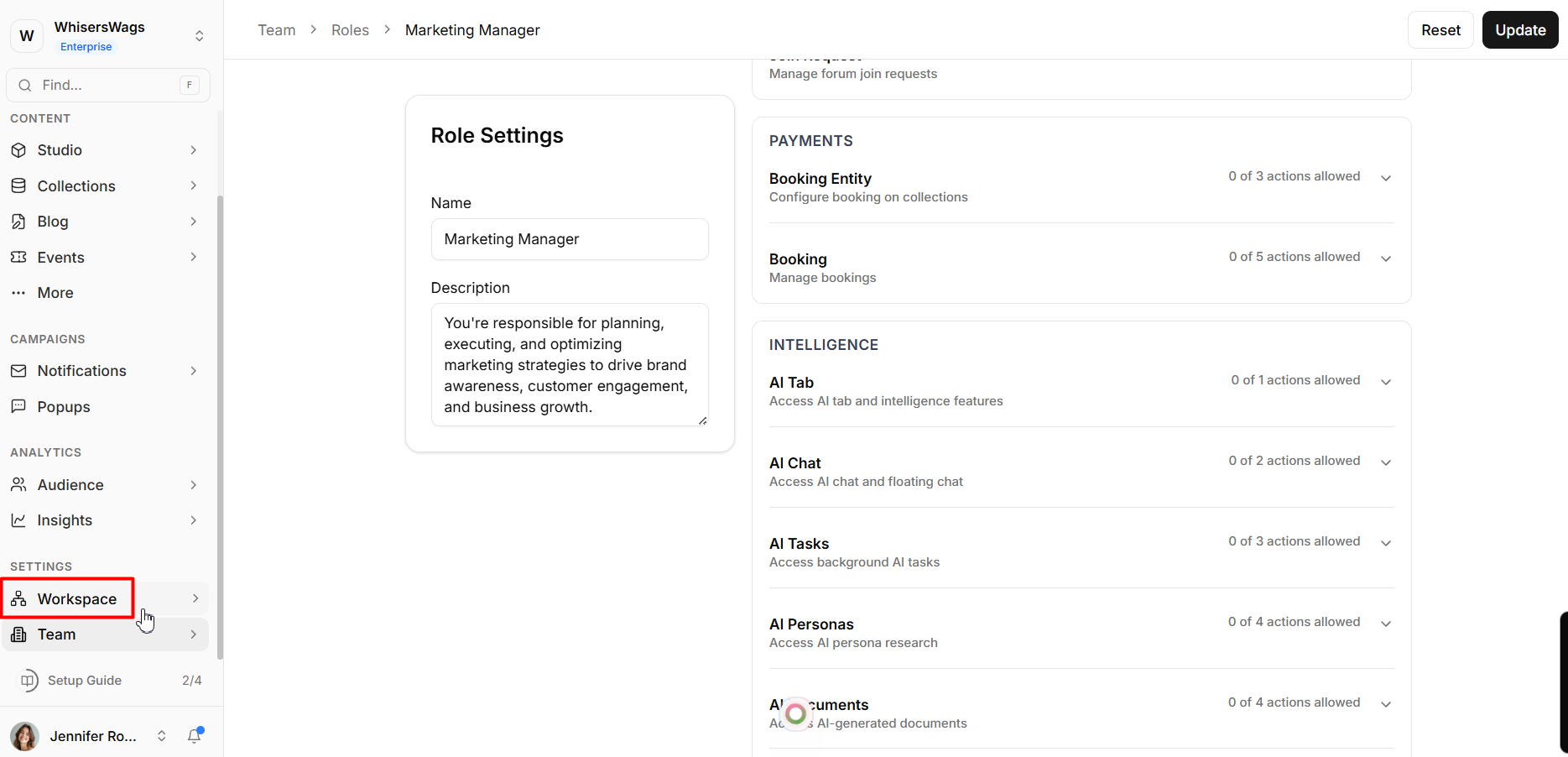
1. About Tab (Core Identity)
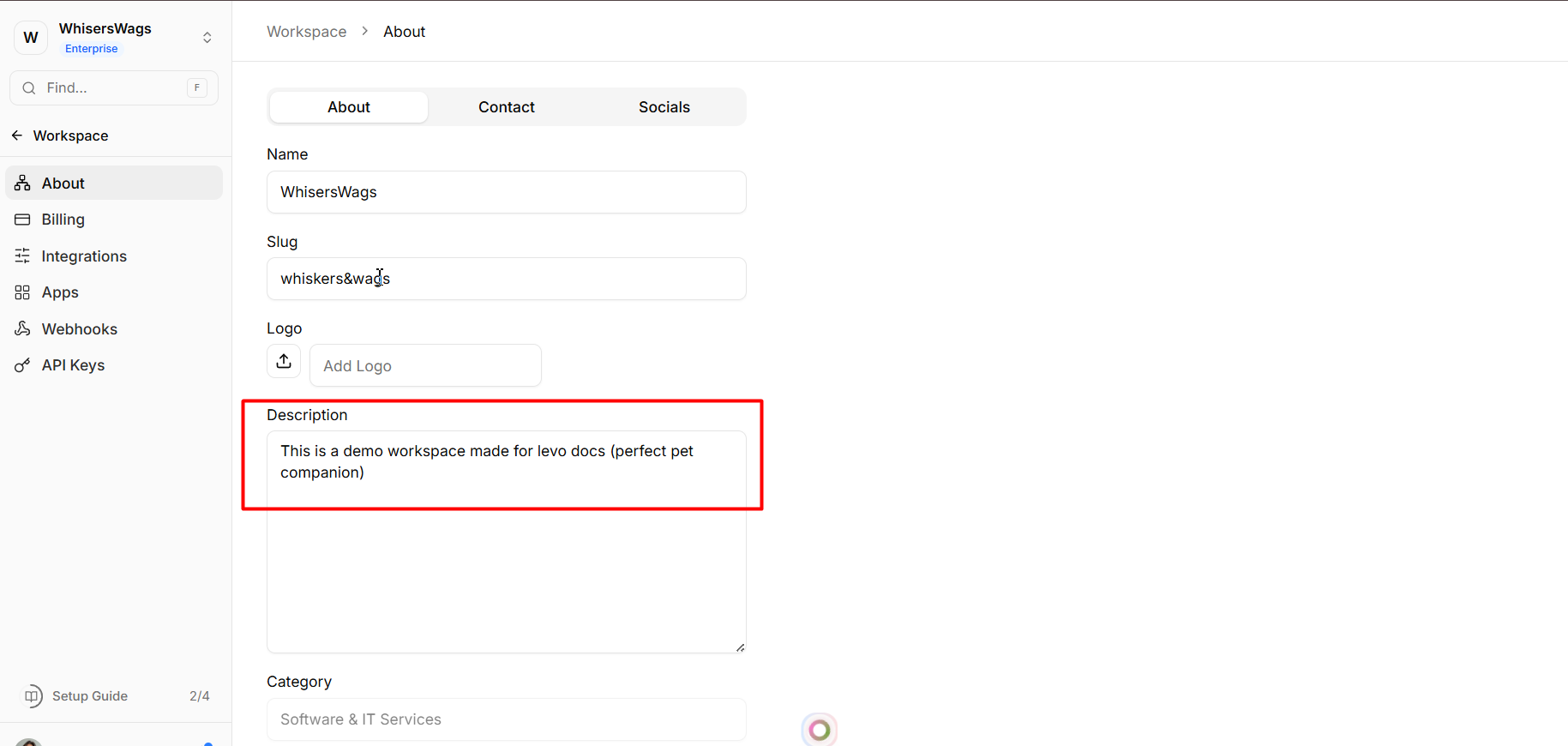
The About tab defines your workspace’s primary identity.
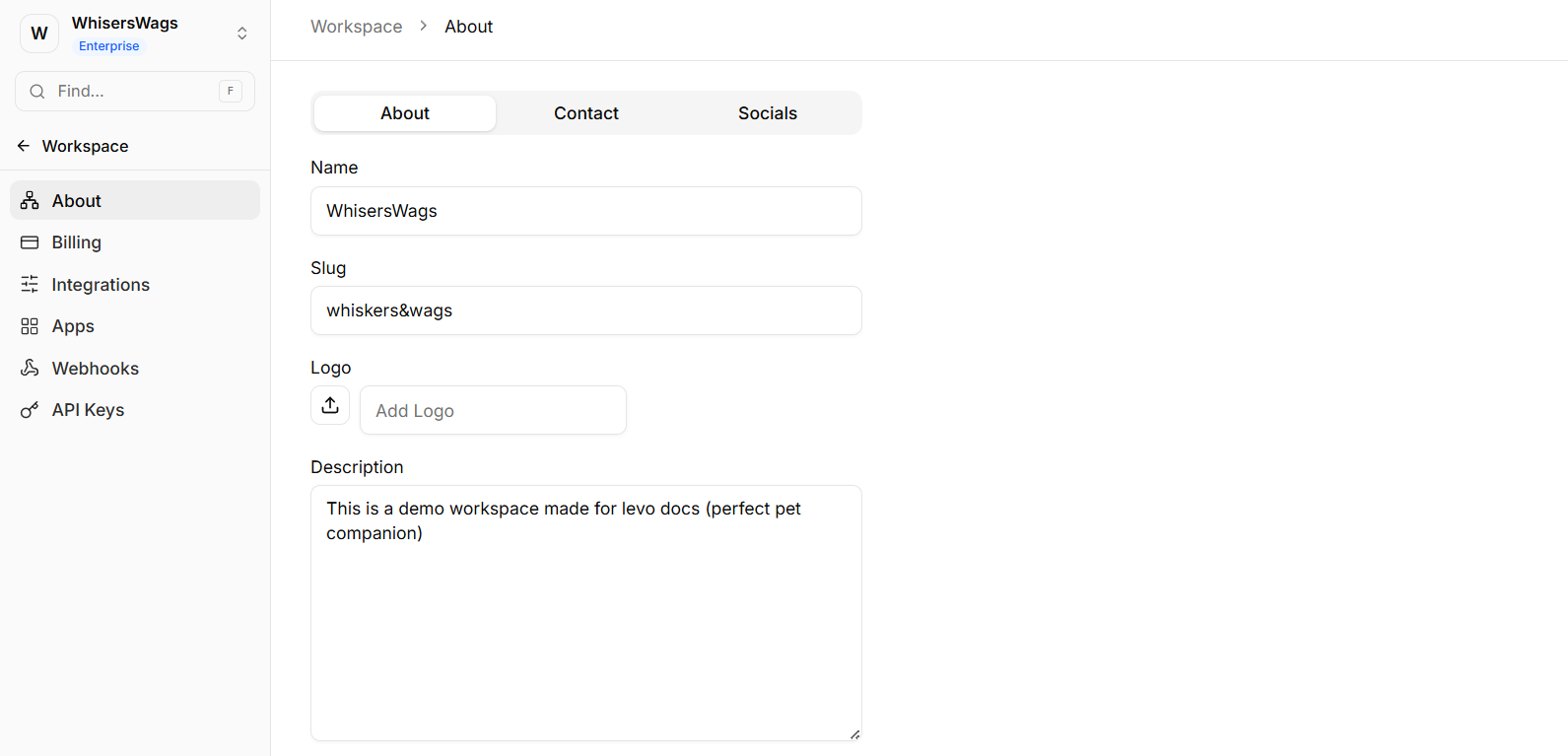
Workspace ID
A unique, system-generated identifier assigned to your workspace.
This value is permanent and cannot be modified.
Note: The Workspace ID is accessible from the system footer for quick reference.
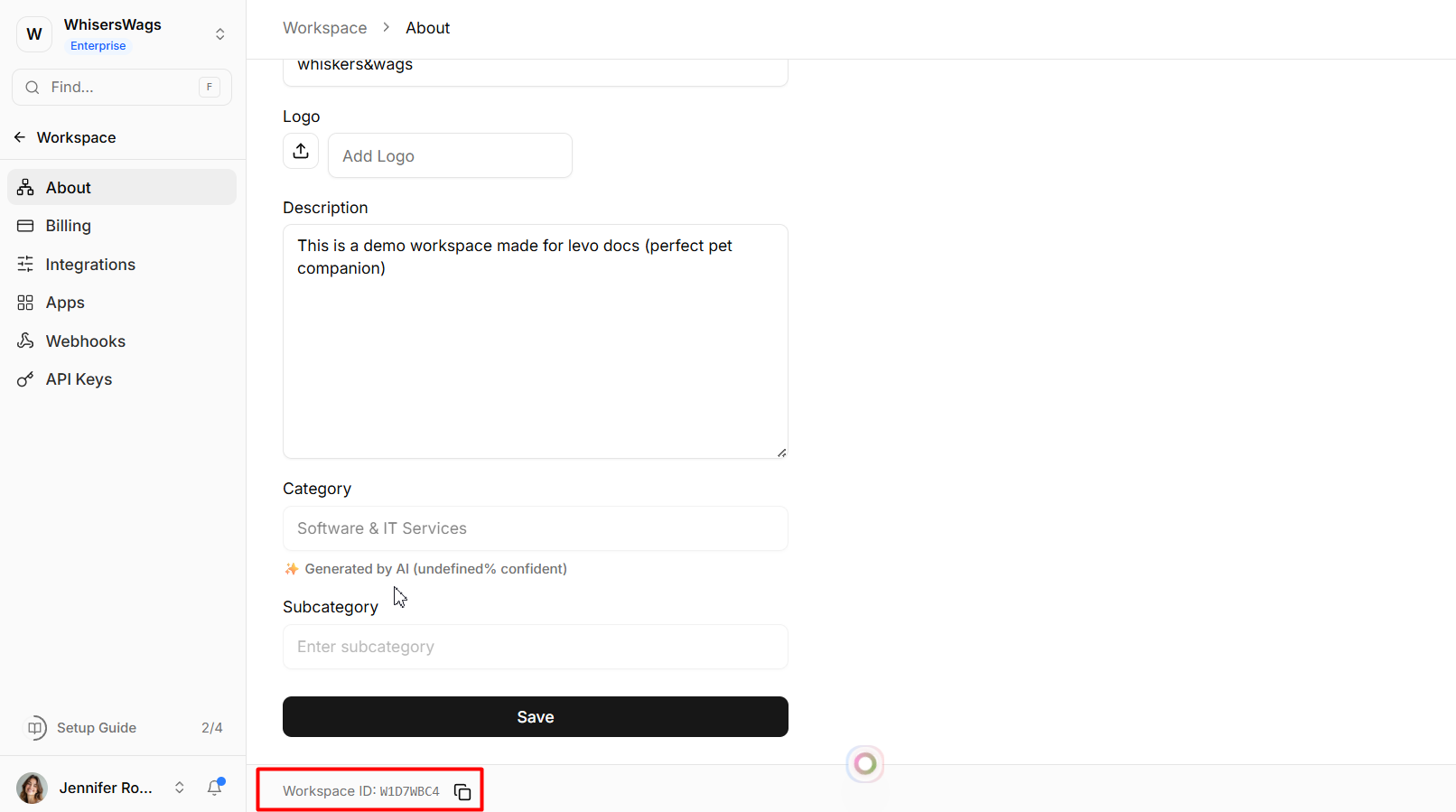
Name
The primary display name of your organization.
This is visible across internal dashboards and external-facing elements.
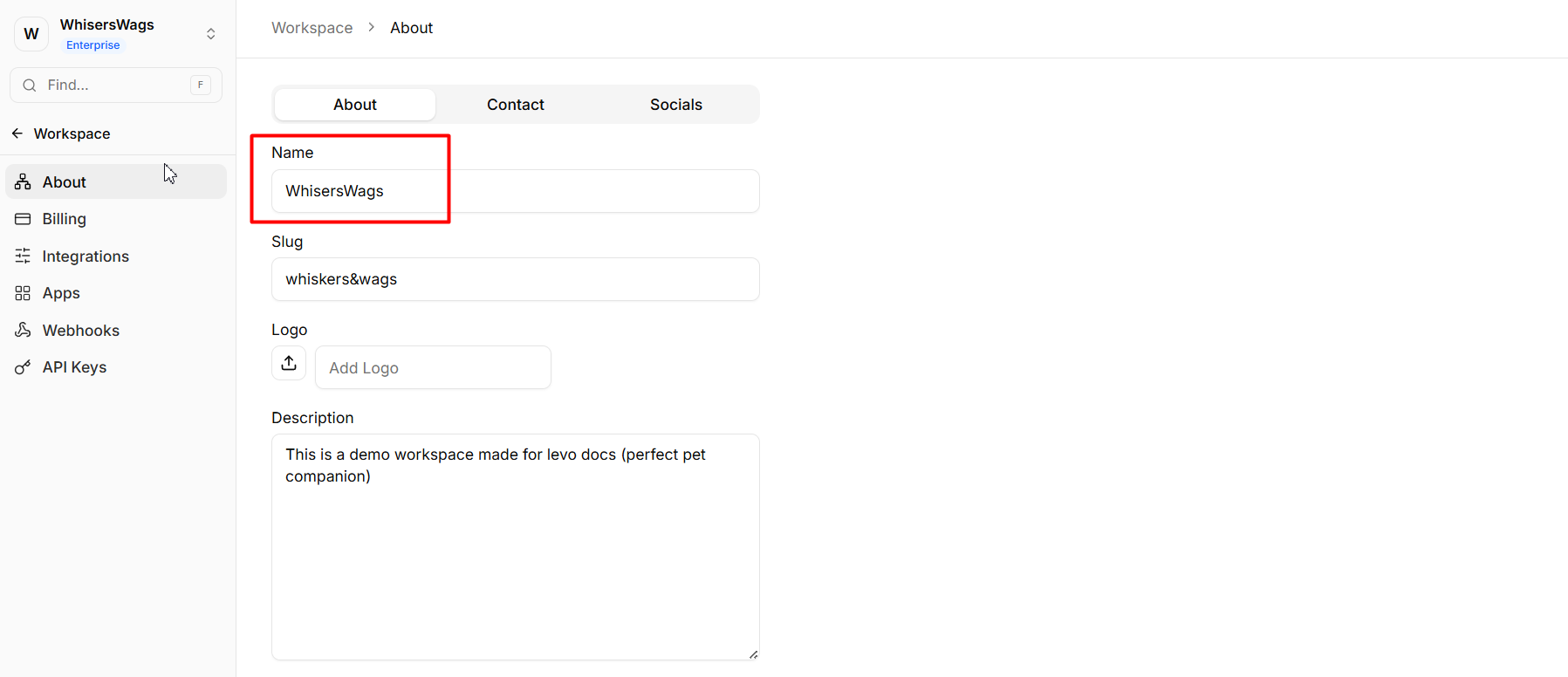
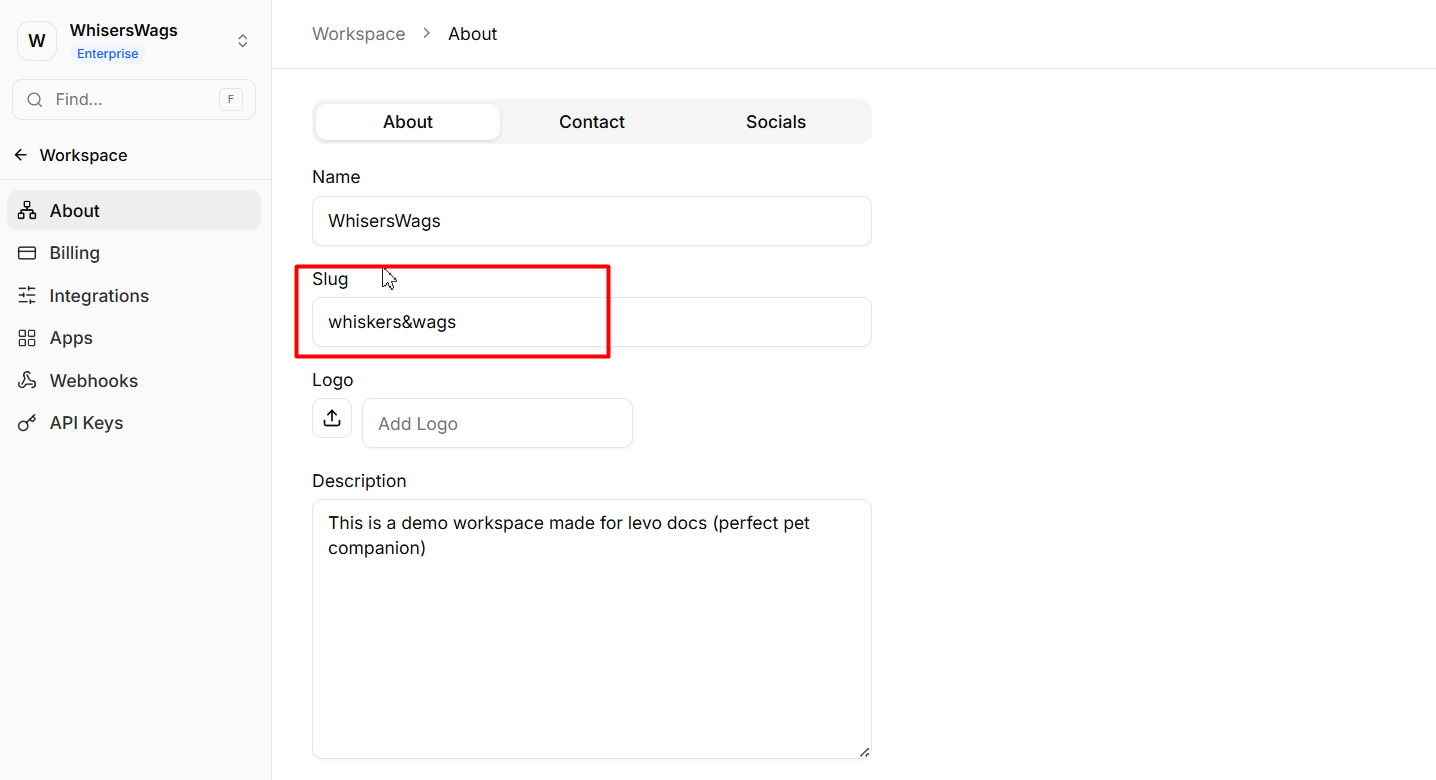
Slug
A URL-friendly version of your workspace name.
Automatically formatted in lowercase
Uses hyphens instead of spaces
Cannot be changed once created
This value is used in internal platform URLs and routing.
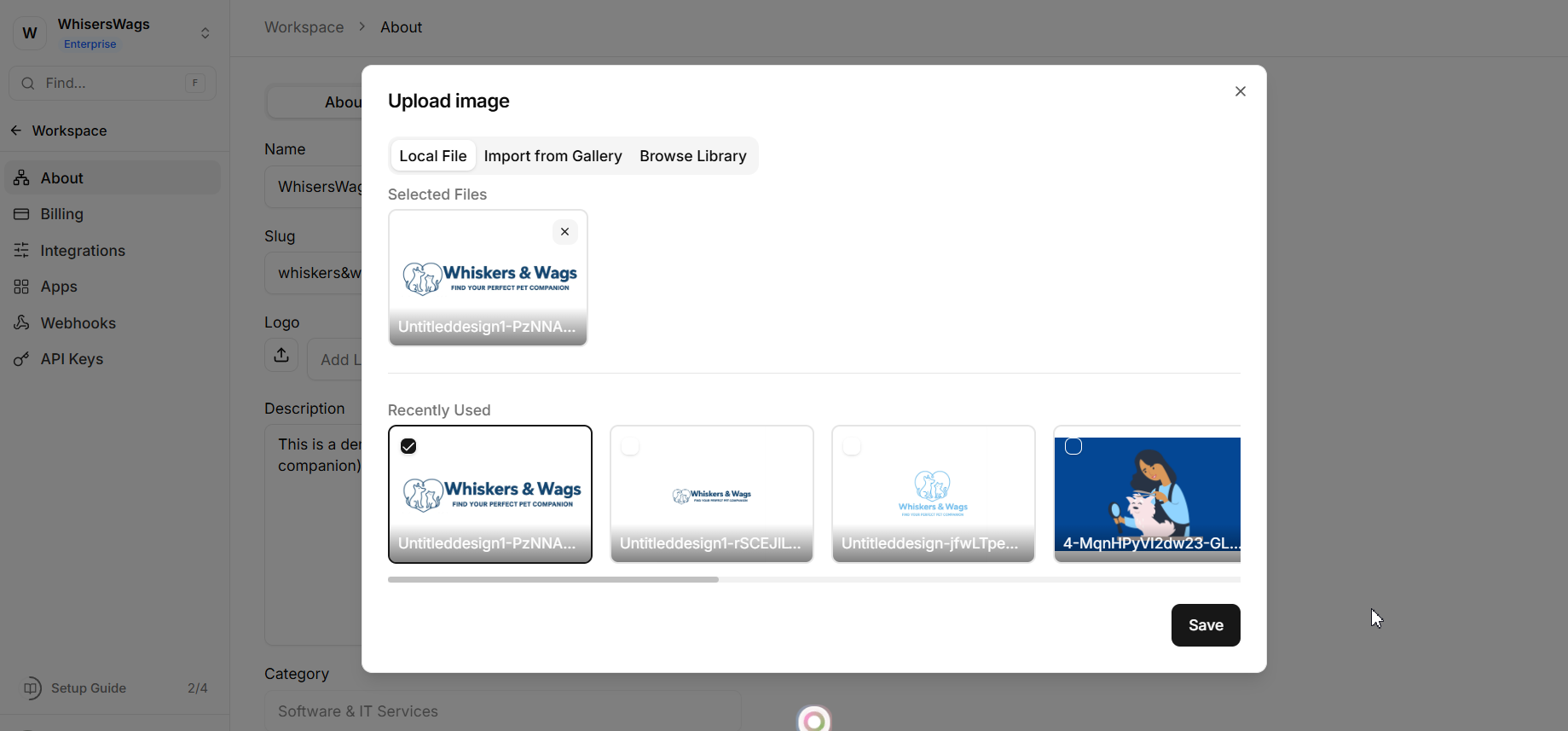
Logo Upload
Upload your workspace’s primary logo to the media library.
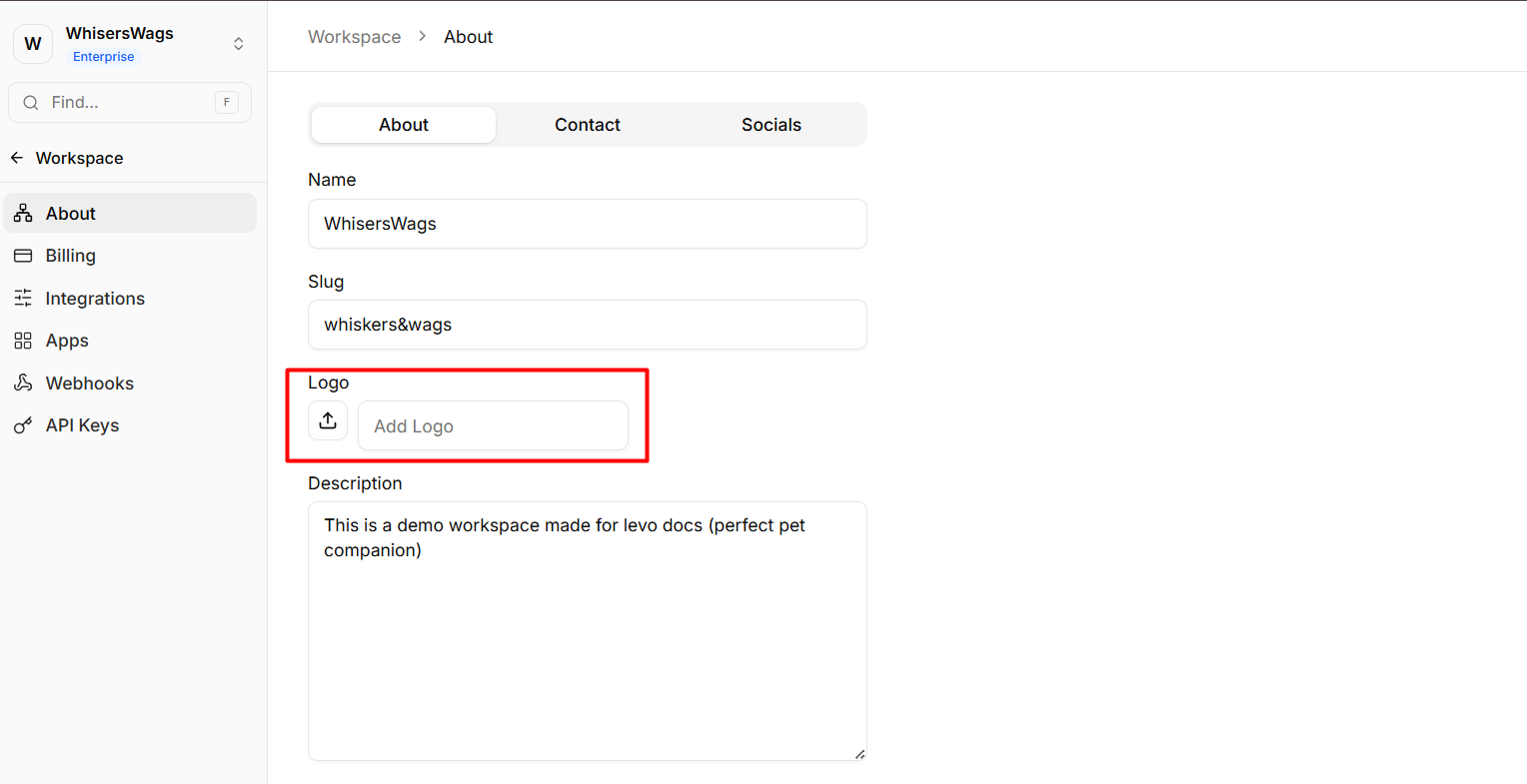
This logo is automatically used across:
Platform previews
Notification templates
Internal branding surfaces
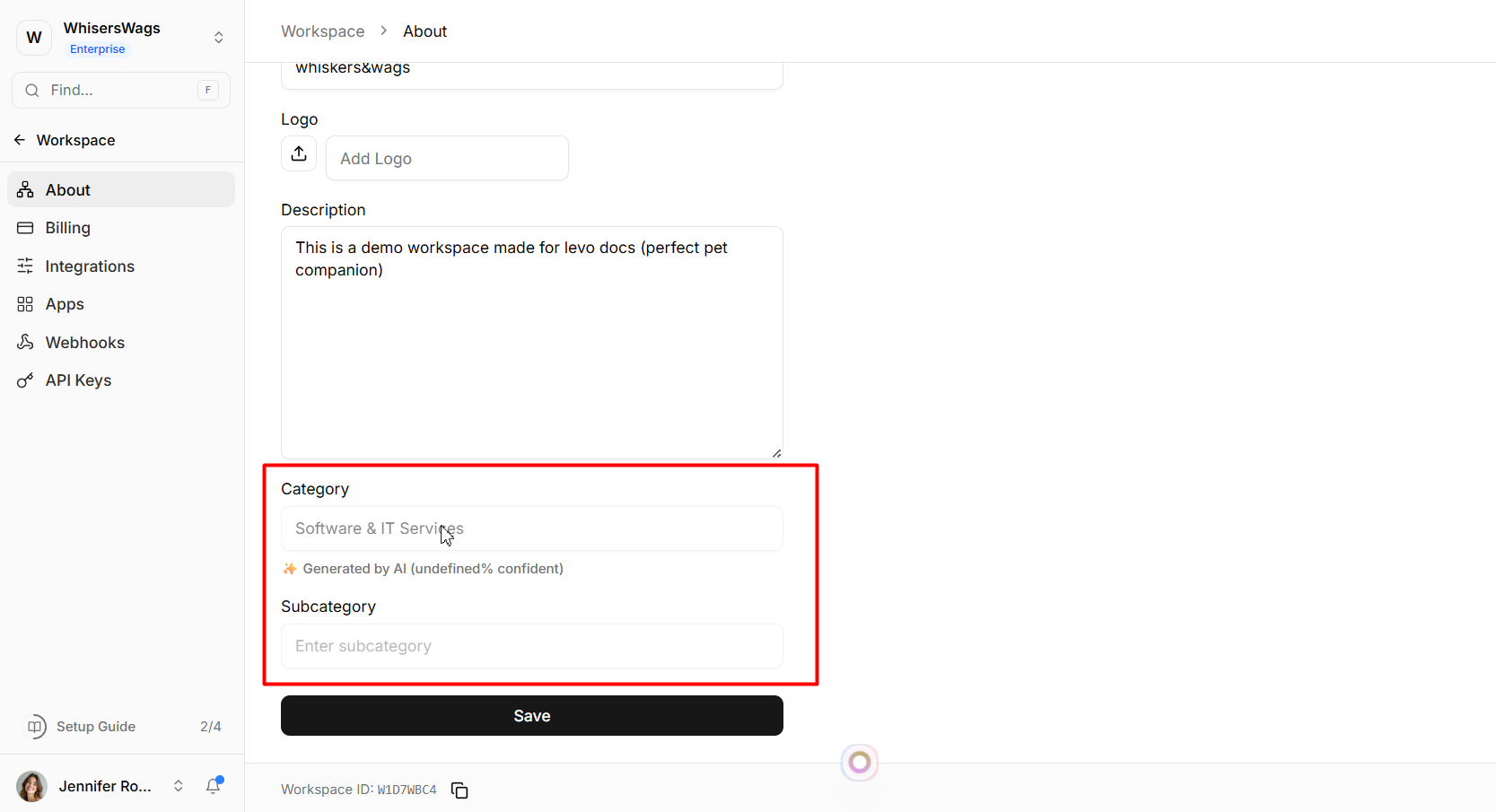
Business Category & Subcategory
Your workspace is automatically categorized during onboarding using intelligent classification.
Assigns a primary category and subcategory
Includes a confidence-based classification model
This removes the need for manual industry selection.
Description
A text field used to define your organization’s purpose, services, or offerings.
This information may be used across platform surfaces and integrations.
2. Contact Tab
The Contact tab acts as a centralized directory for your organization’s communication details.
All information stored here functions as a single source of truth and can be reused across the platform.
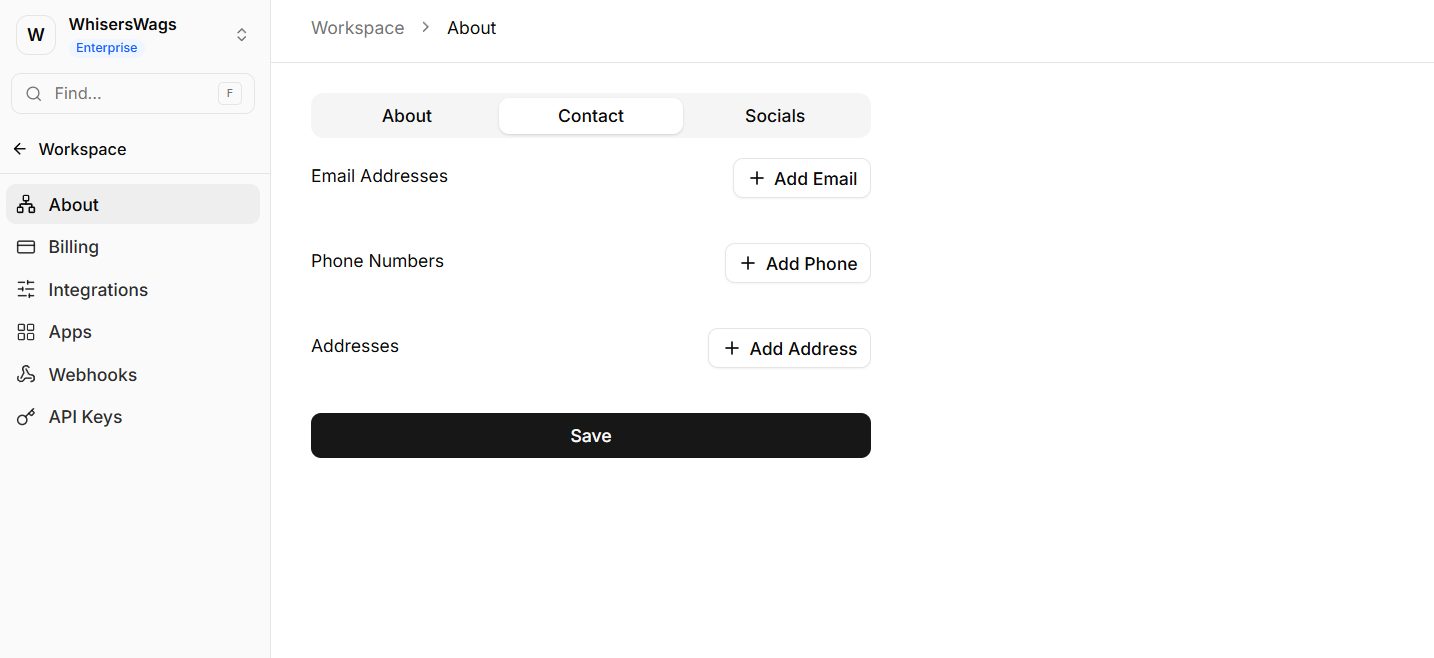
Support Emails
Define official email addresses for inbound communication.
Phone Numbers
Store primary contact numbers associated with your organization.
Physical Addresses
Maintain official business addresses for:
Legal or compliance purposes
Automated email footers
Public-facing documentation
3. Socials Tab
The Socials tab manages your organization’s external platform links.
You can configure official URLs for:
Facebook
Twitter / X
LinkedIn
Instagram
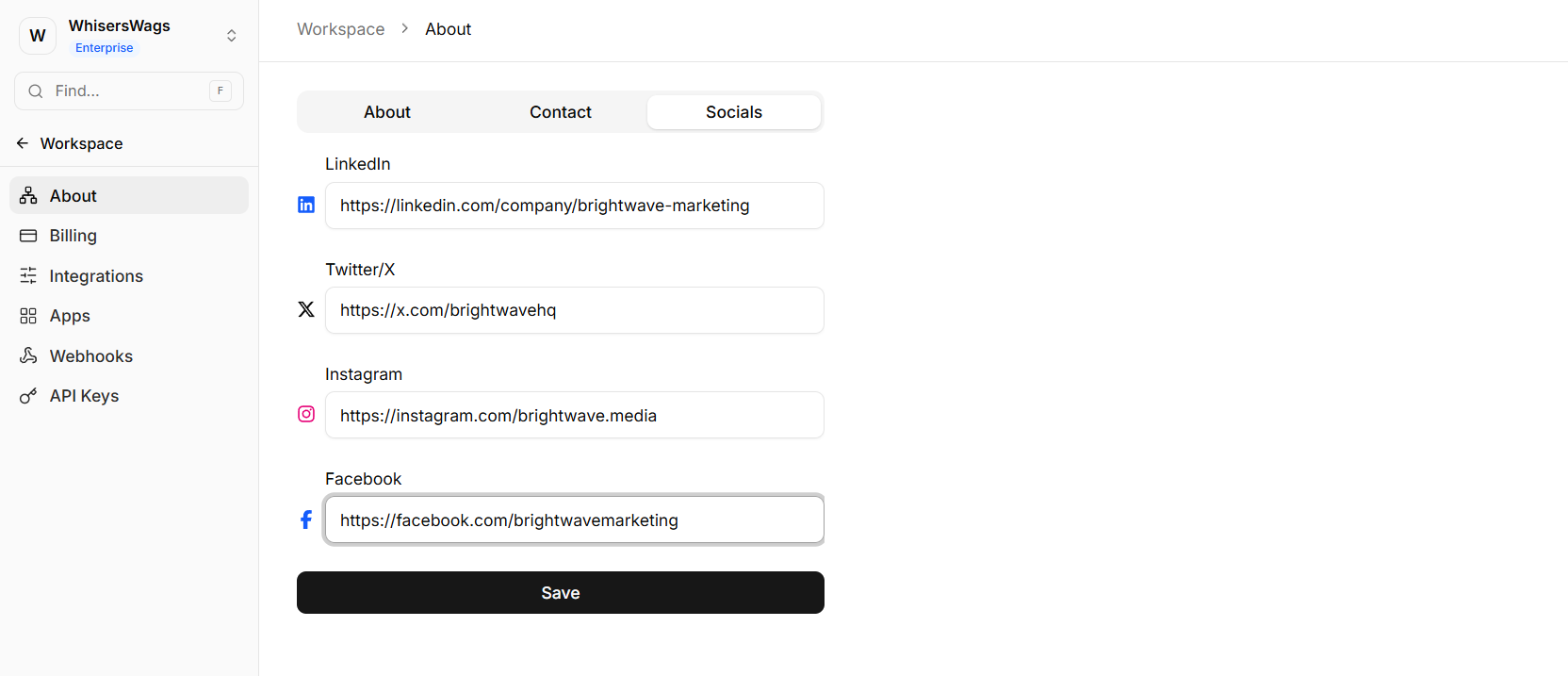
These links can be dynamically referenced across your workspace and user-facing assets.