
Blog Chat & Blog Audit
Table of Contents
Writing a blog often means switching between multiple AI tools, copying content back and forth, and manually updating SEO details. This slows down the writing process and breaks your flow.
Blog Chat keeps AI inside your editor, helping you write, improve, and optimize your blog without leaving the page you're working on.
Meet Blog Chat
Blog Chat is the AI writing assistant built directly into the Blog Editor. It understands the blog post you're currently working on, including your content, headings, and SEO fields, so every suggestion stays relevant to that post.
Where to find Blog Chat
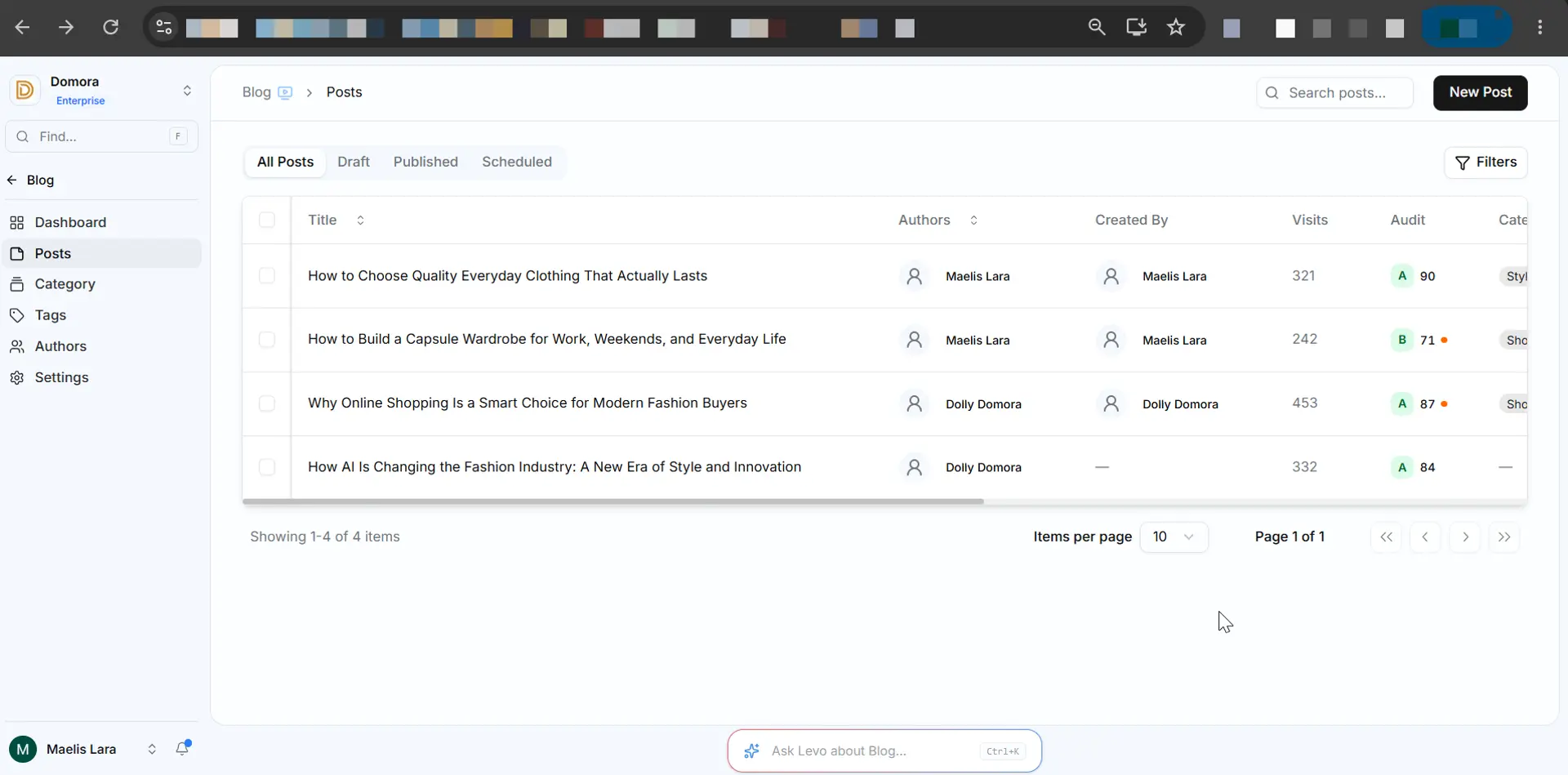
From your Workspace Dashboard, open Blogs.
Open an existing blog post or create a new one.
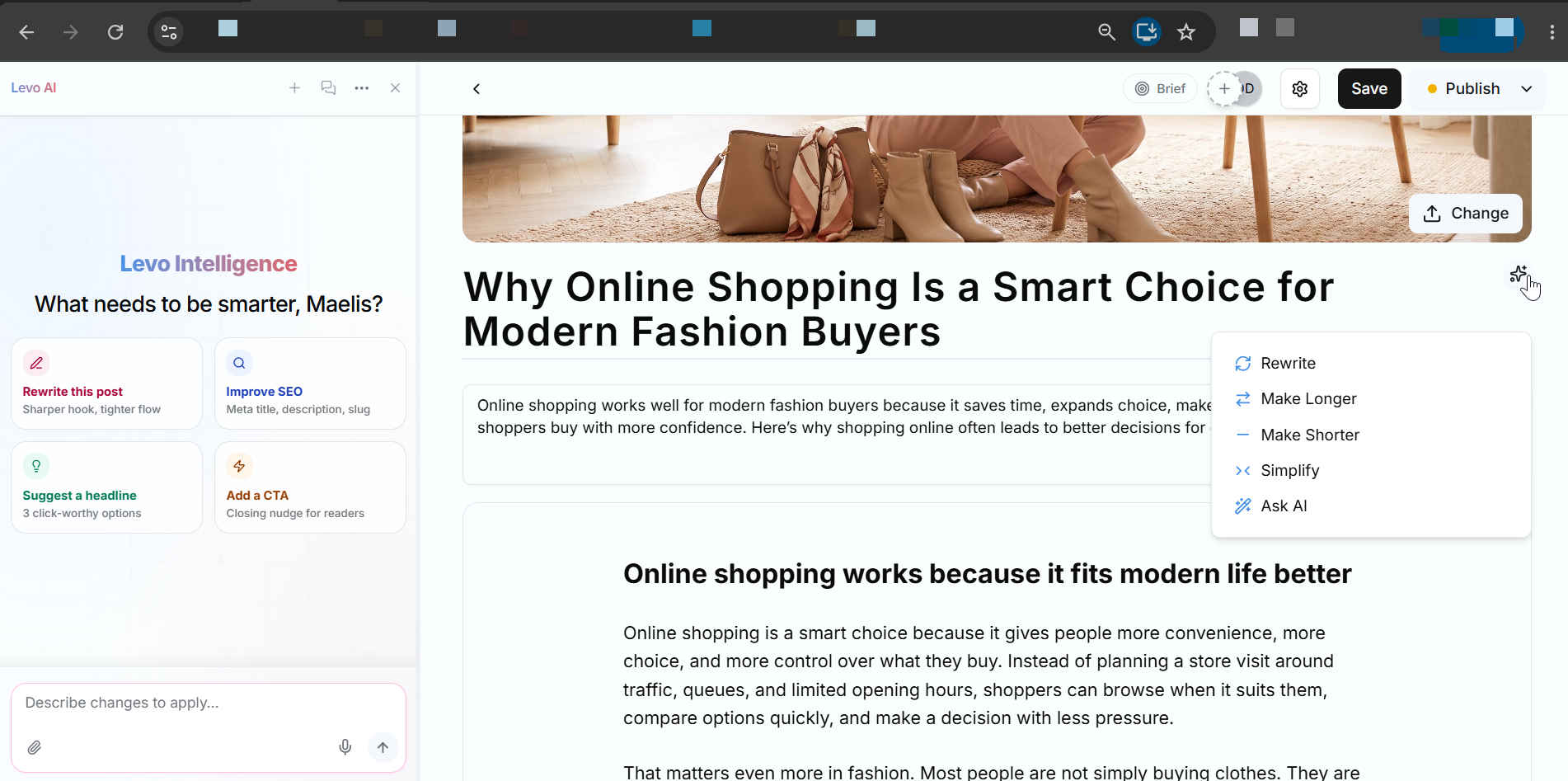
In the Blog Editor, click the Blog Chat AI bubble icon.
The Blog Chat sidebar opens, and you can start writing, editing, or improving your blog.
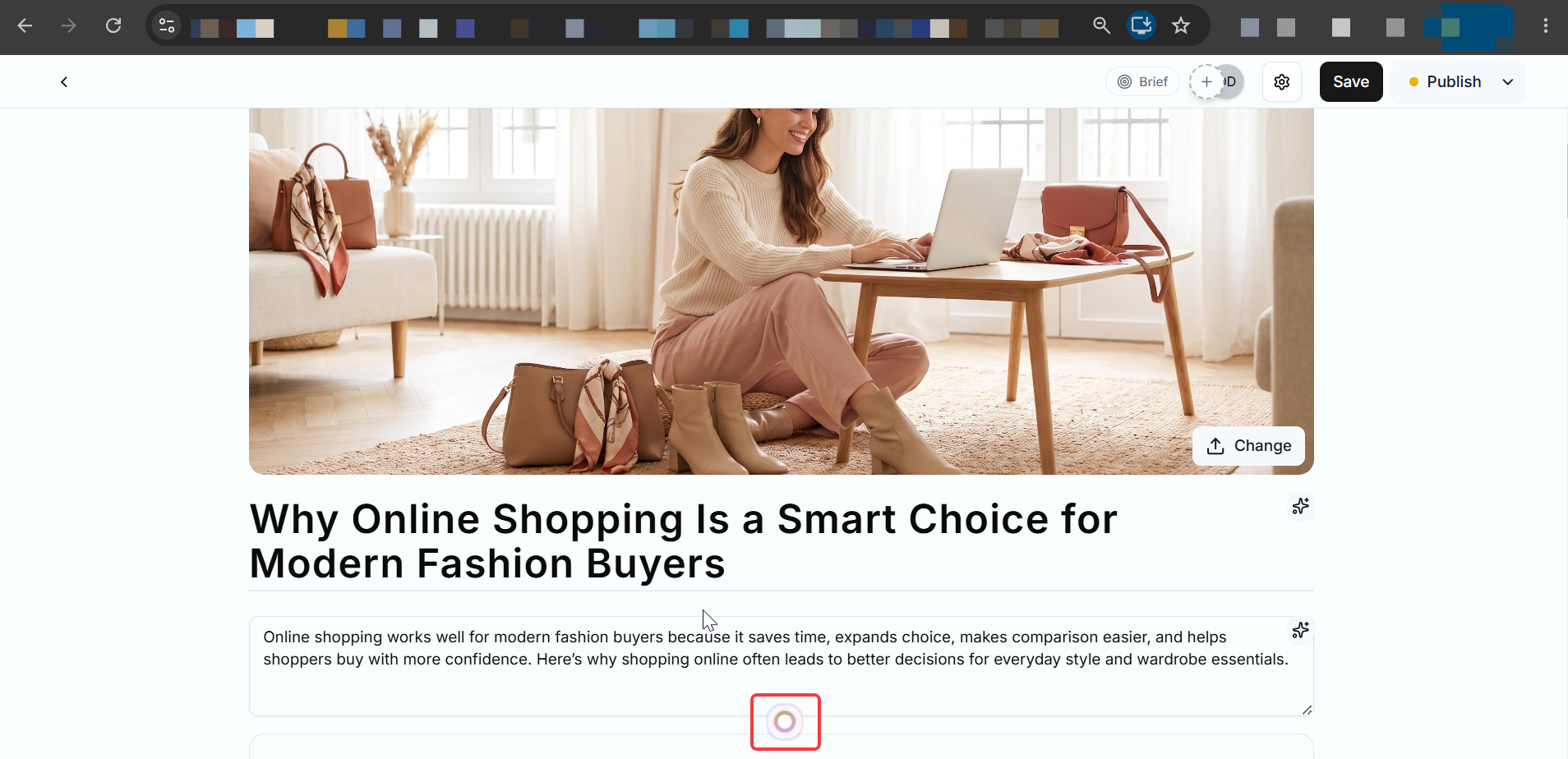
For headings and the summary, click the Levo Intelligence icon and generate blog-specific content.
How Blog Chat Helps You
Create Content
Start with a topic or a short idea, and Blog Chat can generate a complete blog with headings and well-structured sections.
Improve Existing Content
Make your writing easier to read by rewriting paragraphs, fixing grammar, improving flow, or changing the tone.
Expand or Shorten Content
Need more detail? Blog Chat can expand a short paragraph with examples and explanations.
Need fewer words? It can summarize long sections while keeping the main idea.
Improve SEO
Generate important SEO fields such as Meta title, Meta description, Open Graph title, Open Graph description, URL slug, Structured data.
Repurpose Your Content
Turn your blog into LinkedIn posts, Social media content, Newsletter content, Quick summaries.
Need to Know
AI suggestions are shown for review before they're added. You decide which changes to apply.
Blog Chat only works with the blog currently open in the editor.
Publishing, scheduling, and managing blog status must be done manually.
It can work with different content types, including headings, paragraphs, lists, tables, code blocks, images, embeds, buttons, and other supported blog elements.
Before publishing a blog, it's important to make sure it's clear, well-structured, and optimized for readers and search engines. Blog Audit helps you review your content by highlighting areas that need improvement, so you can publish with confidence. Instead of editing your blog, it analyzes your draft and points out what can be improved.
Meet Blog Audit
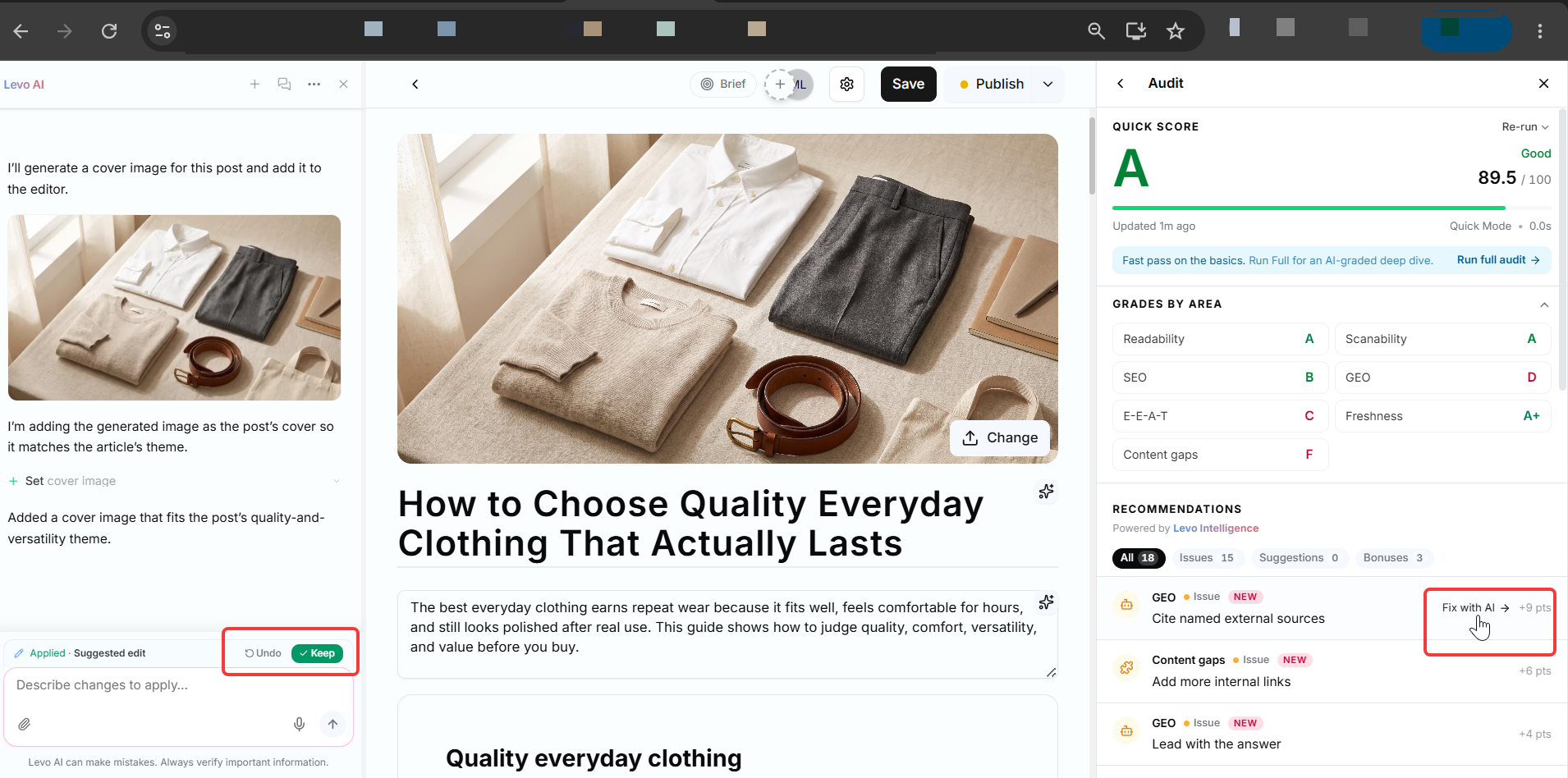
Blog Audit is an AI-powered review tool inside the Blog Editor that analyzes your blog before you publish it. It scans your current blog and generates a detailed report to help you improve its quality. The report includes an overall quality score, highlights issues in your content, and provides suggestions that you can Fix with AI to make your blog more readable, well-structured, and SEO-friendly.
Think of it as a final quality check before publishing your blog.
Where to Find Blog Audit
You can access Blog Audit from inside the Blog Editor.
Open the blog you want to review.
Go to the Audit section from Settings.
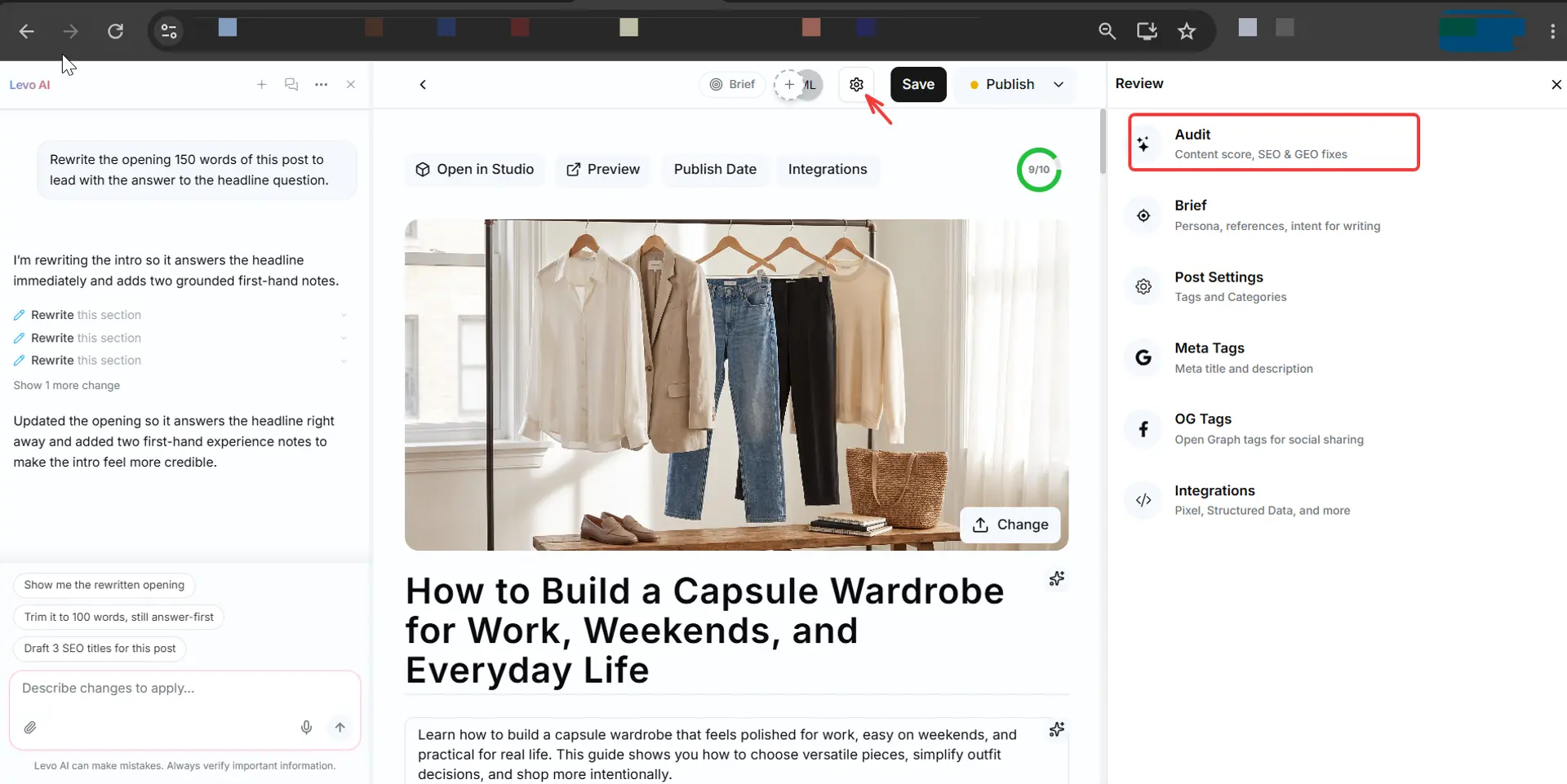
Click Run Audit.
Review the report and improve your blog if needed.
You can run the audit again after making changes to see your updated results.
How Blog Audit Helps You
Improve Readability
Checks how easy your blog is to read by reviewing sentence length, paragraph size, content flow, and overall readability.
Optimize SEO & Metadata
Reviews important SEO elements, including the meta title, meta description, URL slug, Open Graph information, structured data, and keyword usage (when available).
Review Content Quality
Analyzes your blog's structure and content by checking heading hierarchy, formatting, section organization, content gaps, missing information, and internal linking opportunities.
Check Media & Accessibility
Ensures your blog includes images, alt text, embedded media, and basic accessibility improvements for a better reading experience.
Understanding Your Audit Score
After the scan, Blog Audit gives your blog an overall score. A higher score generally means your blog is better optimized for readability, structure, and SEO. You can also review category-wise scores to quickly identify which areas need the most attention.
Need to Know
Blog Audit reviews your content but does not edit it. You decide which suggestions to apply.
Running the audit again after making changes helps you measure your progress and improve Your Audit score.
The audit works only for the blog currently open in the editor.