Settings Overview
Table of Contents
The Settings section is like a control panel where you manage everything for your workspace. It has two main parts
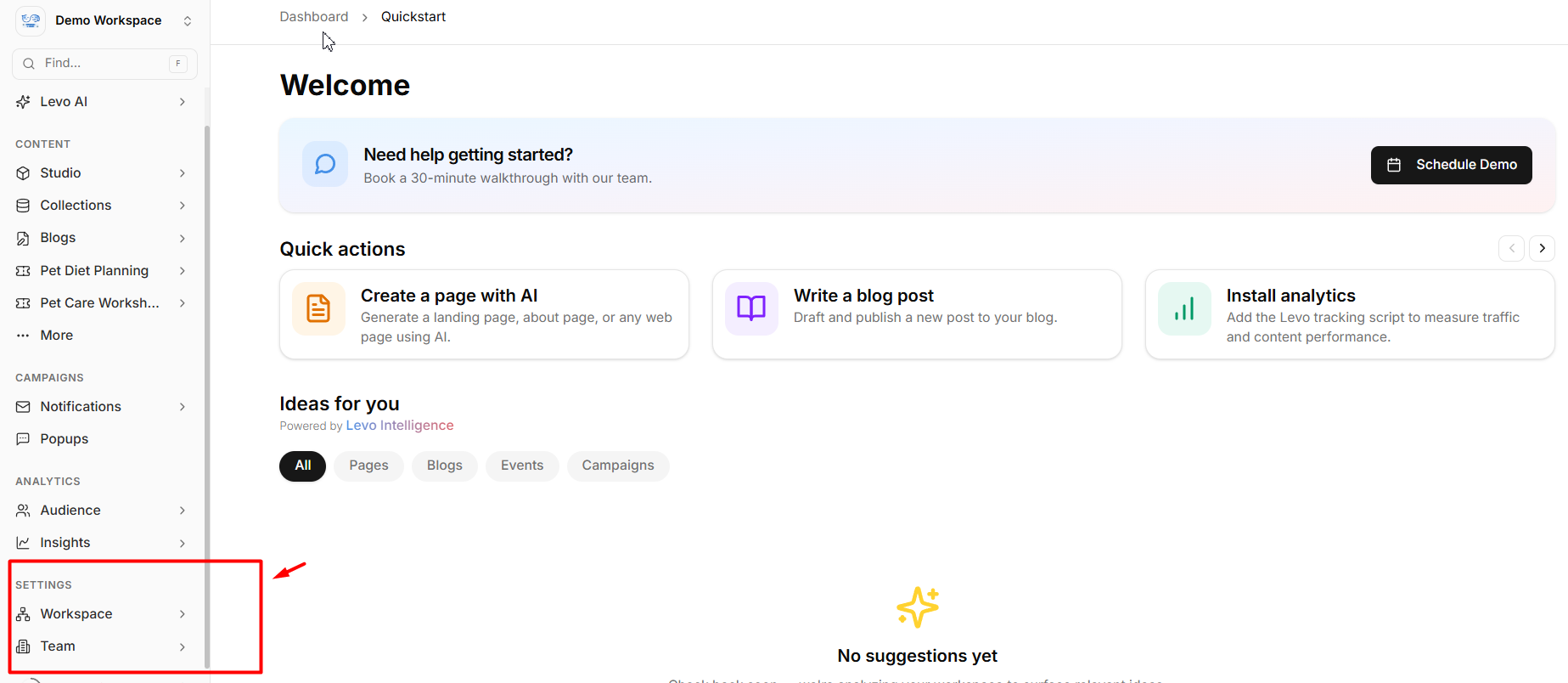
1. Workspace (About your business/account)
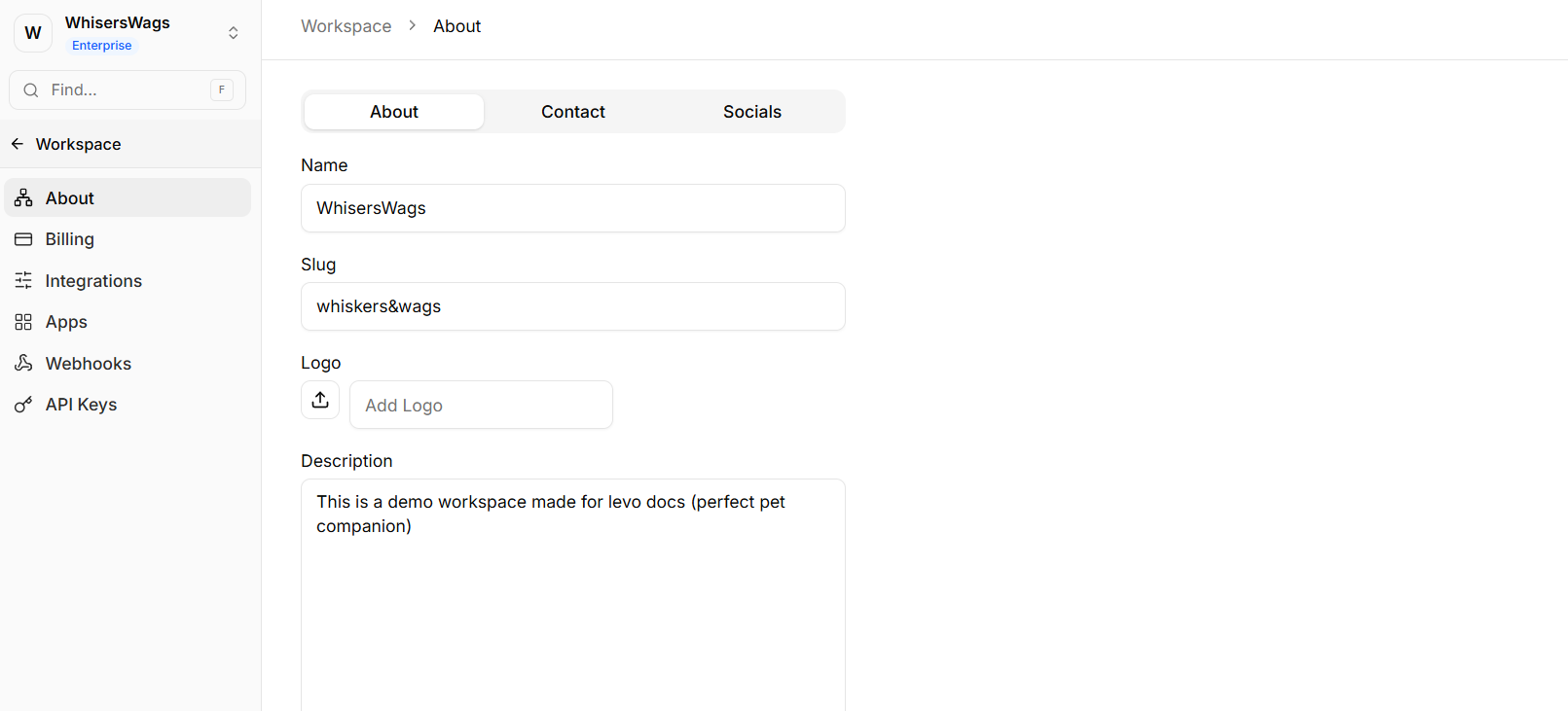
This section helps you manage basic details and connections. Here, you can manage the core identity of your organization.
Workspace Name: Change the display name of your workspace.
Logo: Upload or update the image that represents your workspace across the platform.
Description: Write a brief, user-facing summary of your project or organization.
Business Type: Select the appropriate category or structure for your operation to help Levo tailor your experience.
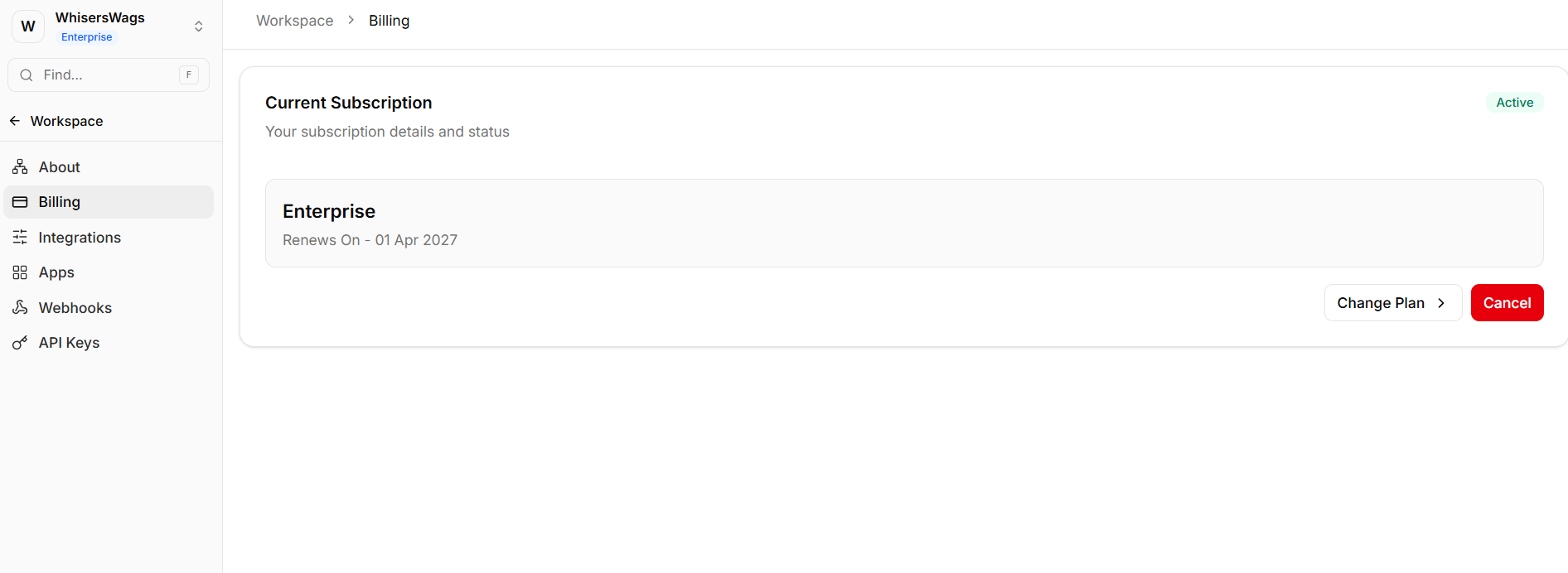
Billing: This is where you handle payments, check your bills, and manage your subscription plan.
Integrations: Explains how to connect third-party apps and tools.
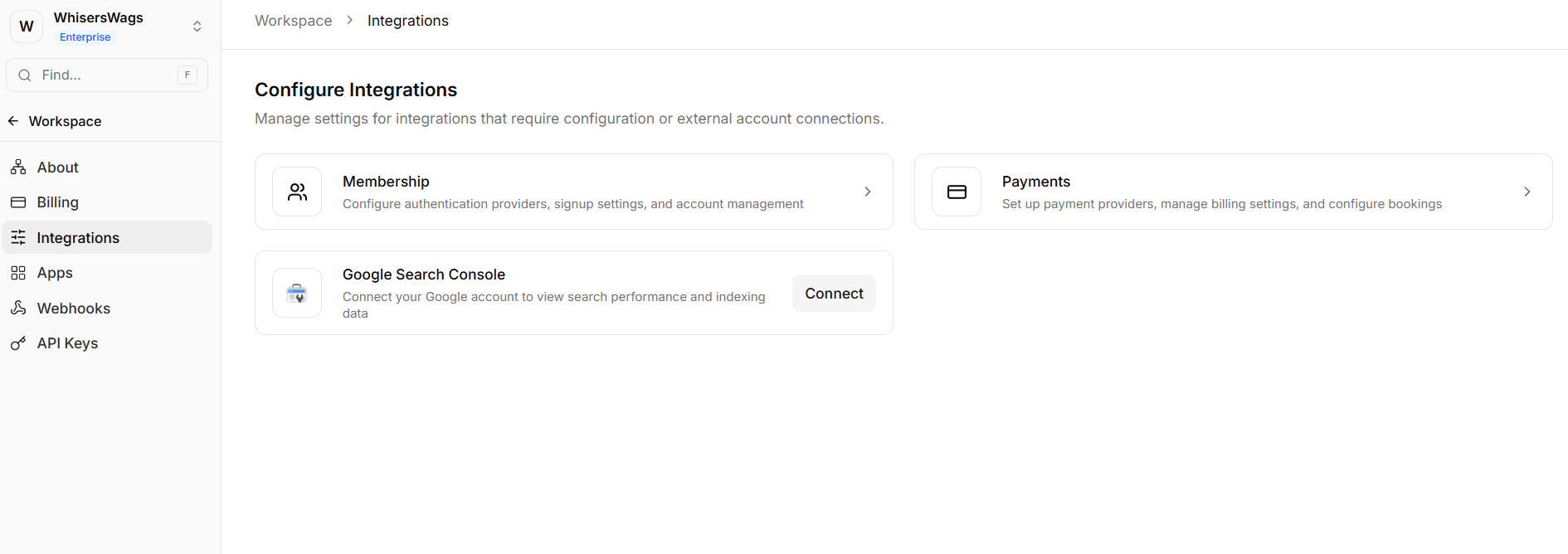
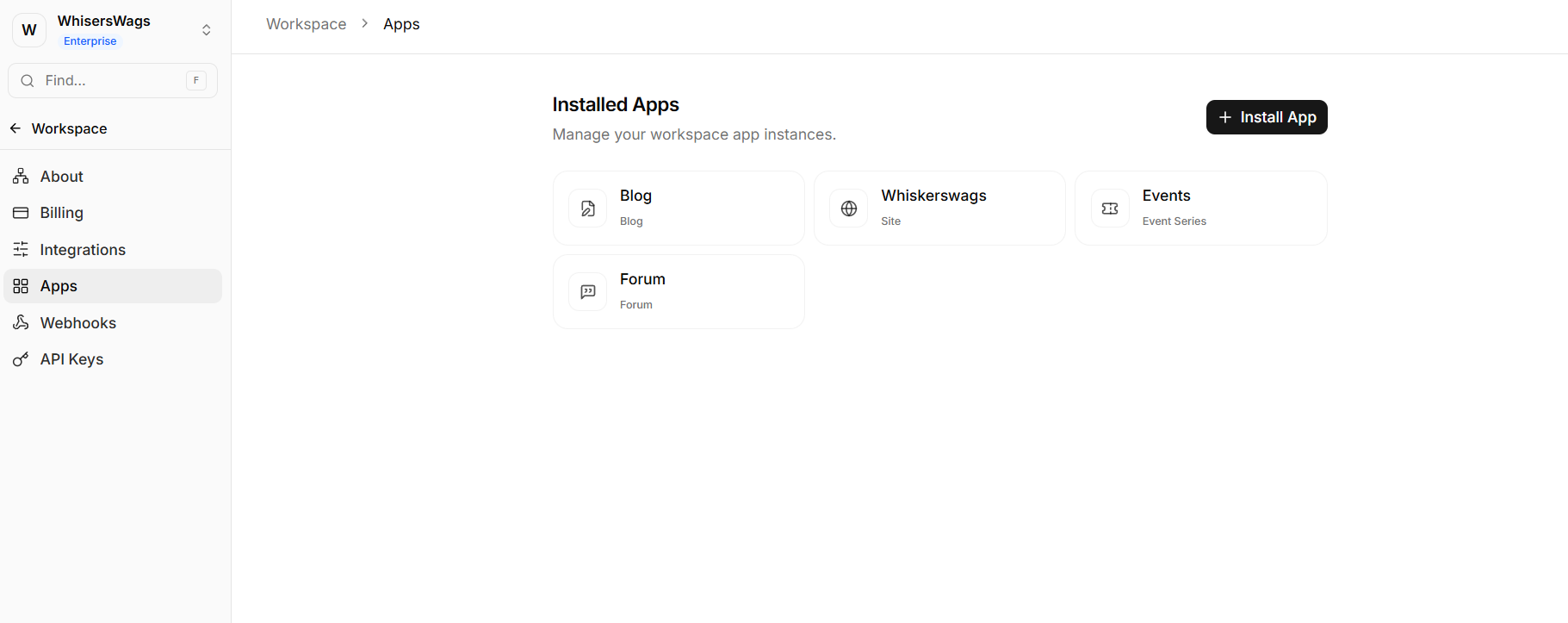
Apps: Explains where users manage custom applications interfacing with the Workspace.
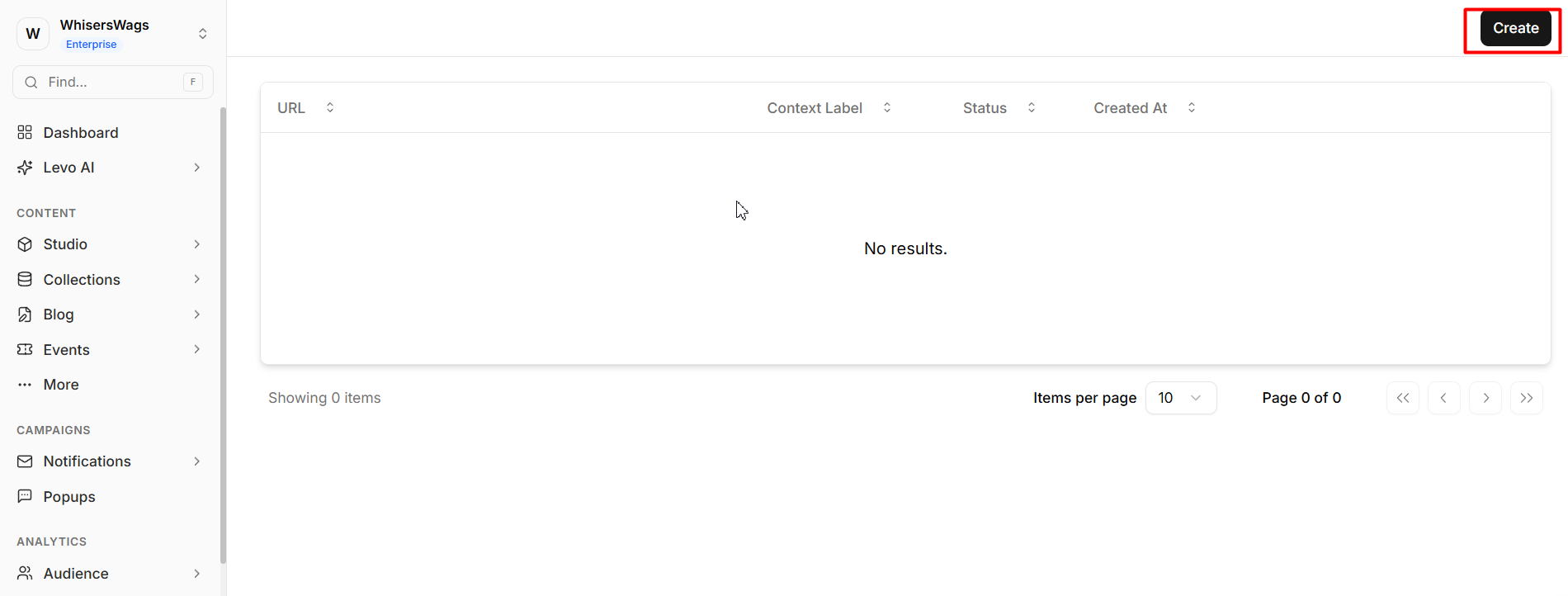
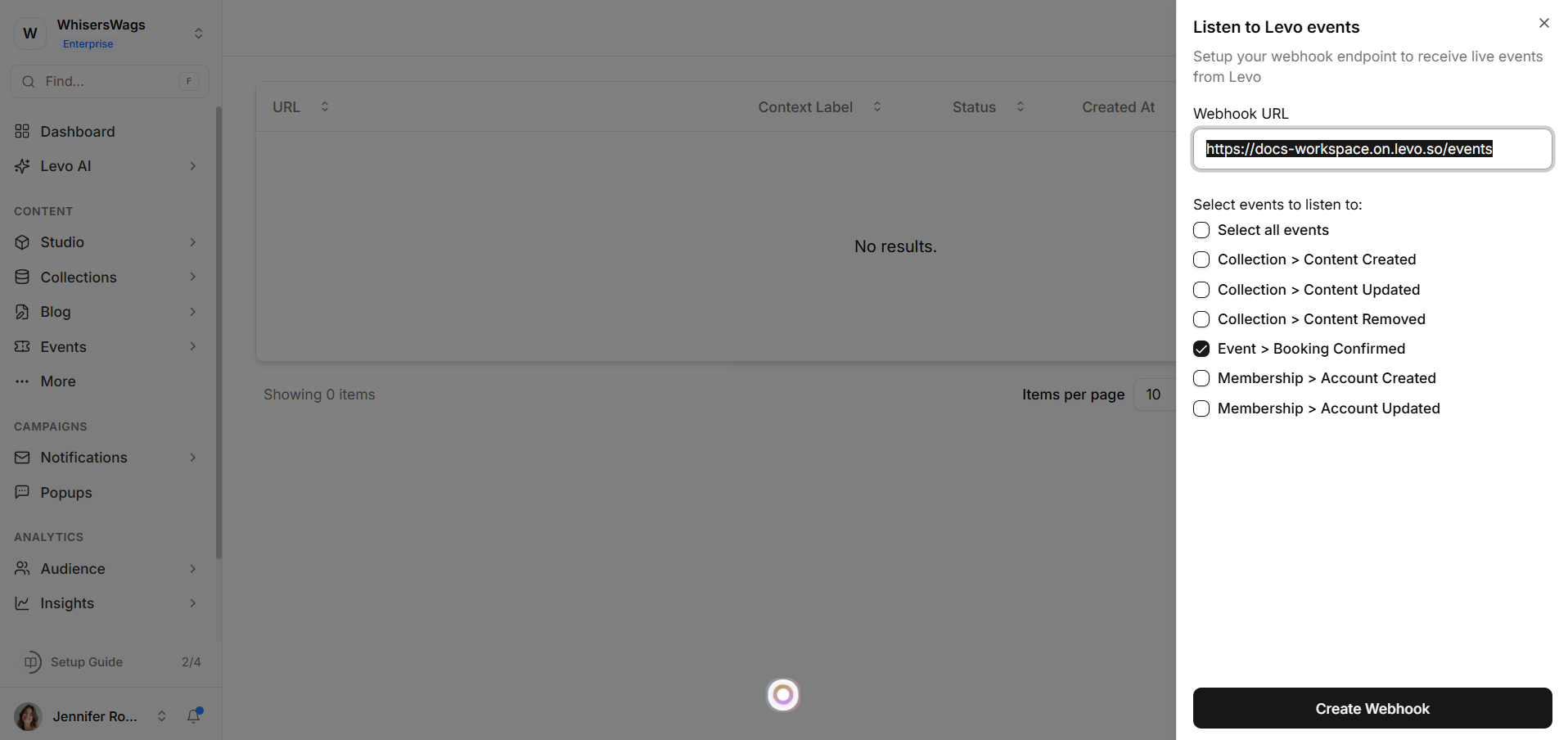
Webhooks: This lets your workspace send updates or information to other systems automatically.
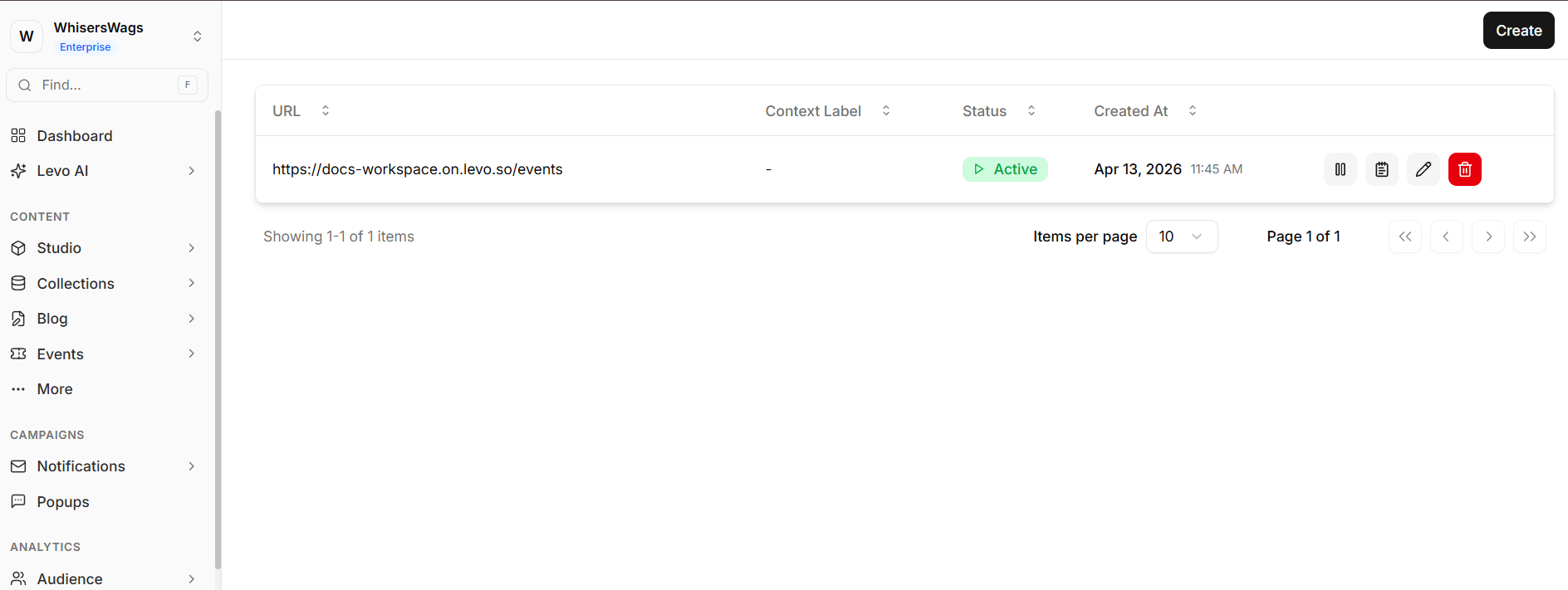
API Keys: These are special keys used by developers to connect apps or services to your workspace.
2. Team (About people using the workspace)
This section helps you manage users and security.
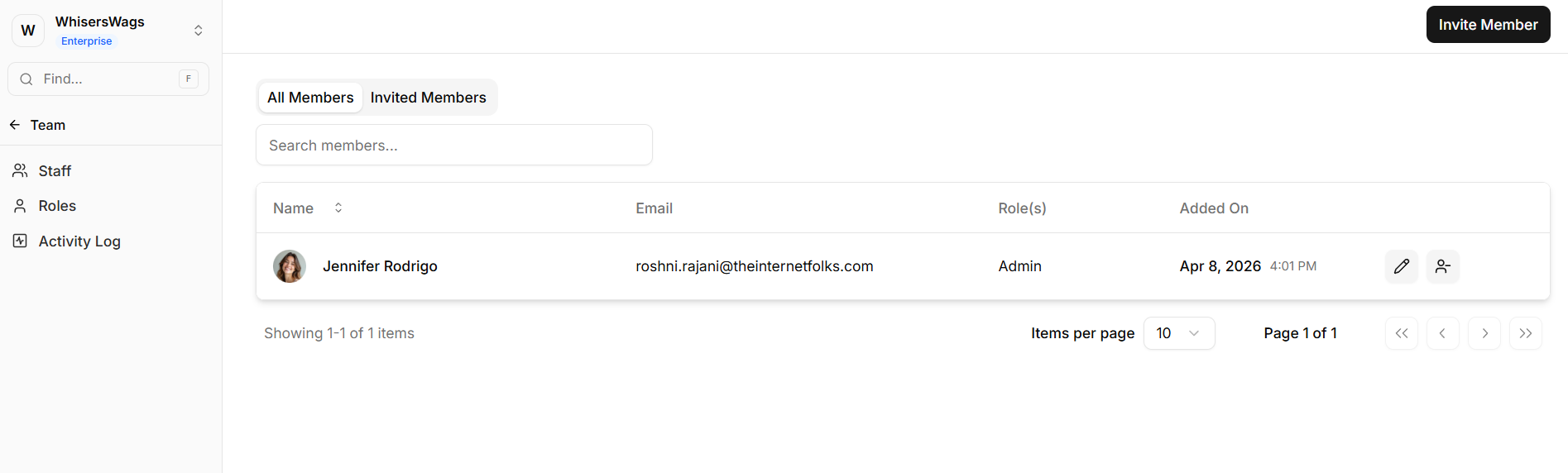
Staff: Add new members, remove them, or manage who can access the workspace.
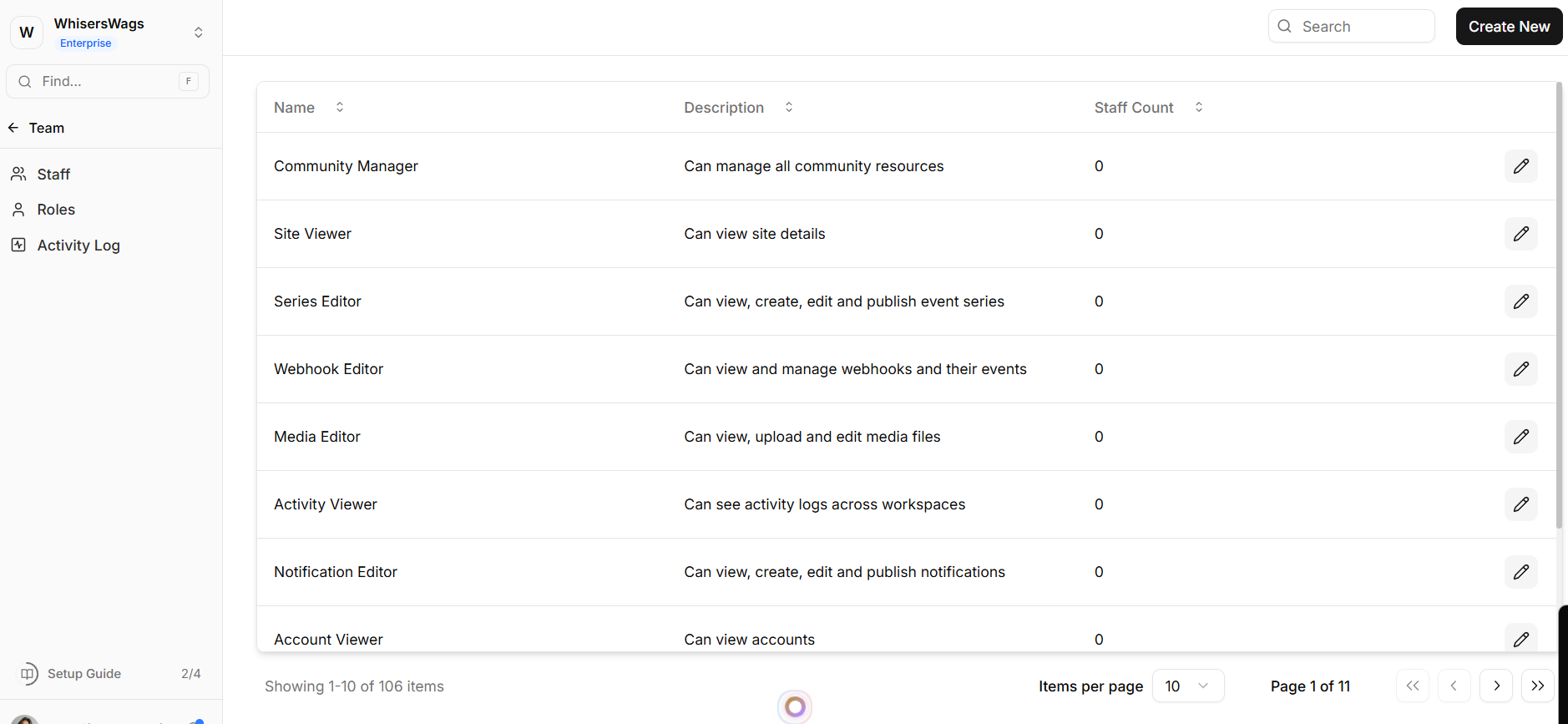
Roles: Decide what each person can do (for example: Admin can do everything, Editor can only edit).
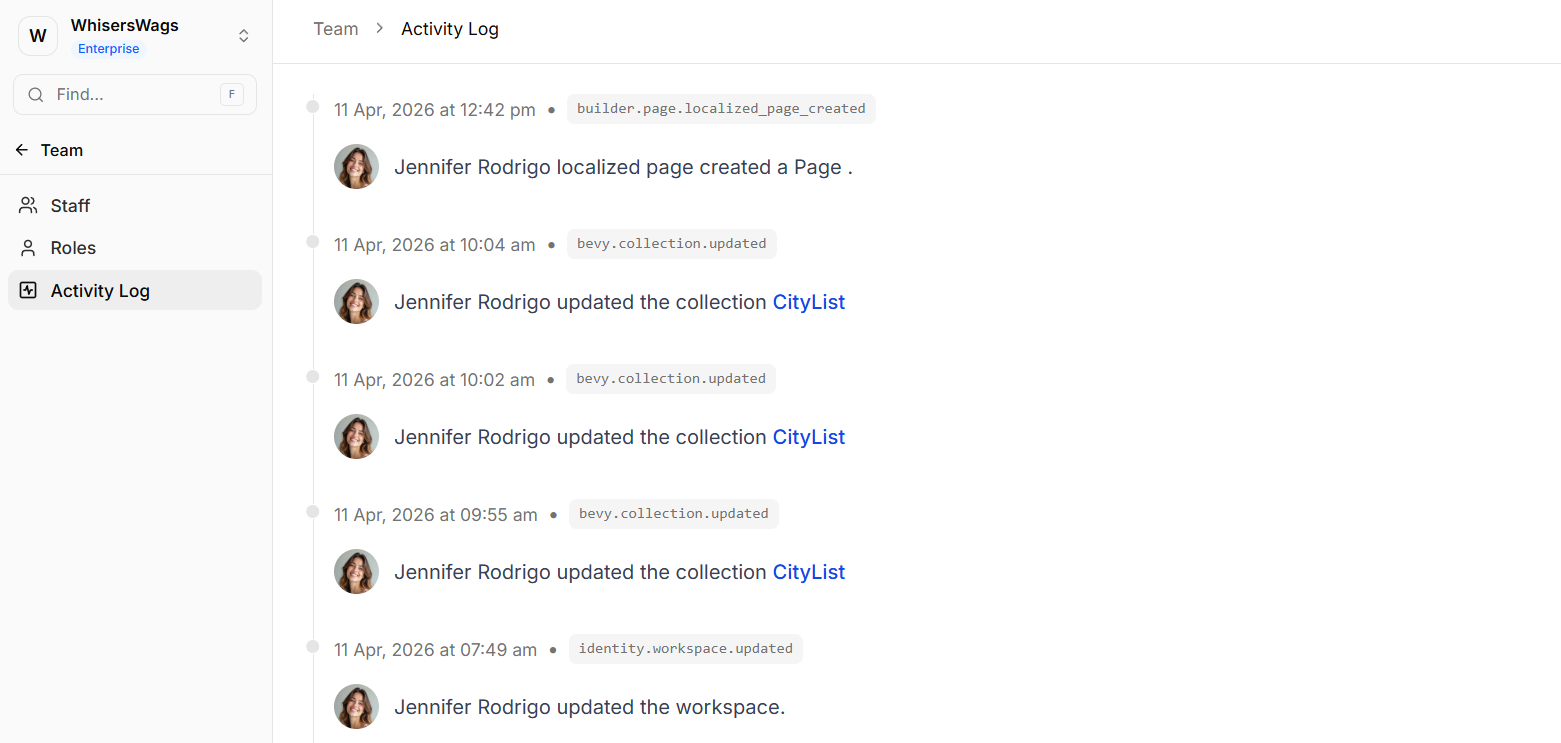
Activity Log: See a list of all actions done by users, so you can track what is happening.