Understanding Member Profiles & Journey Data
Table of Contents
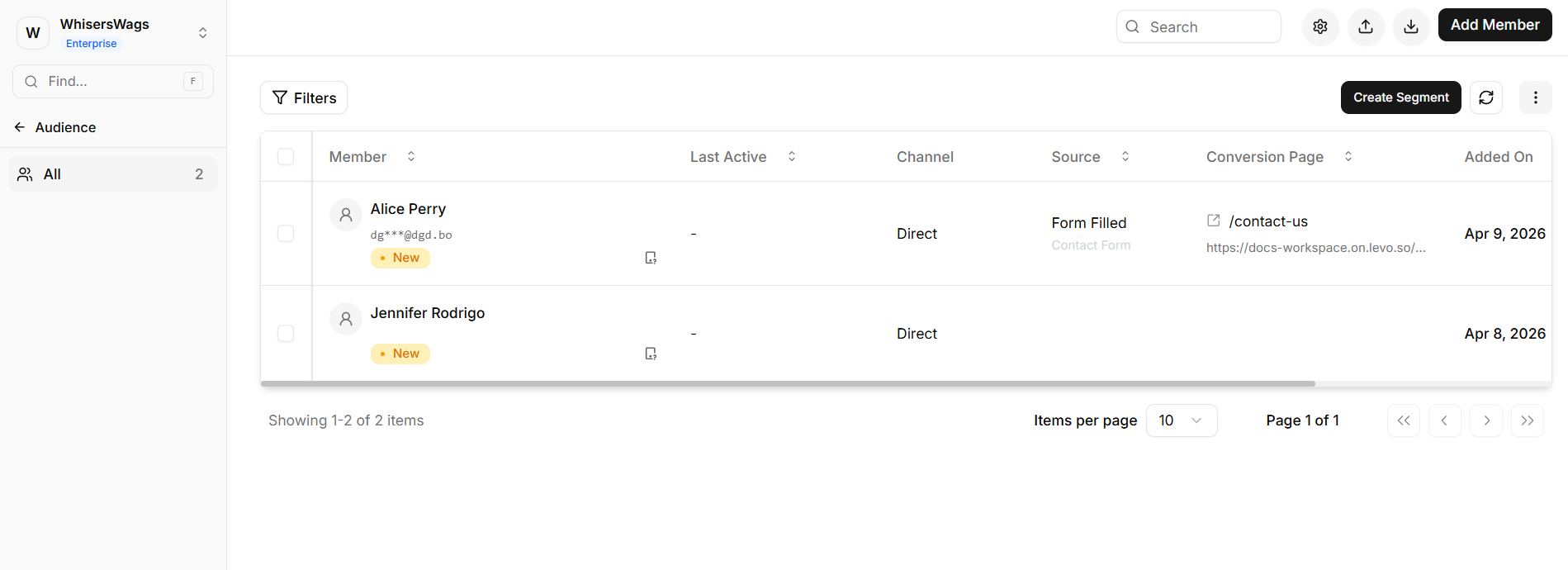
Once you locate a specific user in your Members table, accessing their record unlocks a secure, centralized dashboard. This profile permanently connects all of their previously tracked behavioral data, acquisitions, and submissions into one single view.
Quick View Drawer
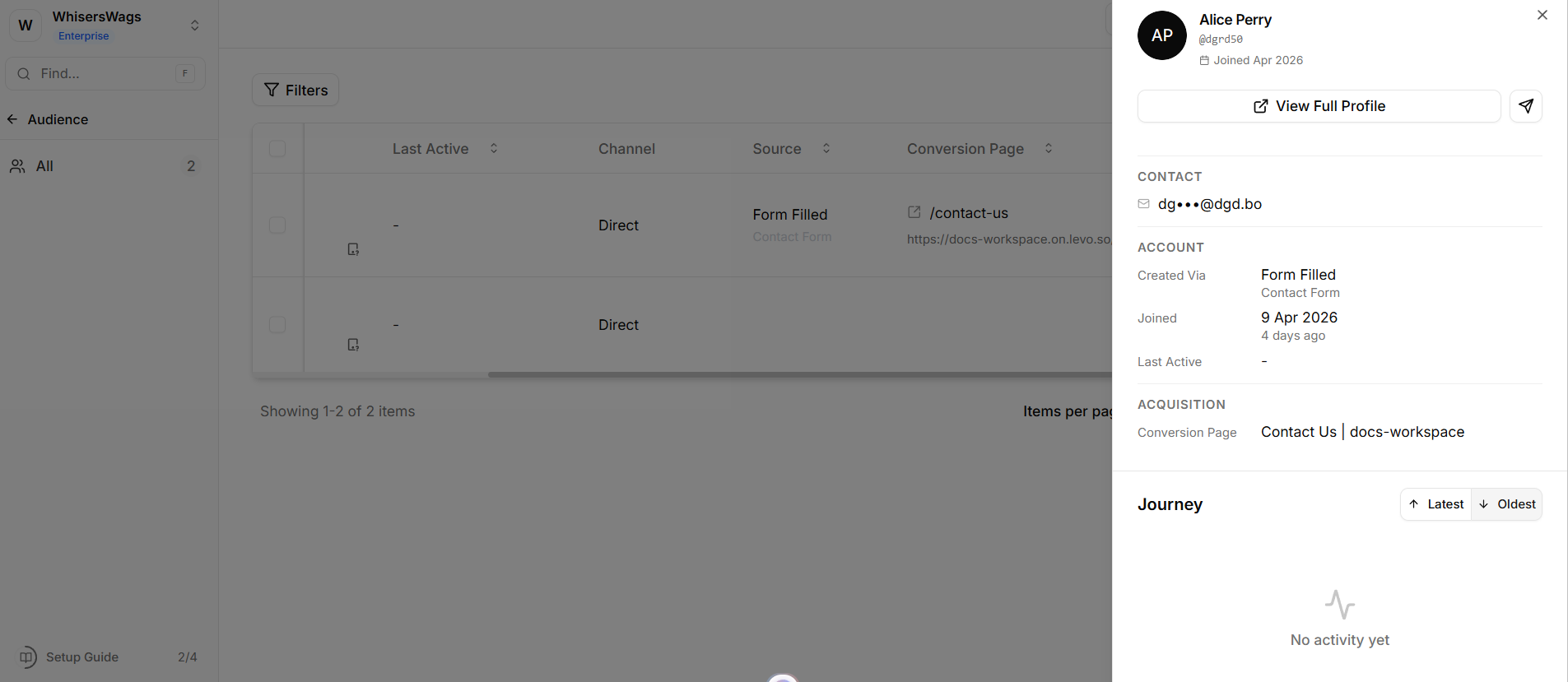
The Quick View Drawer offers immediate access to essential user information without navigating away from the Members table.
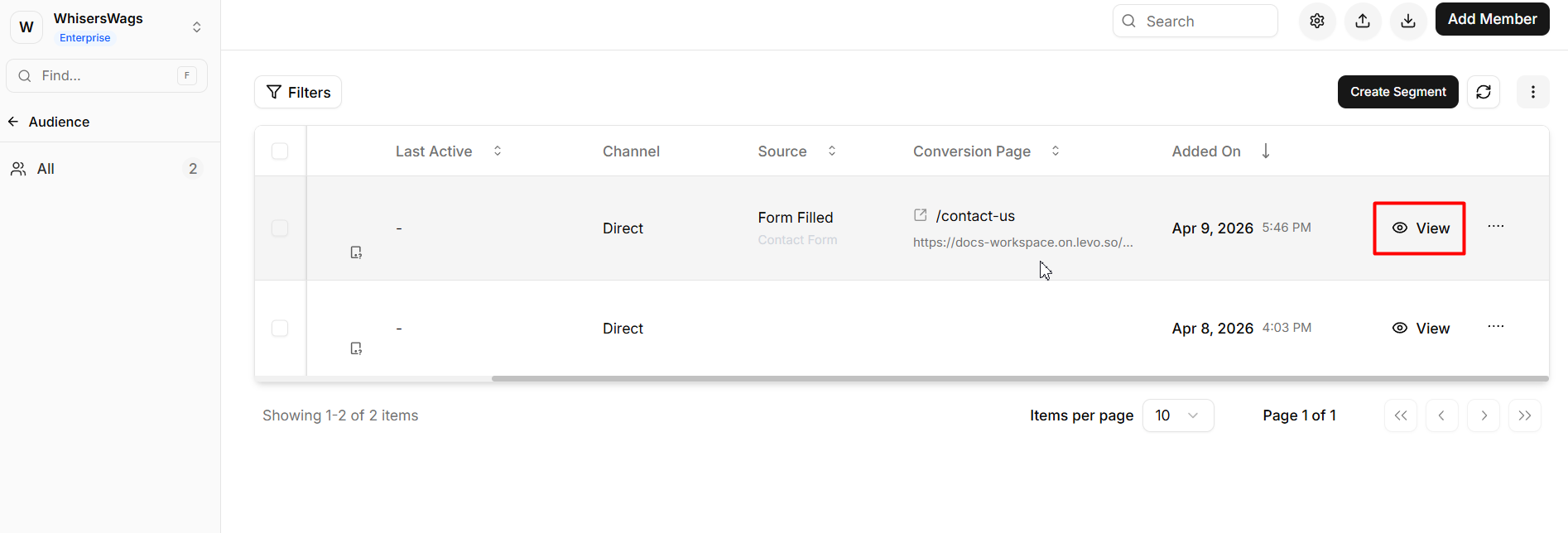
Opens as a side panel when a member row is selected
Provides a concise summary of key user attributes
Includes:
Identity details and account metadata
Timezone and signup method
Account creation date
Recent activity via a summarized Journey timeline
View Full Profile allows transition to the complete profile for deeper analysis
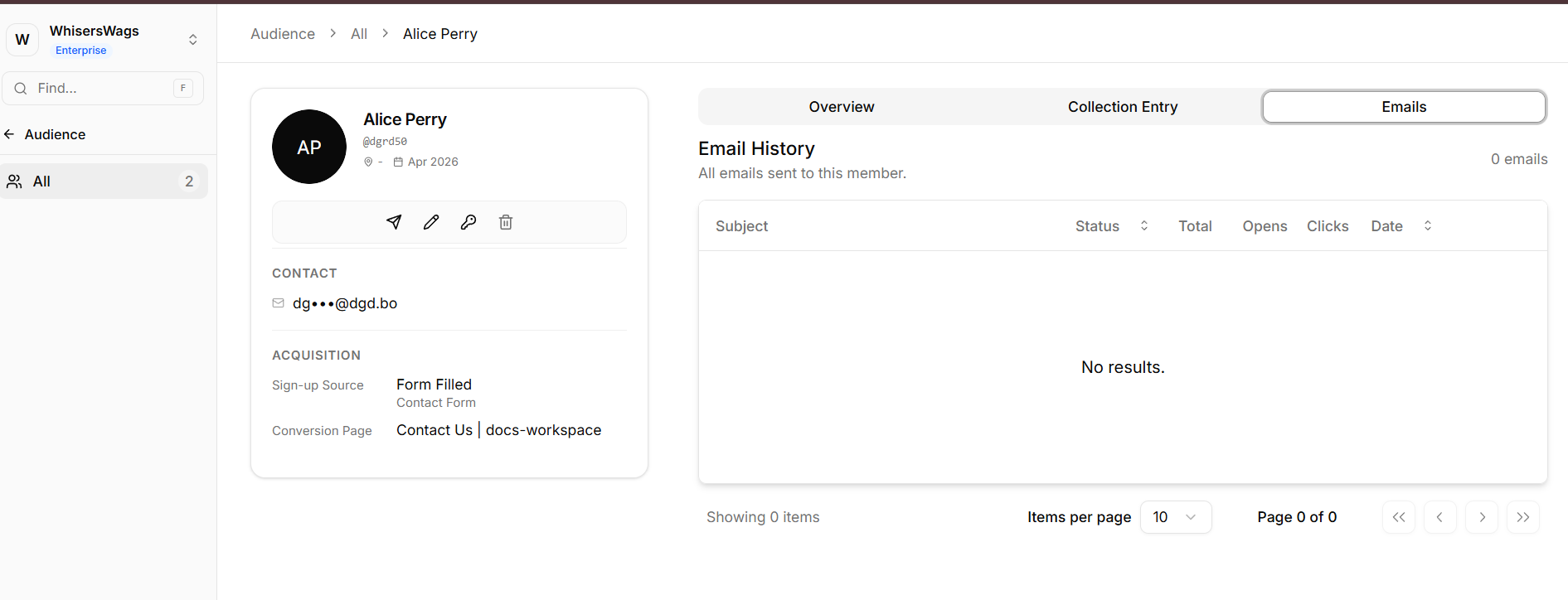
Full Member Profile Layout
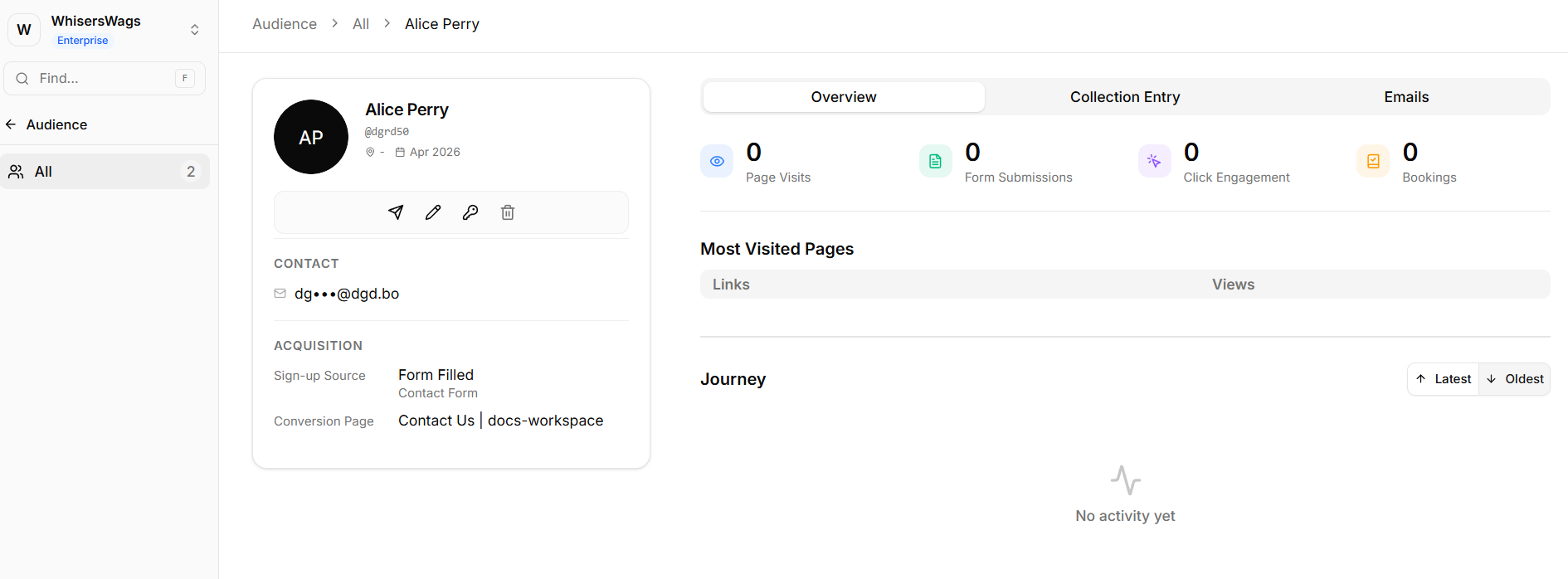
The full profile interface is divided into two primary sections: a persistent Information Sidebar and a detailed Data Dashboard.
1. Information Sidebar
This panel remains fixed to provide constant context while navigating through user data.
Identity & Actions
Displays profile avatar, username, verification status, and account age
Provides quick actions:
Send email
Edit member details
Reset password
Delete account
Contact Information
Displays the user’s configured timezone
Device & Browser Context
Operating system and browser details
Device type (desktop or mobile)
Engagement indicators such as scroll depth, total visits, and touchpoints
Acquisition Details
Identifies the signup method (e.g., website, staff sync, password-based registration)
2. Data Dashboard
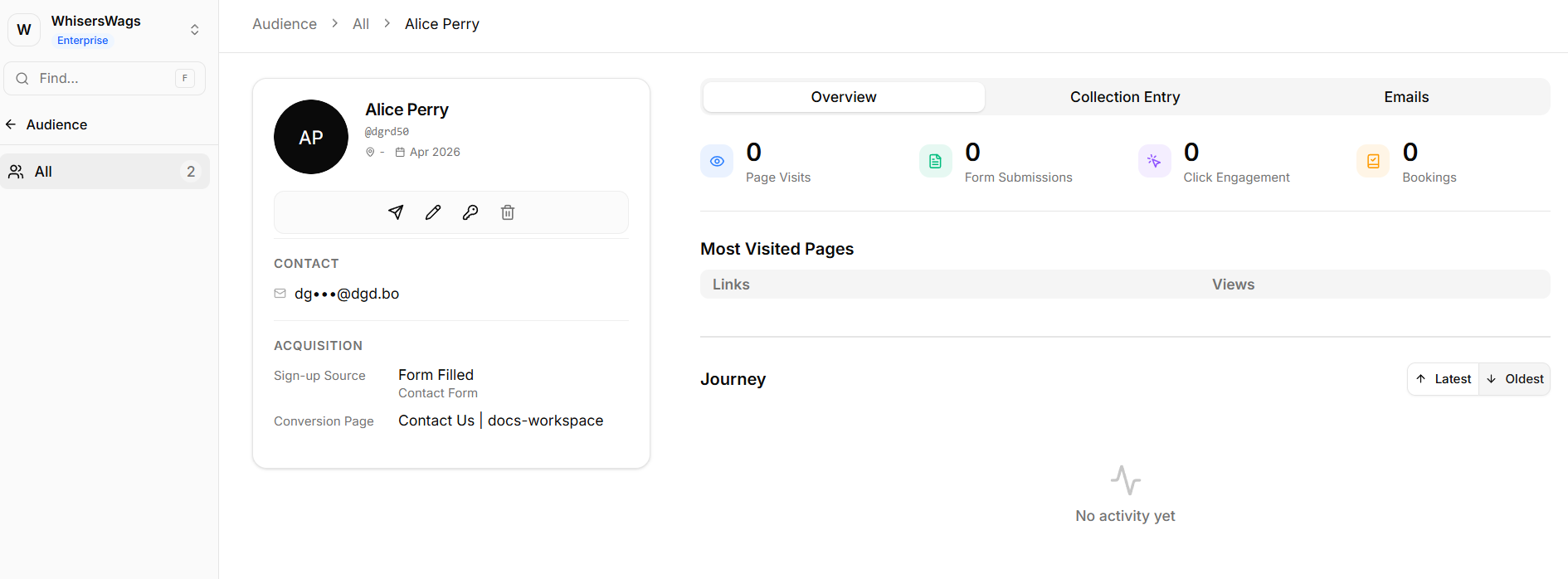
The Data Dashboard enables detailed analysis of user behavior and interactions through multiple tabs.
Overview Tab
Metrics Summary
Total page visits
Form submissions
Click interactions
Bookings
Most Visited Pages
Ranked list of frequently accessed URLs with view counts
Journey Timeline
Chronological log of user activity
Captures granular events such as clicks, form submissions, and input interactions
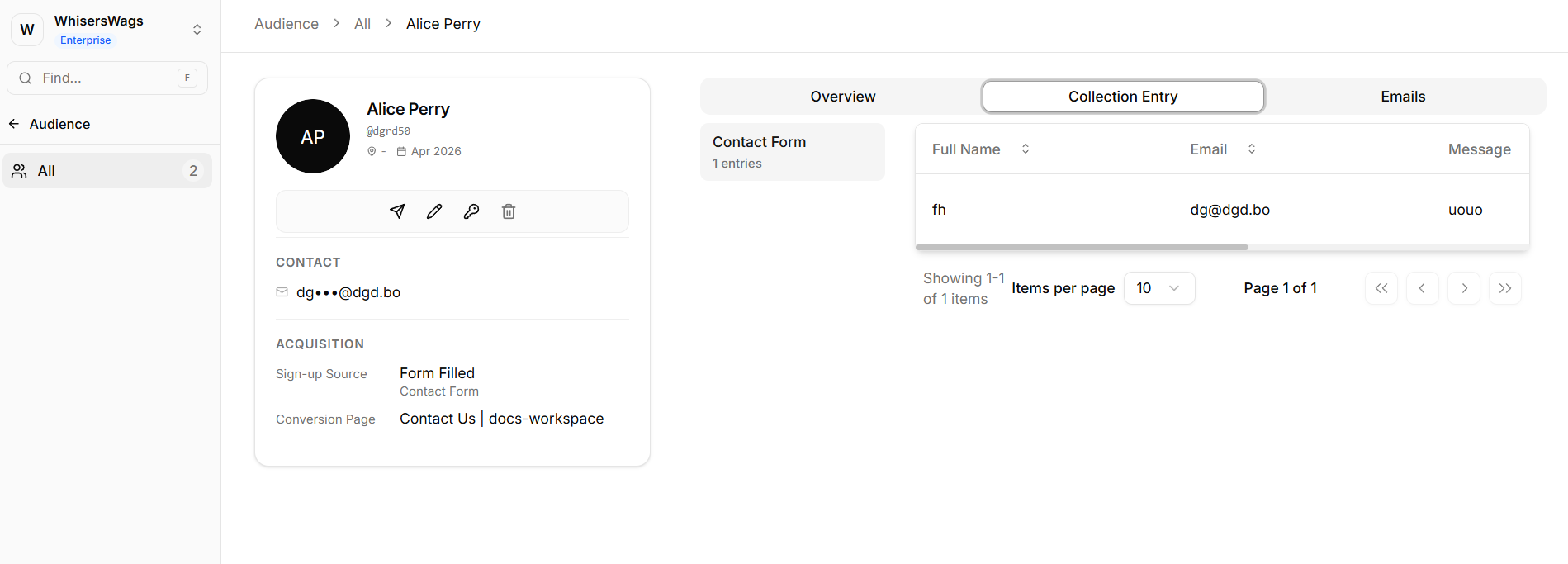
Collection Entry Tab
Central repository of all user-submitted data
Includes:
Form entries
Event registrations
Application submissions
Eliminates the need for cross-referencing multiple data sources
Emails Tab
Dedicated log of all email communications associated with the user
Tracks messages sent through platform integrations and campaigns