
Introduction to Levo Insights — Privacy-First Analytics
Table of Contents
Levo Insights is designed to provide accurate and reliable analytics by using server-side tracking instead of traditional browser-based methods. This approach ensures that all user activity is captured directly within the platform, without relying on cookies or scripts that can be blocked.
Key Advantages Over Traditional Tools
Accurate Data Collection
Traditional tools depend on browser scripts, which can be blocked by ad blockers or privacy settings.
Levo tracks data at the infrastructure level, ensuring more complete and reliable analytics.Built-in Content Integration
Analytics are directly connected to your content, including blogs, events, forms, and memberships.
This allows you to easily link user actions (such as signups) to specific content.Complete Journey Tracking
Tracks users from their first anonymous visit and connects their activity once they register.
This provides a full view of the user journey from initial interaction to conversion.Data Ownership
All analytics data is stored within your workspace.
It is not shared, sold, or used by external platforms.
Native Trackable Metrics
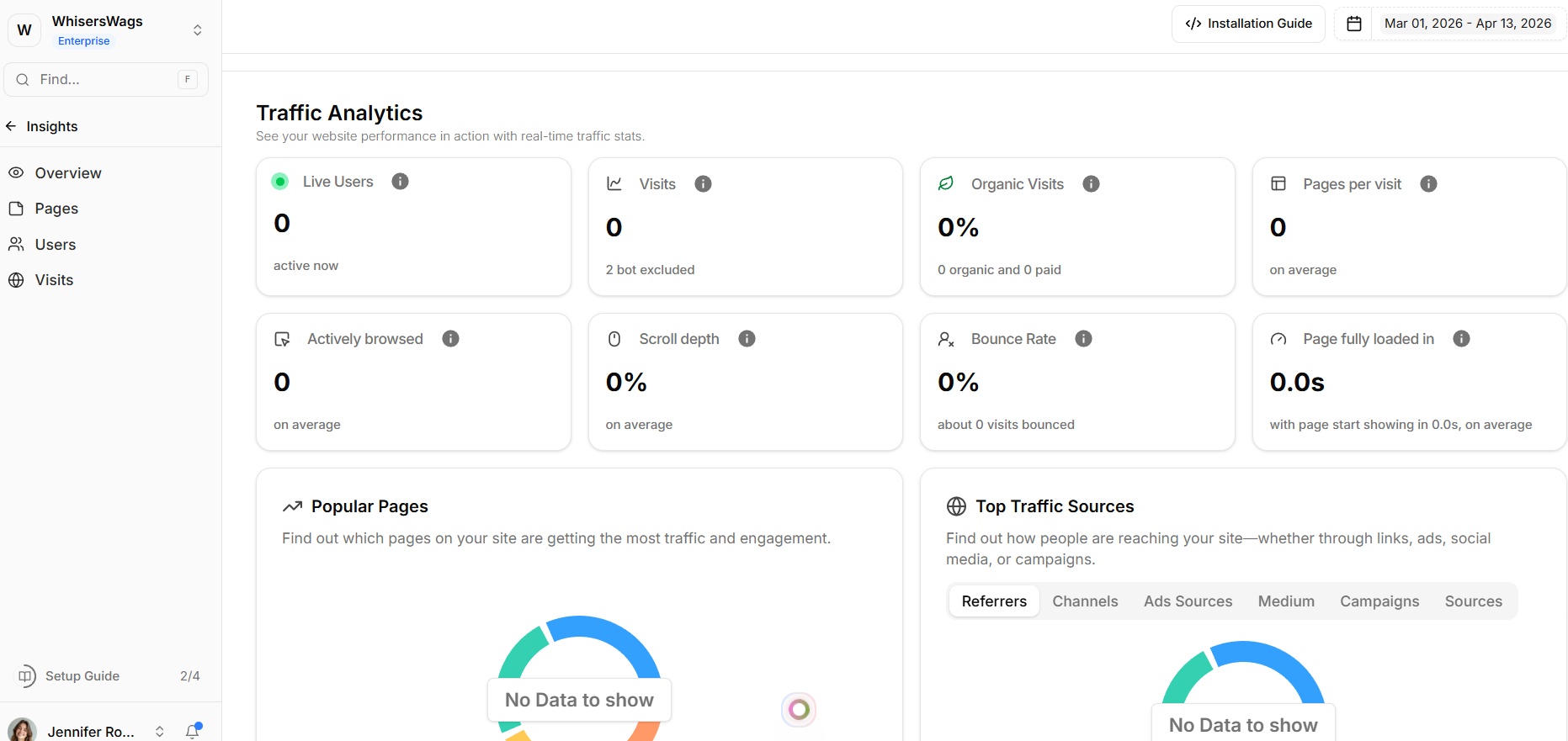
Levo Insights provides detailed analytics across multiple areas:
Traffic Volume
Total visits
Page views
Organic and paid traffic sources
Engagement Data
Pages per visit
Average session duration
Scroll depth
Audience Insights
Geographic location
Device type
Browser and operating system
Language
Traffic Sources
Referrers and channels
UTM campaign tracking
Access & Navigation
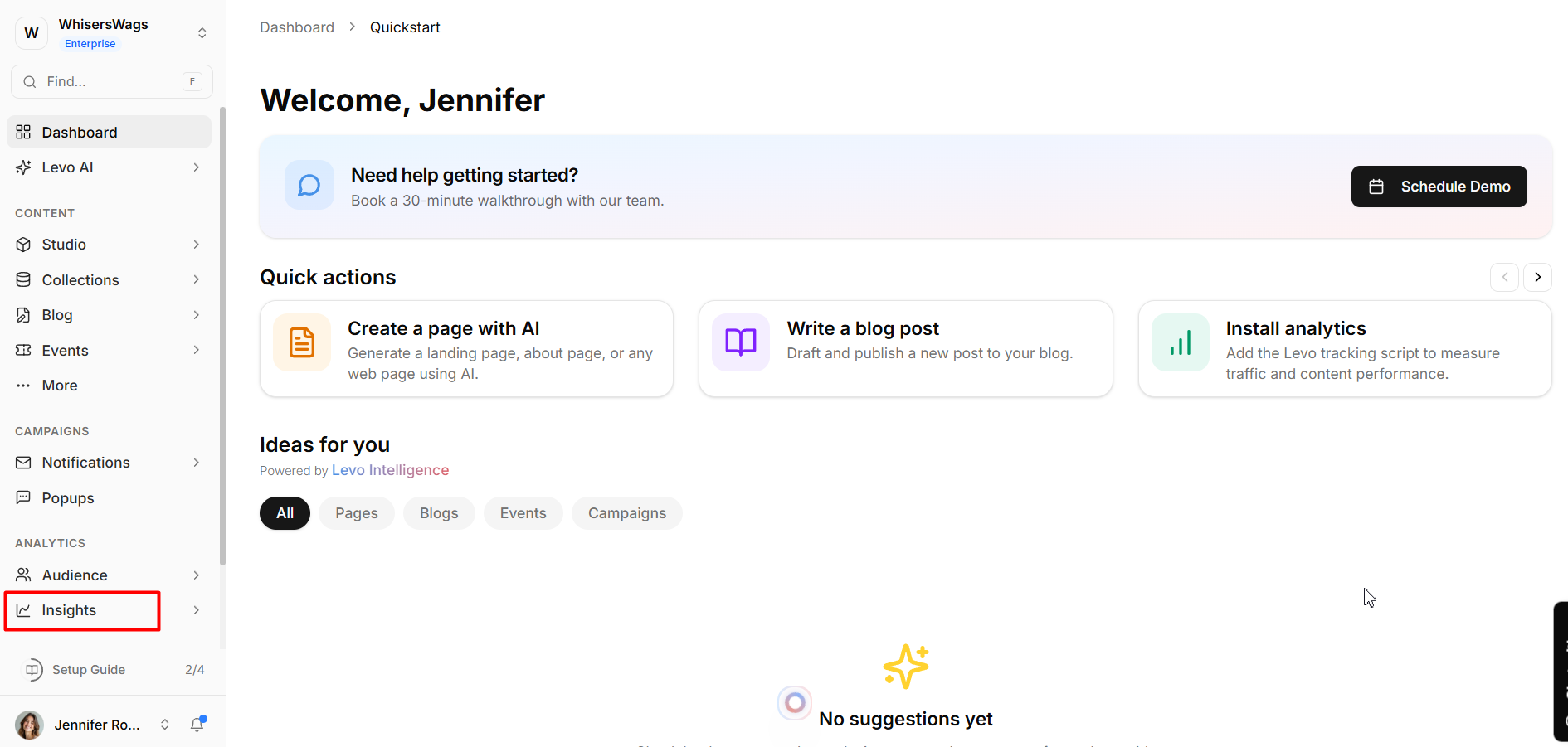
Open your workspace dashboard
Go to Analytics → Insights
Use the top navigation bar to switch between tabs
Core Dashboard Tabs
1. The Overview Tab Your high-level command center displaying all site-wide metrics and trends instantly.
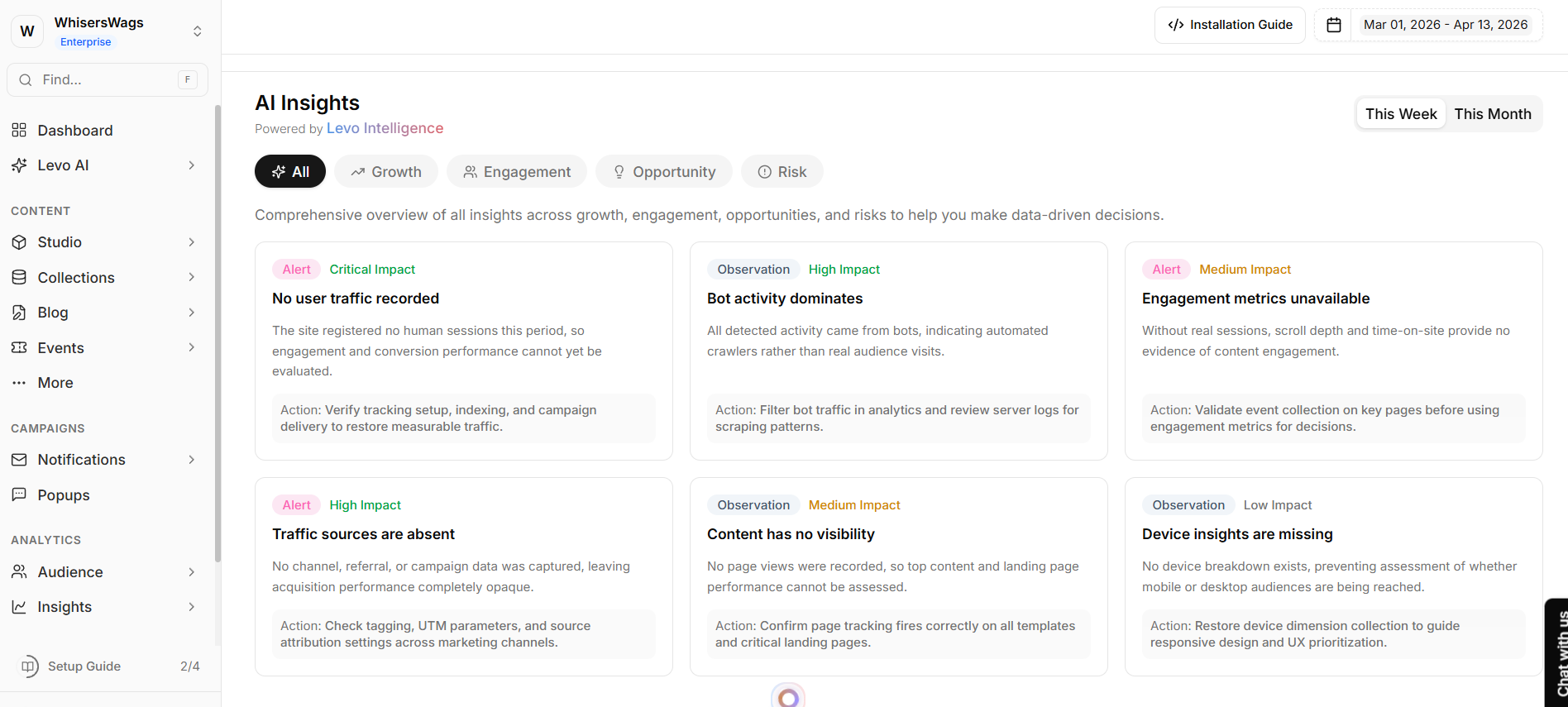
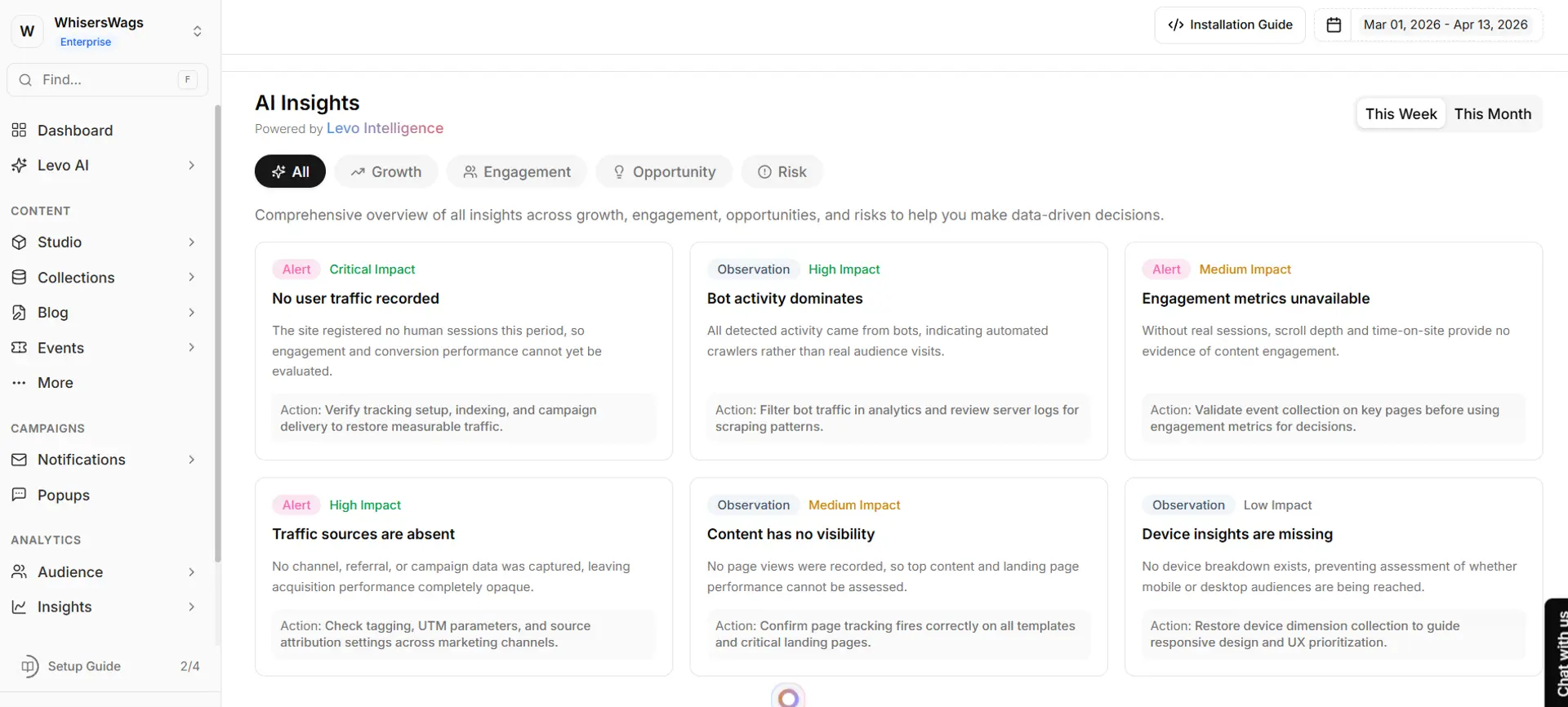
Powered by Levo Intelligence: The top of the Overview tab features our advanced AI Insights engine. It autonomously analyzes your weekly or monthly data to generate plain-text, actionable summaries broken into specific categories: Growth, Engagement, Opportunity, and Risk. You no longer have to hunt for hidden trends; Levo highlights them for you automatically.
2. The Pages Tab Focuses exclusively on URL-specific analytics. Use this tab to rank your content, determining exactly which pages are successfully driving the highest volume of traffic, holding user attention, or experiencing steep bounce rates.
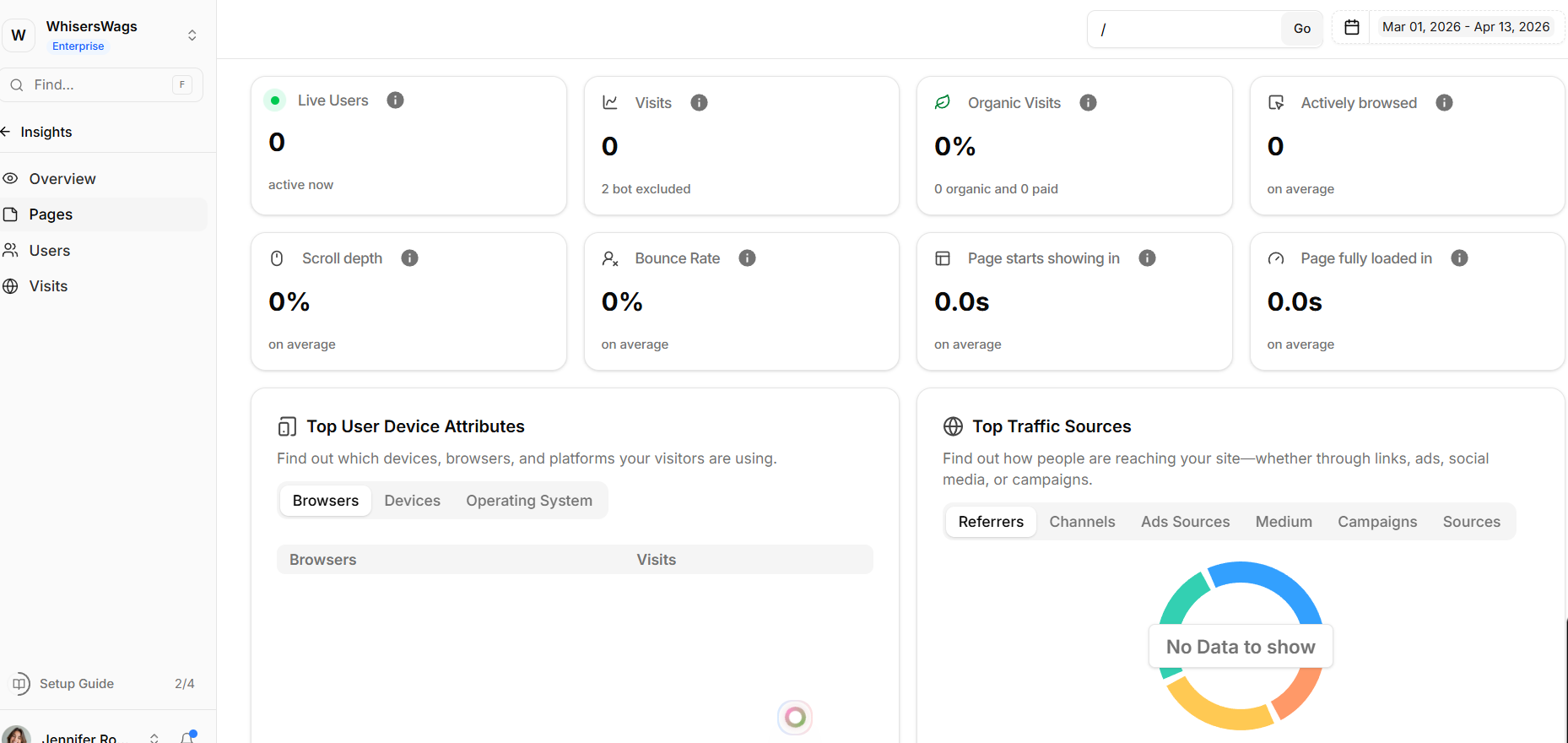
3.The Users Tab This operates similarly to the Visits tab but automatically filters the analytics down to only Identified Member Sessions. Use this tab when you specifically want to isolate and investigate the behavioral flows of people who have officially signed up for your platform.
4. The Visits Tab A deeply granular, chronological ledger of individual sessions across your site. Use this tab to monitor the raw flow of events from all visitors (both anonymous and identified). It is incredibly useful for reviewing session-by-session movements or investigating traffic surges.