
Introduction to the Events Module
Table of Contents
Levo’s Events module is a powerful tool that helps you manage everything from a small, one-hour workshop to a massive, multi-day conference. It handles everything from selling tickets to checking people in at the door.
How it's Organized (Series vs. Events)
To keep things neat, Levo uses two main layers:
Series (The Folder): Think of this as the "Brand" of your events. For example, if you host a "Weekly Creative Class," that is your Series.
Event (The specific date): These are the individual dates inside your series. For example, "Tuesday July 1st" is an Event.
What You Can Do with Events
Levo makes it easy to run professional events with these features:
Ticket Tiers: Sell different types of tickets, like "Early Bird," "VIP," or "General Admission."
Discount Codes: Create special coupons to give your guests a discount.
QR Code Check-in: When guests arrive, you can scan their QR code to check them in quickly.
Virtual or In-Person: Host meetings online (via a link) or in the real world (using a map location).
Email Notes: Send automatic updates and reminders to your guests.
Key Words to Know
Series: The main "home" for your events (Example: "Annual Tech Summit").
Event: A specific occurrence on a specific calendar date.
Ticket: The pass people buy to get in. One event can have many different price levels.
Booking: This is the receipt or order form. One booking can hold tickets for many different people.
Attendee: The actual person coming to the event.
How to Get Started
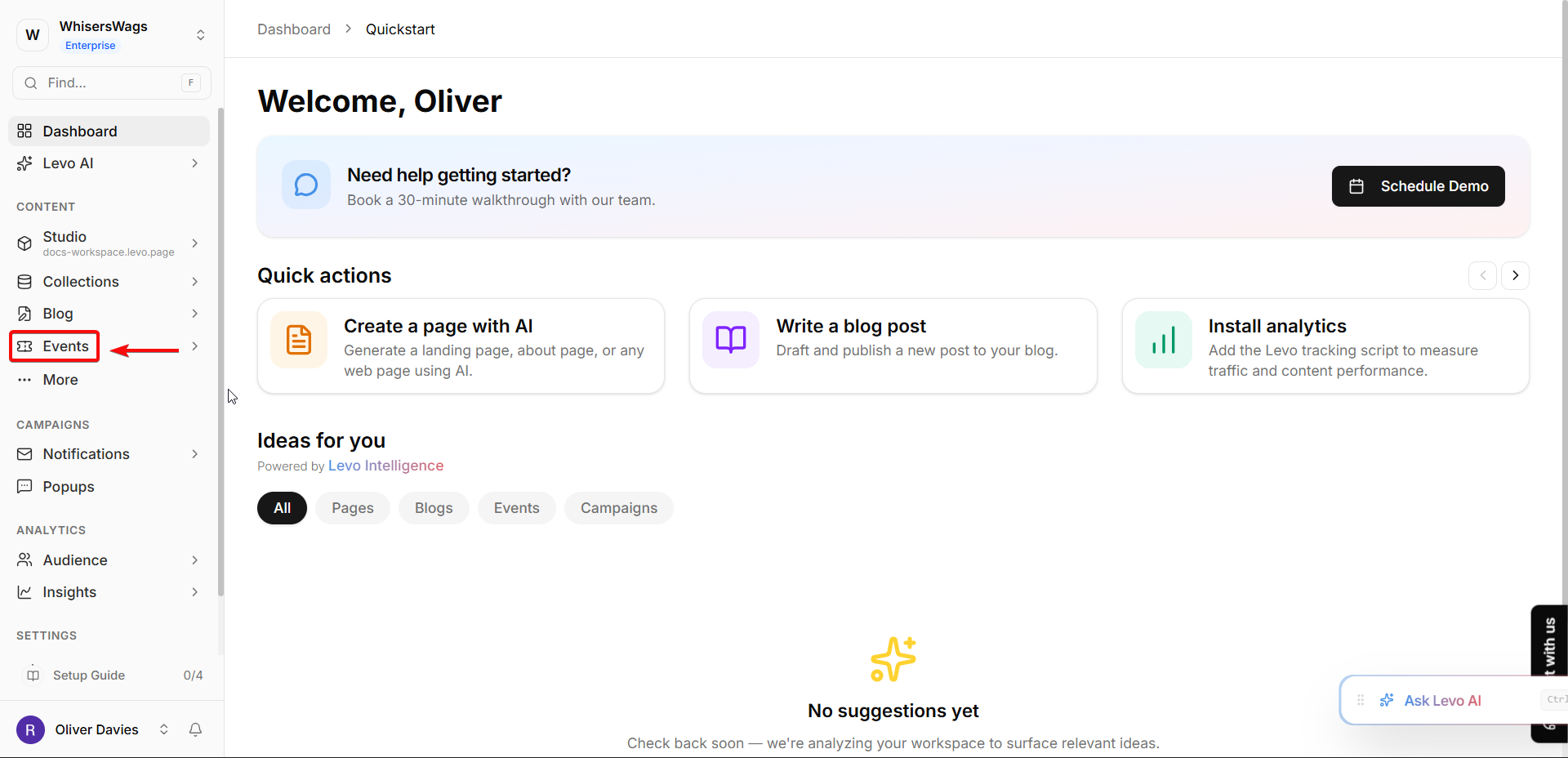
To manage your events, just click Events in your workspace’s left menu. From there, you can see all your active Series and start planning your next big gathering!