
Setting Up Event Tickets & Registration
Table of Contents
Tickets
Overview
Tickets enable event registration in various configurations: single or multiple types, free or paid, limited or unlimited quantities, and with optional approval gates.
Creating a Ticket
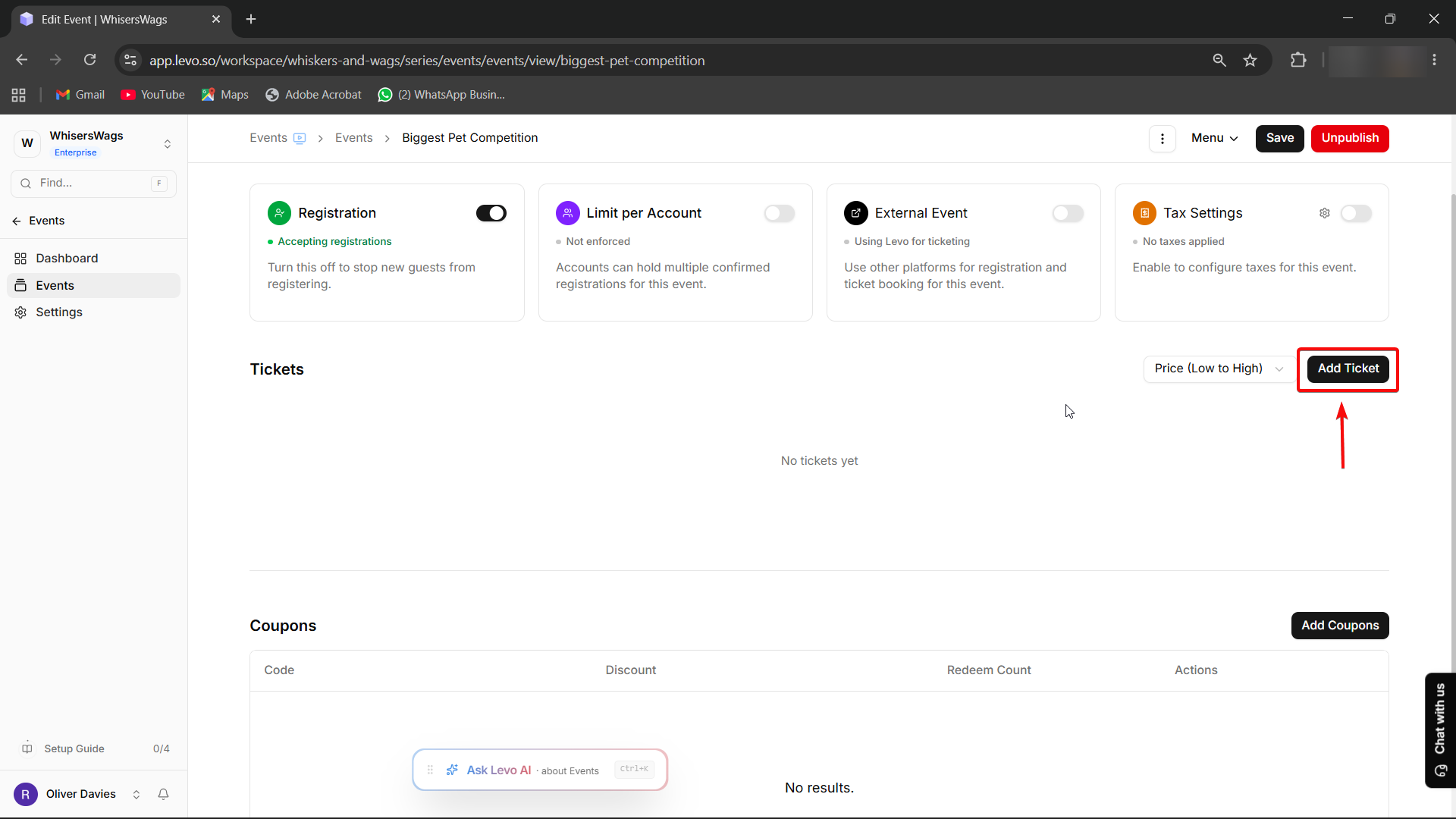
Navigate to the Ticketing tab within an event and select "Add Ticket" to begin setup.
Ticket Details
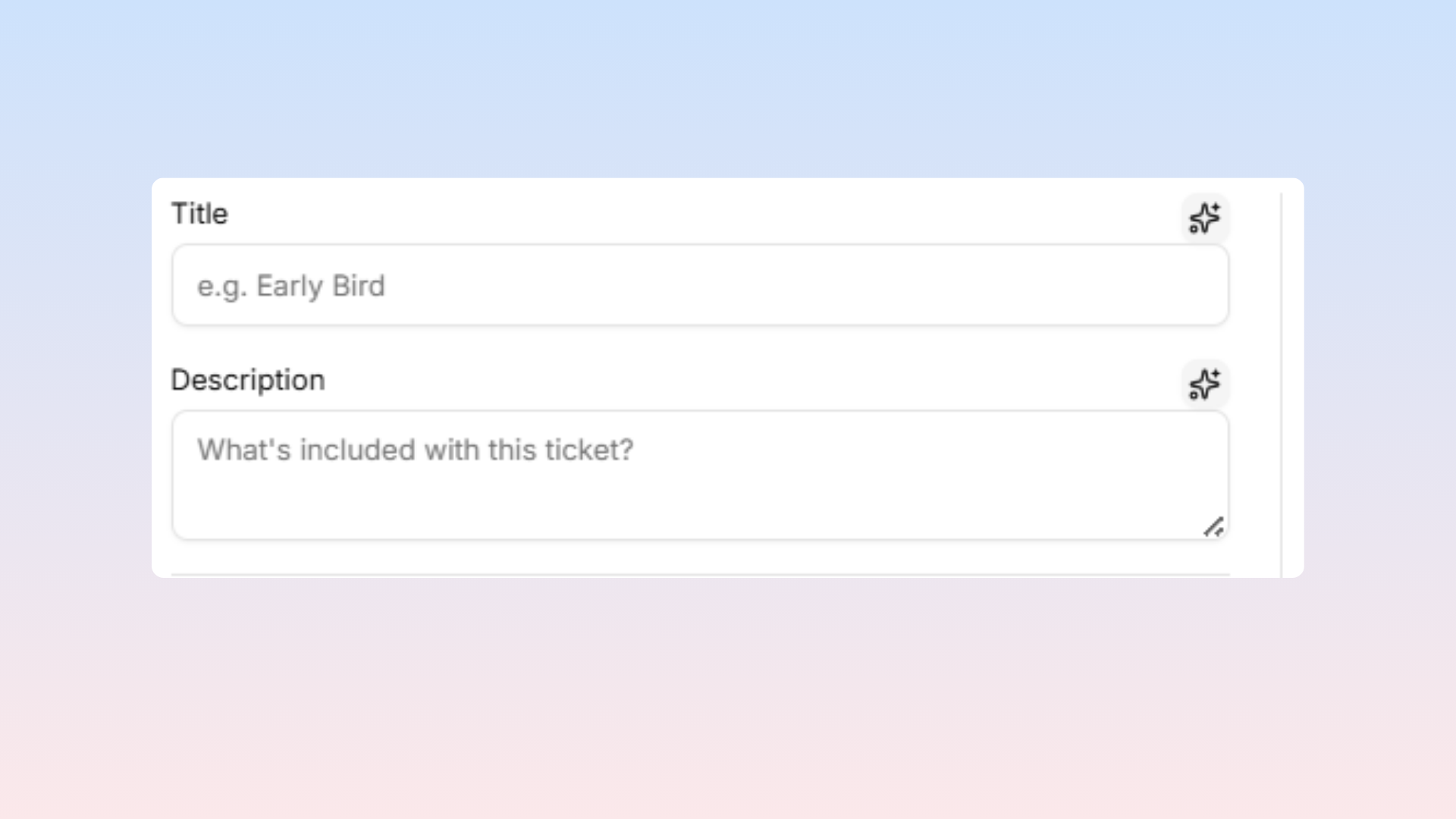
Title — publicly displayed ticket name (examples include "General Admission, VIP, Early Bird, Workshop Pass")
Description — explains ticket inclusions and appears on the event page to guide attendee selection.
 Pro Tip: You can always use Levo AI to write your title and description.
Pricing Configuration
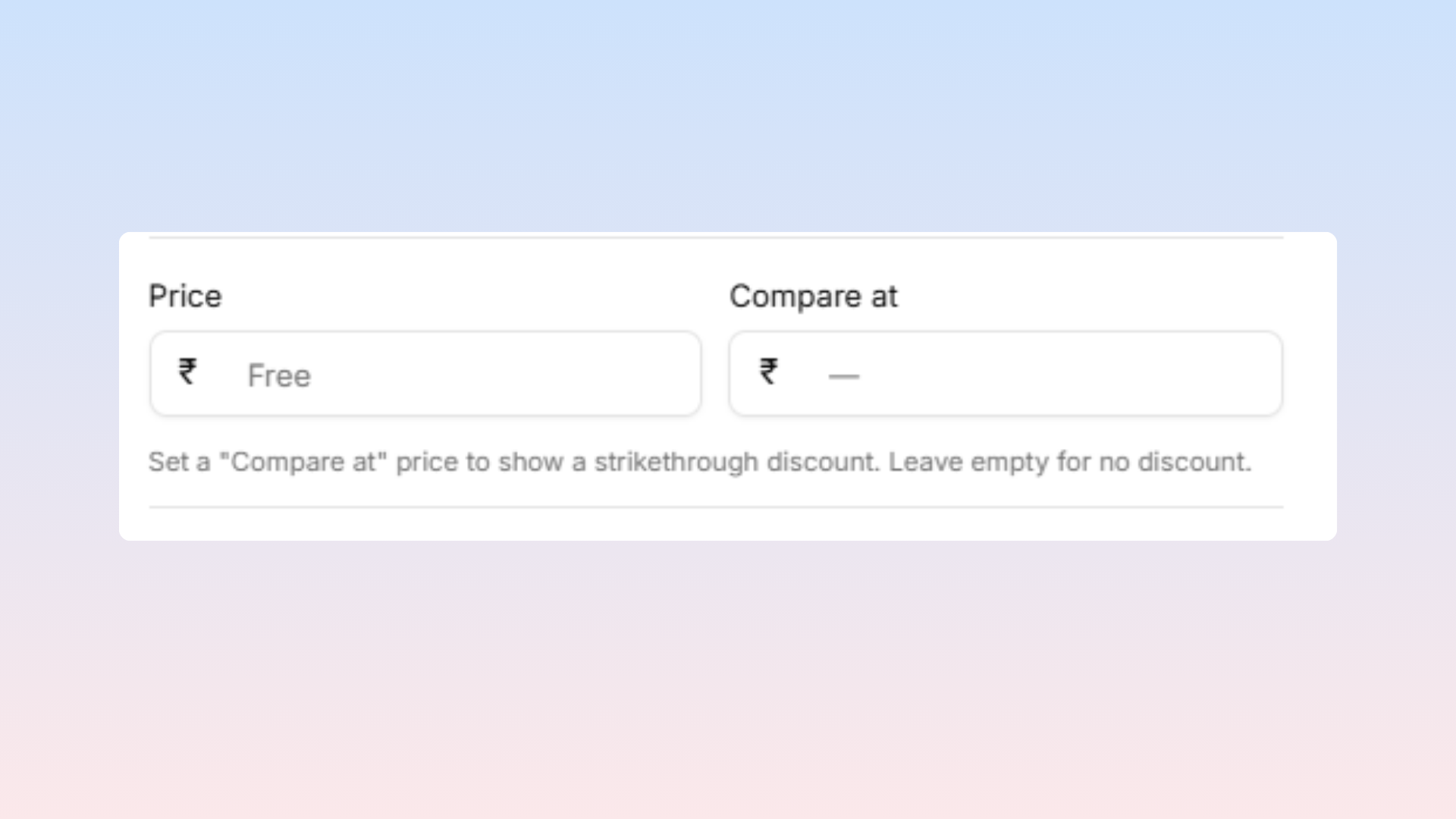
Price — set to zero for complimentary tickets; any positive value creates a paid ticket
Compare at (Base Price): Entering a higher price here displays a strikethrough "discount" effect on your public page.
Tax Settings
Tax Enabled — activates tax application to the ticket
Tax Inclusive — when active, displayed price encompasses taxes rather than adding them at checkout
Taxes — assign tax rules containing label, percentage, and country code
Quantity and Availability
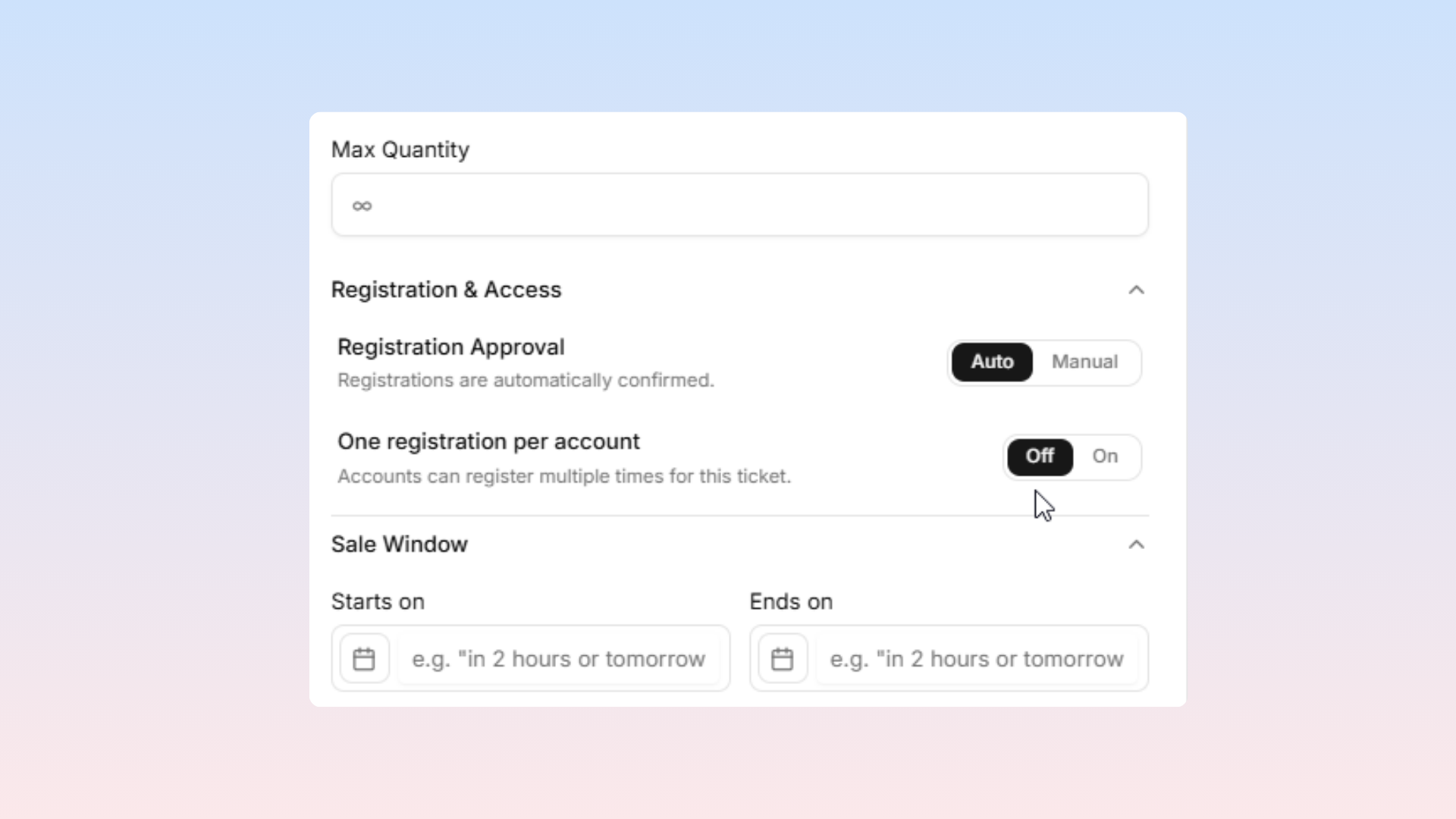
Max Quantity: The maximum number of tickets available for this tier (leave blank for unlimited).
One registration per account: Turn this on to prevent bulk-buying and restrict a single user from buying multiple tickets of this type.
Sale Window: Establishes purchase start and end dates/times. Perfect for creating "Early Bird" tickets that expire, or "Last-Minute" tickets that only unlock closer to the event.
Waitlist Feature
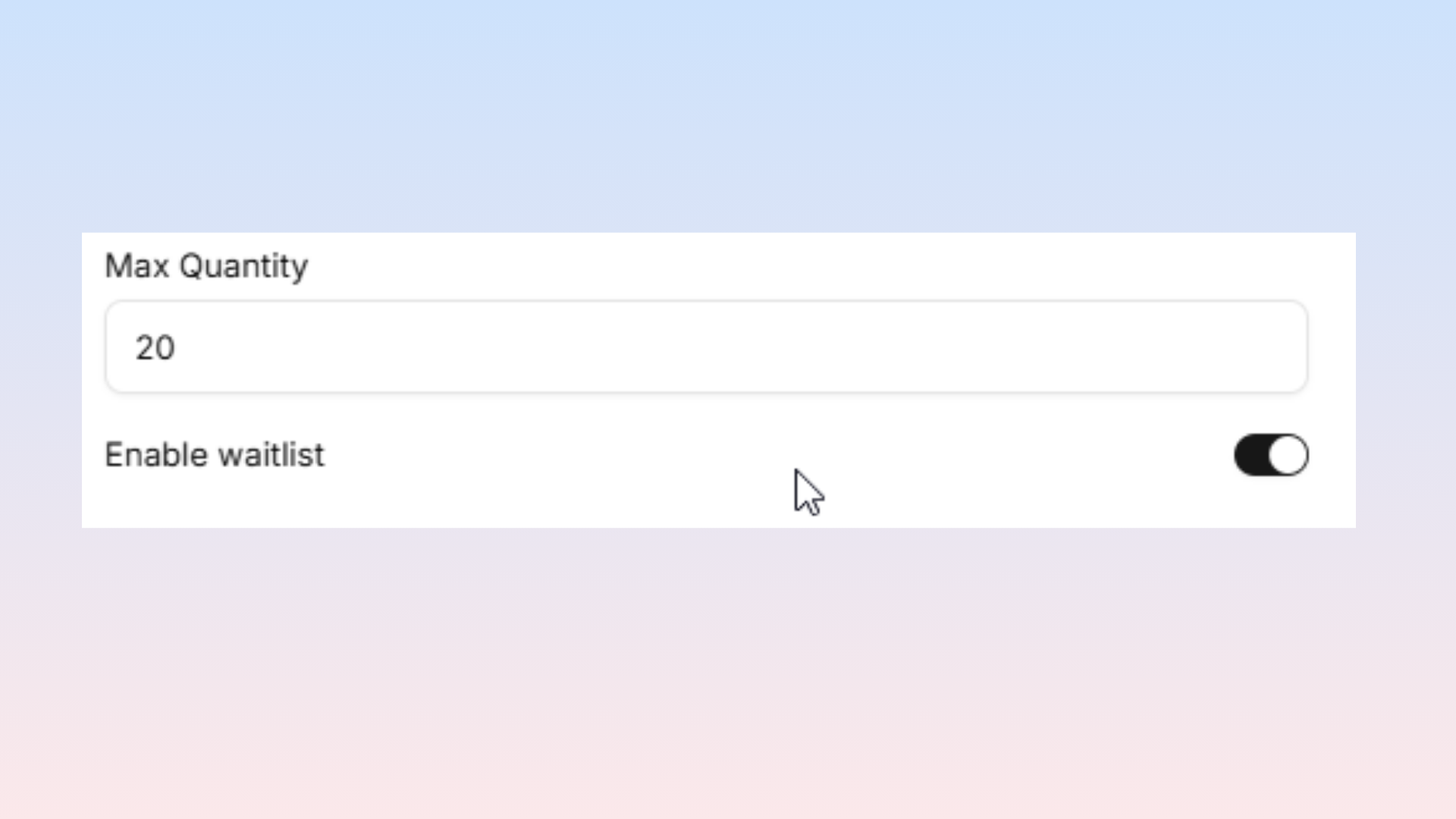
When enabled, sold-out ticket types allow queue registration. Automatic notifications alert waitlisted attendees when cancellations create availability.
Requires Approval
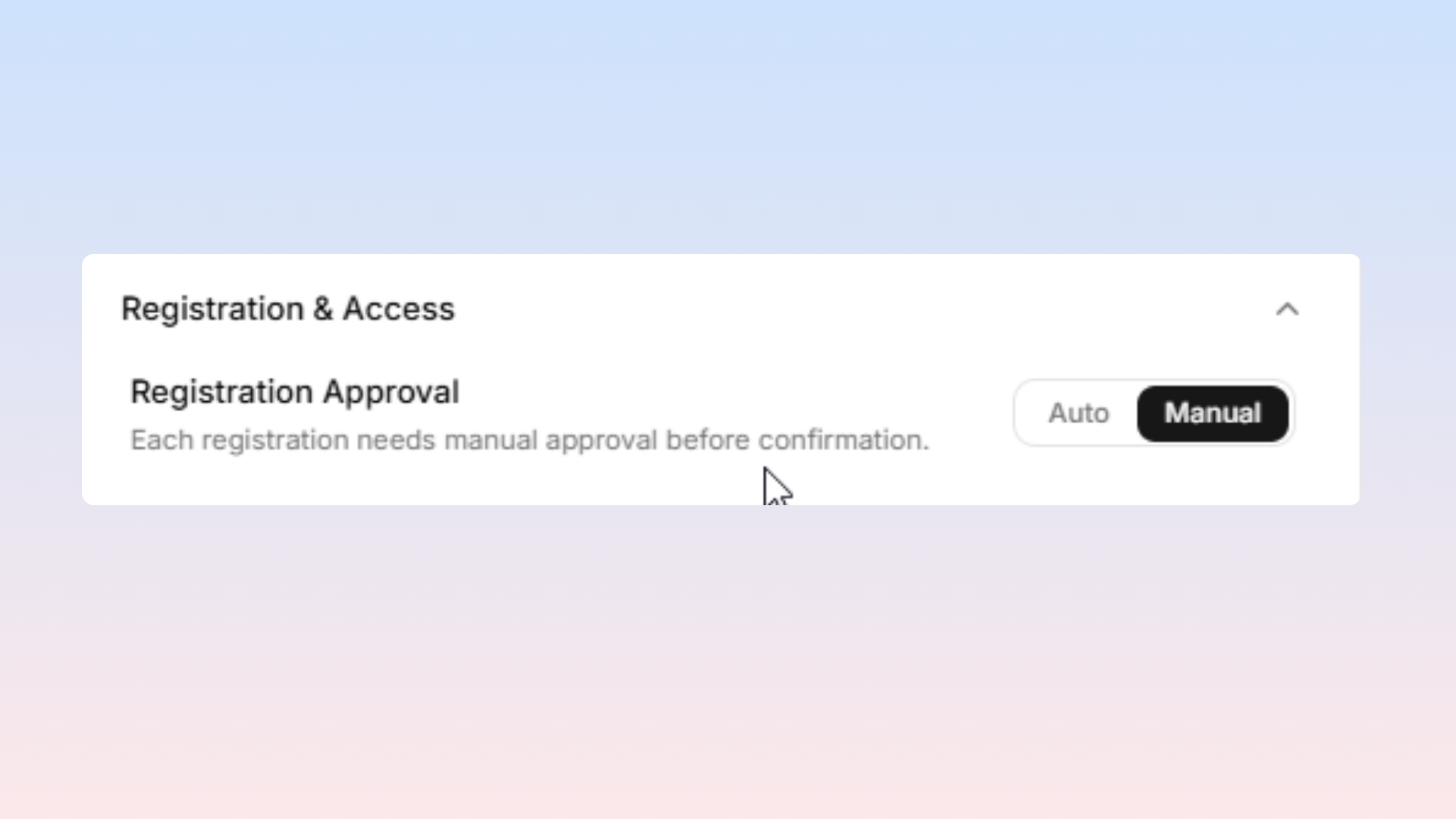
Pending registrations require manual confirmation or rejection through the Attendees tab. Suitable for:
Application-based events (invite-only workshops, accelerator demos)
Vetting attendees before confirmation
Hidden Tickets
Preventing public event page visibility while maintaining direct-link accessibility supports:
Staff and speaker pass distribution
Discount tickets via specific URLs or coupon codes
Internal and sponsor tickets
Ticket Upgrades
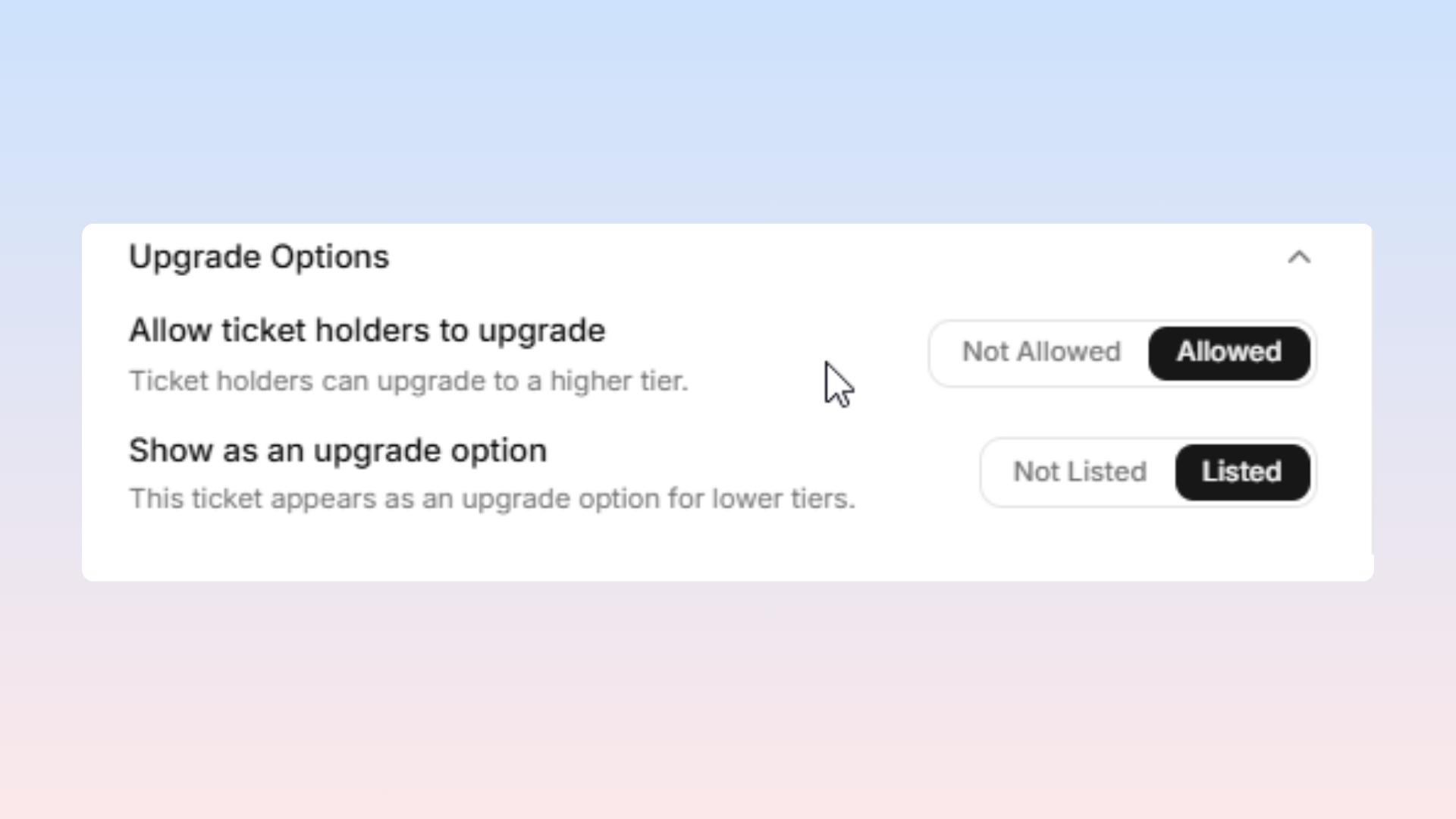
Allow Upgrade — permits attendee advancement to higher-tier tickets post-purchase
Include in Upgrade — designates this ticket as an eligible upgrade destination
Together these enable phased pricing strategies with later premium tier releases.
Offerings (Session Access)
When events include Offerings (sessions or tracks), specific tickets link to specific offerings. General tickets might access main halls while VIP tickets access all sessions.
Managing Tickets
The ticket list displays current sales versus total quantity, status, and availability windows. Custom reordering via drag handles reflects public event page ordering when set to "Custom" in event settings.
Important Note: Deleting ticket types with existing sales is discouraged; instead, pause availability by setting end dates to current time or contact support before deletion.