
Introduction to the Audience Module
Table of Contents
Every person who interacts with your site whether they submit a form, register for an event, read a blog post, or formally sign up for an account flows directly into your Audience module. This gives you a single, unified command center to understand and engage your entire user base.
Navigation & Access
To view and manage your audience data:
Open your workspace dashboard.
In the main left-hand navigation menu, look under the Analytics group and click Audience.
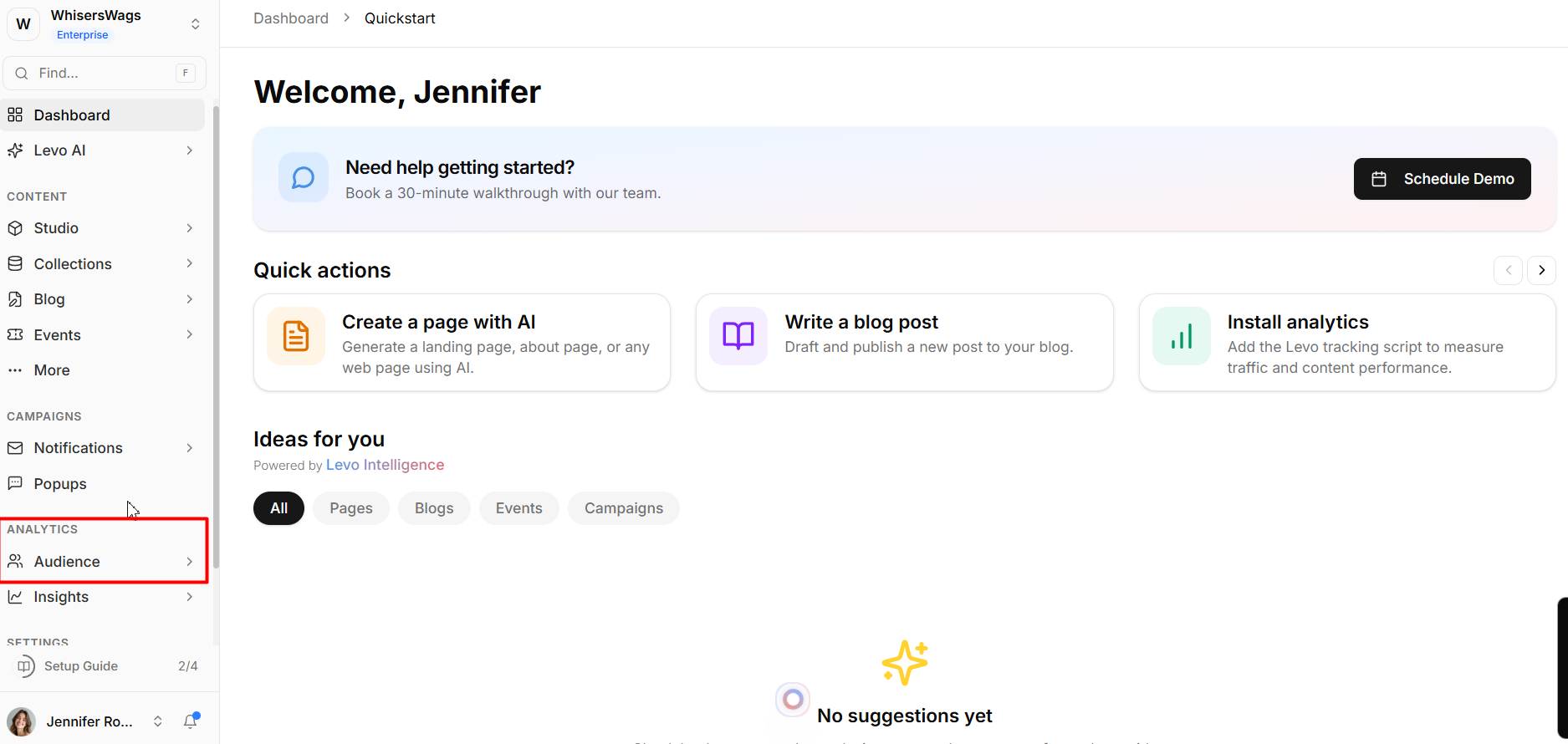
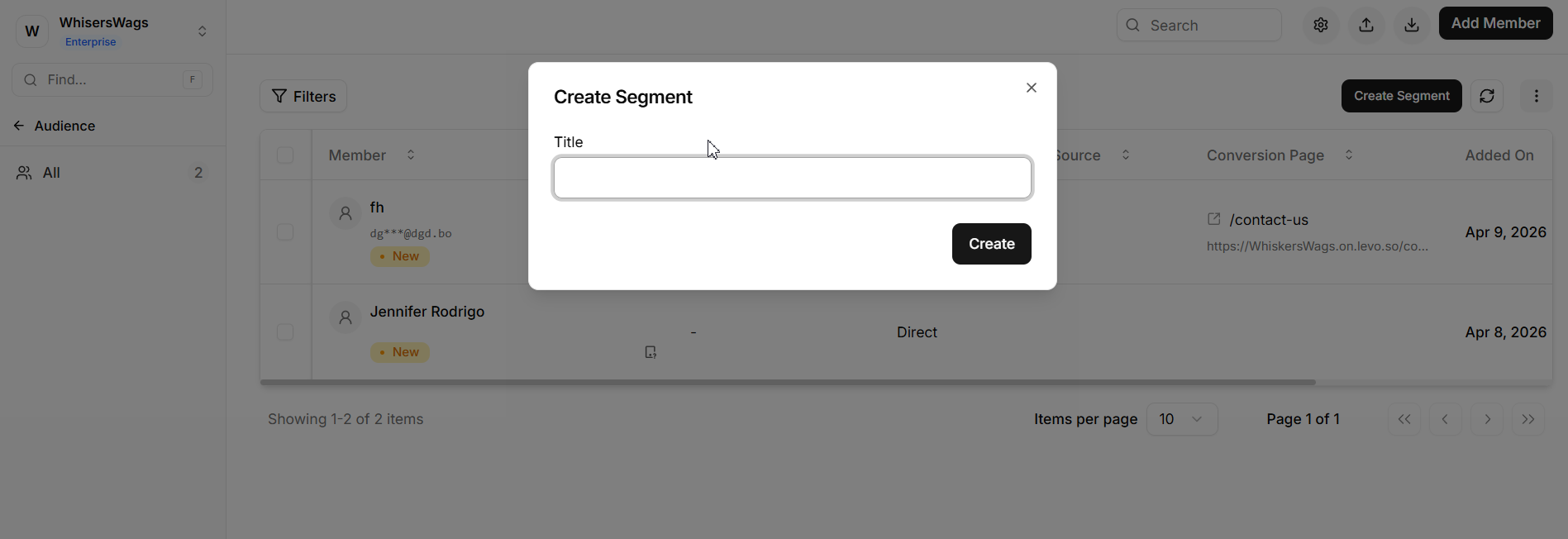
The primary interface will load a comprehensive table of all your Members. Your saved Segments (custom filters) are conveniently listed in the secondary sidebar for quick targeting.
Why Audience Matters?
Centralized Data Collection
All user activity is collected in one place. You do not need extra tools or integrations to track data from forms, blogs, events, or signups.
First-Party Data Ownership
Levo collects data directly from your website instead of relying on cookies or tracking tools.
This means:
Data is more reliable
It is not blocked by ad blockers
You fully own your data
Complete Journey Visibility
The system tracks users even before they sign up.
First, it tracks them as visitors
Later, when they create an account, all their past activity is connected
This helps you understand the full journey from visitor to member.'
Key Terminology
Member
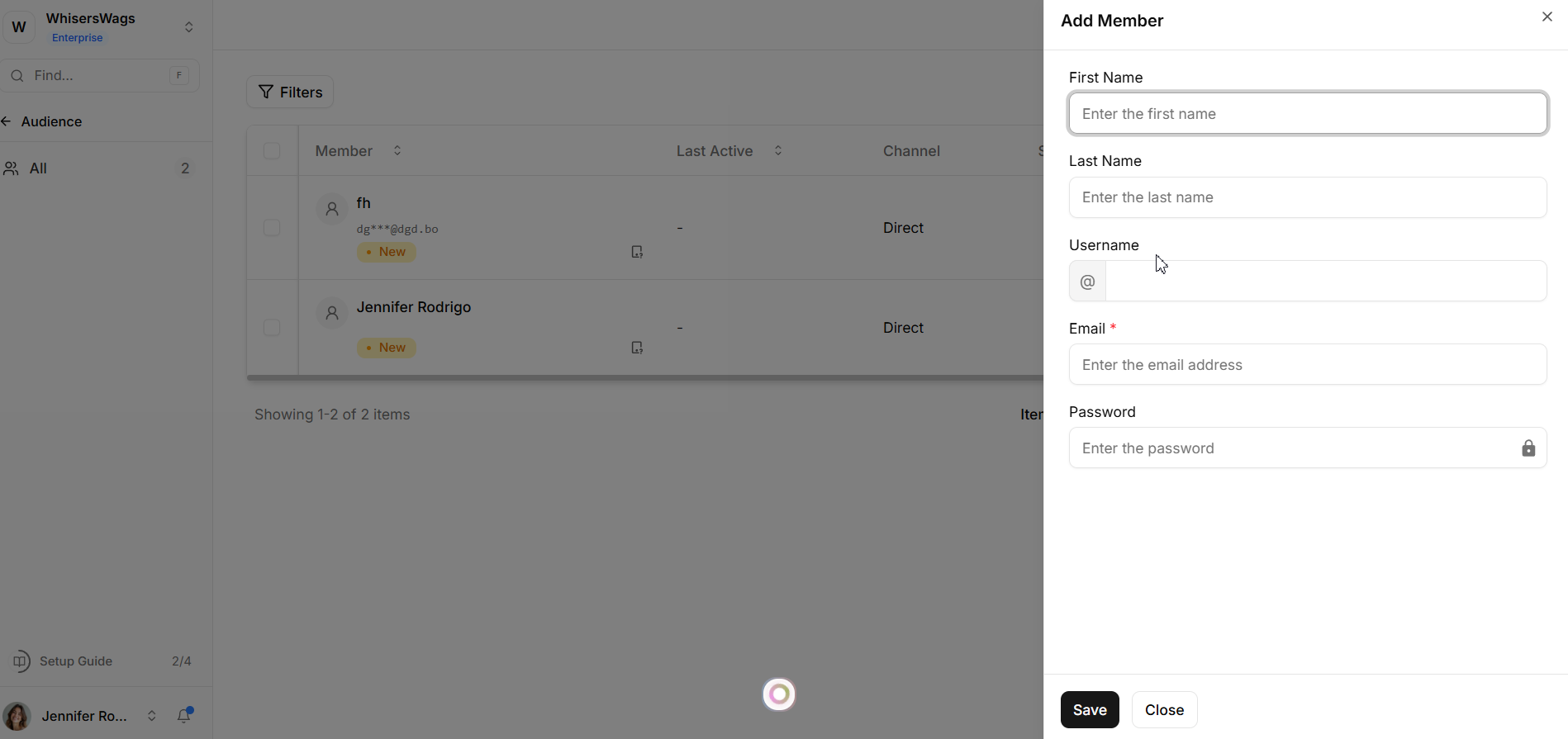
A Member is a user in your system. Their profile includes:
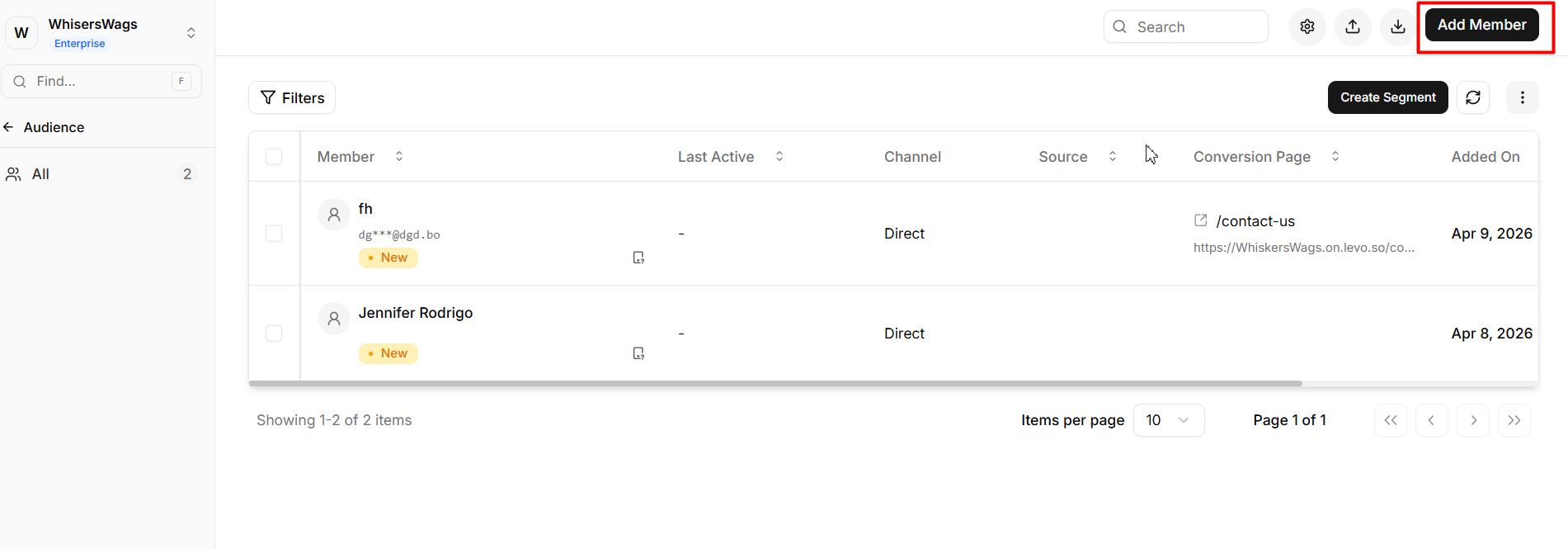
How they signed up
Forms they submitted
Events they joined
Pages they visited
Segment
A Segment is a group of members with similar traits.
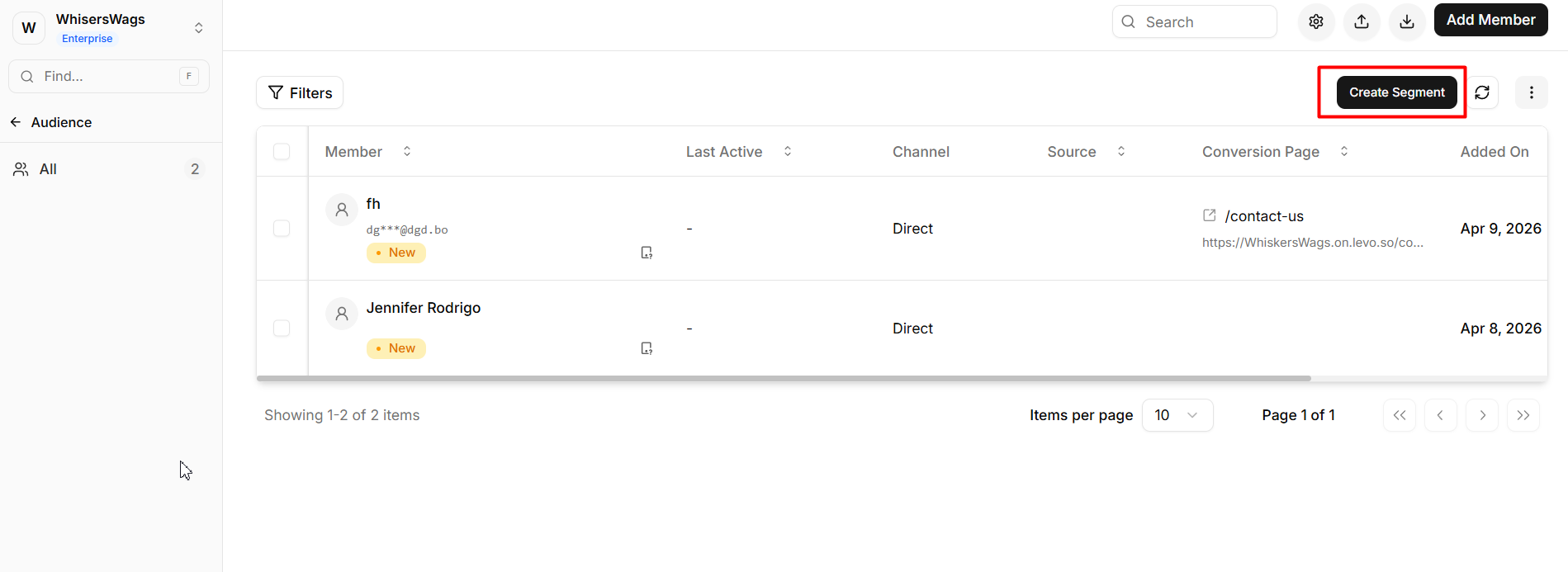
You can group users based on:
Location
Signup date
Subscription status
Source (where they came from)
Custom data
Segments update automatically as user data changes.