
What is a Collection?
Table of Contents
Think of a Collection as a spreadsheet with superpowers! Just like a normal spreadsheet, you create columns (which we call fields) and fill them with rows of data (which we call entries).
Once you add your data, Levo can use it to build dynamic page sections, act as a contact form, or even automatically generate hundreds of pages for you!
The Three Main Superpowers of Collections
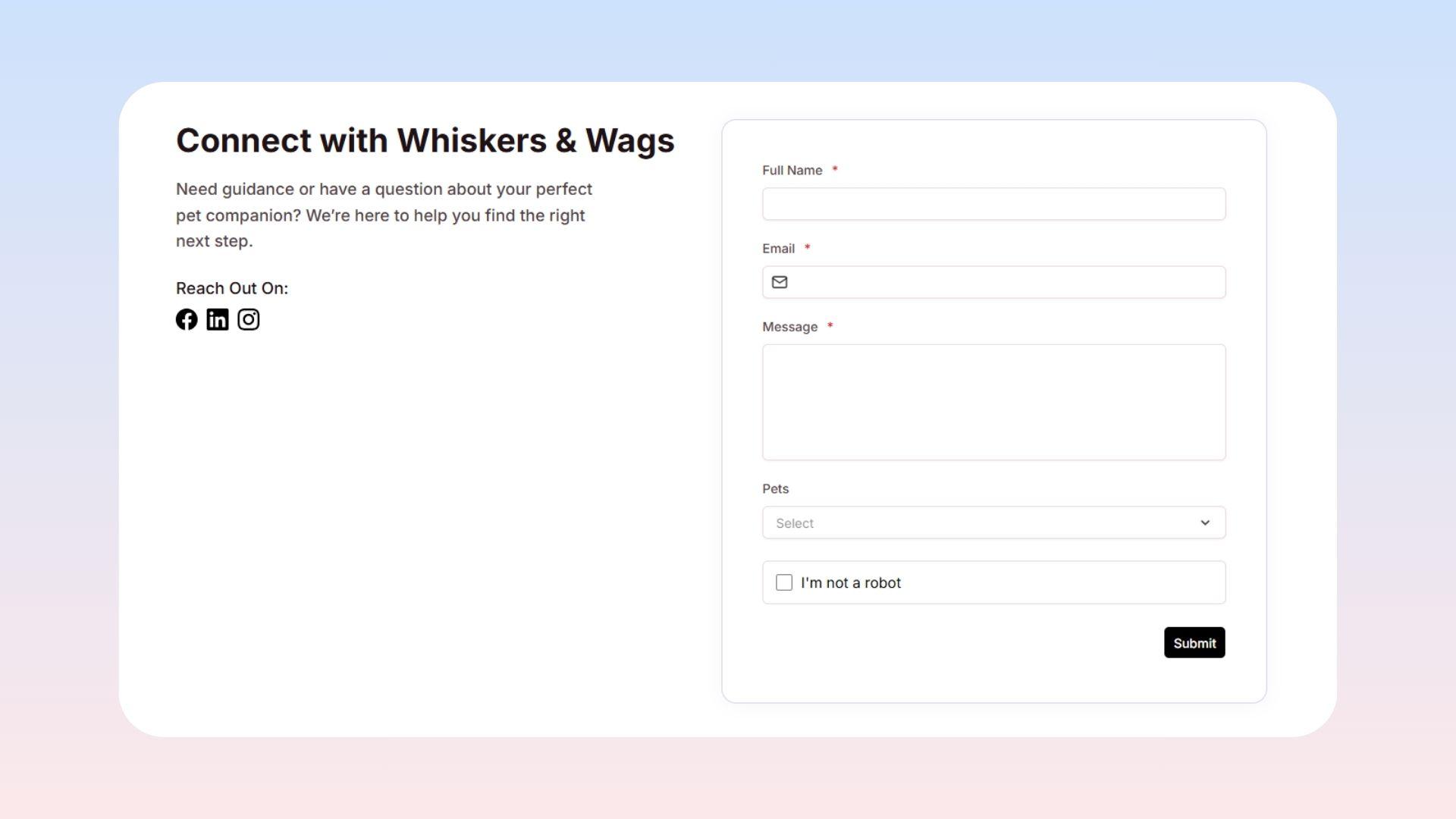
Website Forms: Collections can transform into public forms on your website. When visitors type in things like their name and email, their responses are automatically saved into your Collection as a new entry. You won't ever need to buy a separate form-building tool!
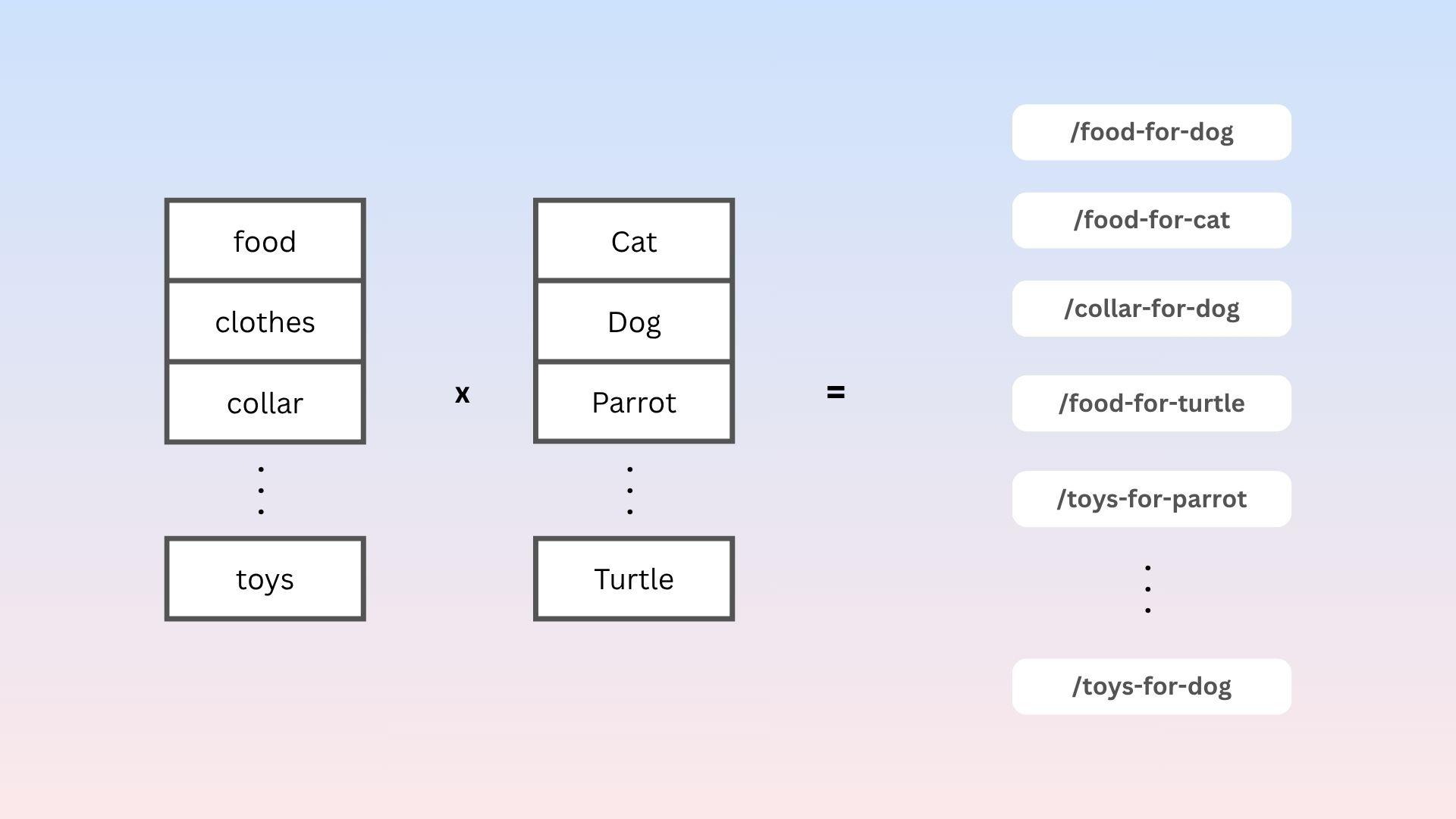
Automatic Page Generation: Imagine you have 500 products. Instead of building 500 separate pages by hand, you can design one single template. Levo will suck in your Collection data and automatically generate 500 unique, perfectly formatted, and SEO-friendly web pages for you in seconds.
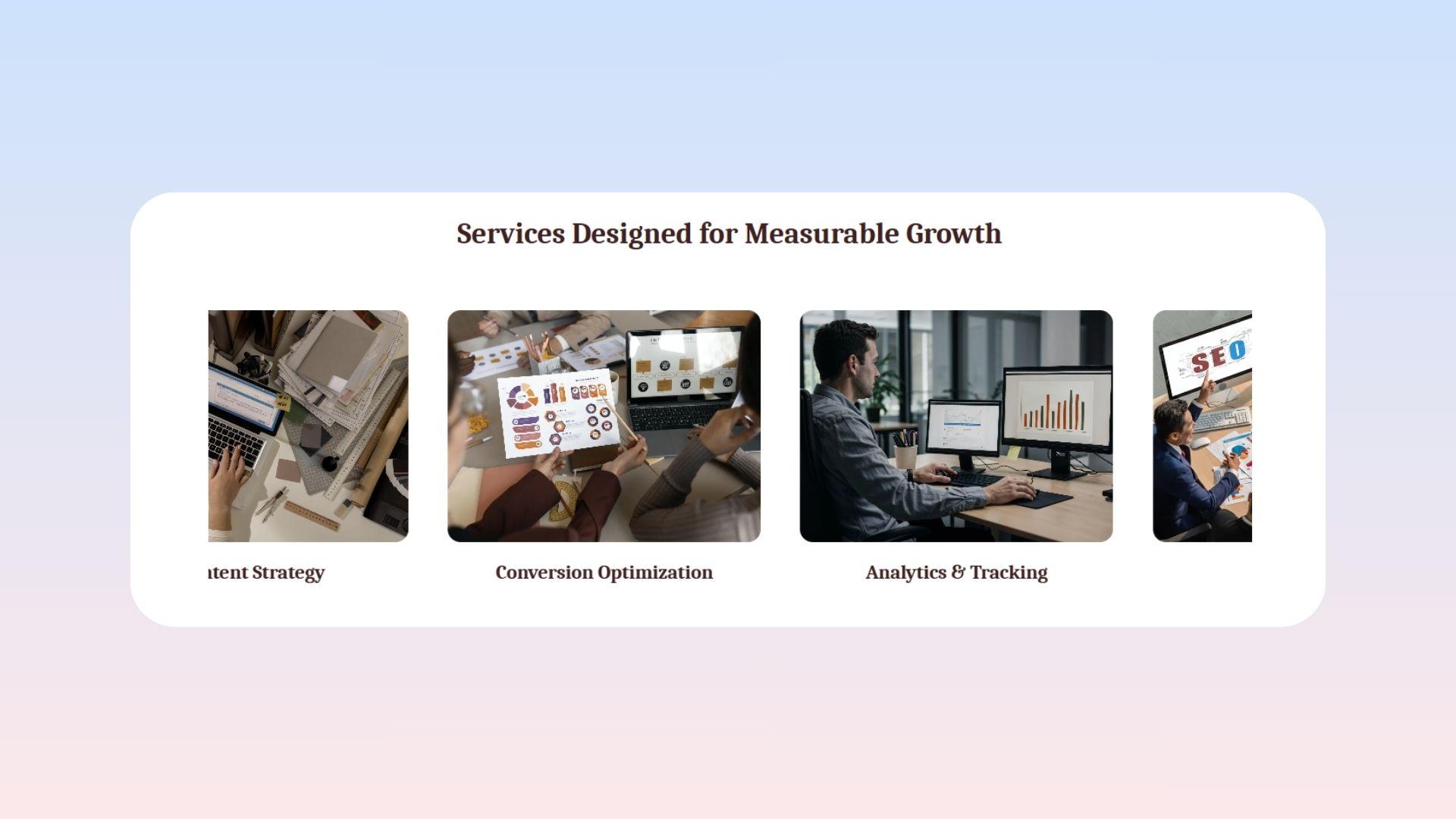
Studio Block Integration: If you have a section on your site that repeats—like a grid of your team members, a product list, or a carousel of customer testimonials—you can connect it directly to a Collection. The block will automatically fill itself out with your content so you don't have to duplicate work manually.
 The Best Part: Everything is linked! If you fix a typo inside your Collection, that update happens instantly across all your forms, generated pages, and Studio blocks everywhere on your site.
Key Vocabulary to Know
Collection: The entire "spreadsheet" or database table containing all your information.
Field (Columns): The specific type of data you are collecting (like text, an image, or a date).
Entry (Rows): One single record or item that fills out those fields.
Slug: A web-safe ID name automatically created for each entry so it can be turned into a clean URL (like
/shoes-sneakers).