
How to Create Your First Collection
Table of Contents
A Collection is basically a smart folder for your data. You decide what kind of information you want to store (like names, prices, or photos), and then you start adding your items.
How to Create Your First Collection
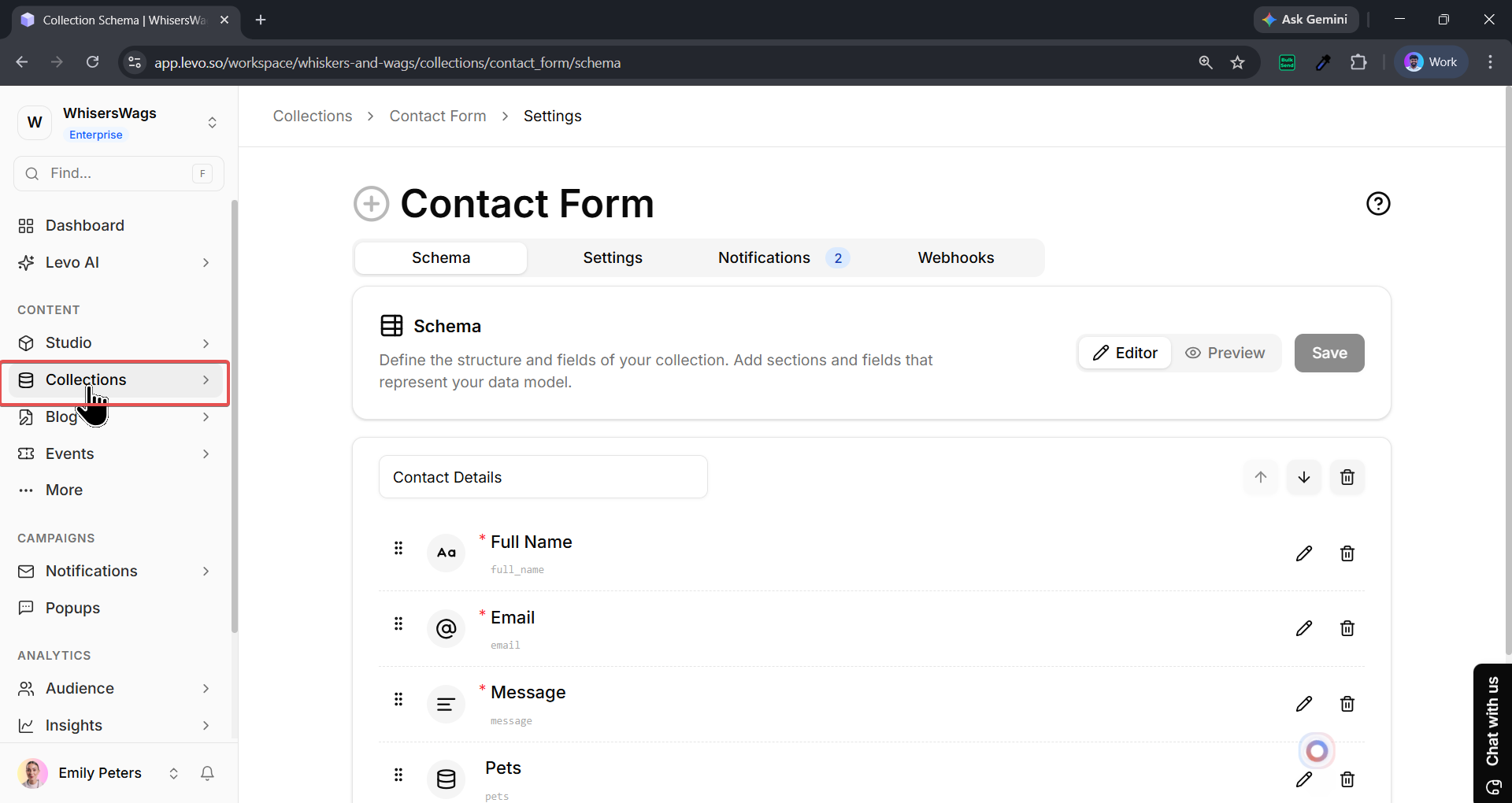
Look at the menu on the left side of your screen and click on Collections.
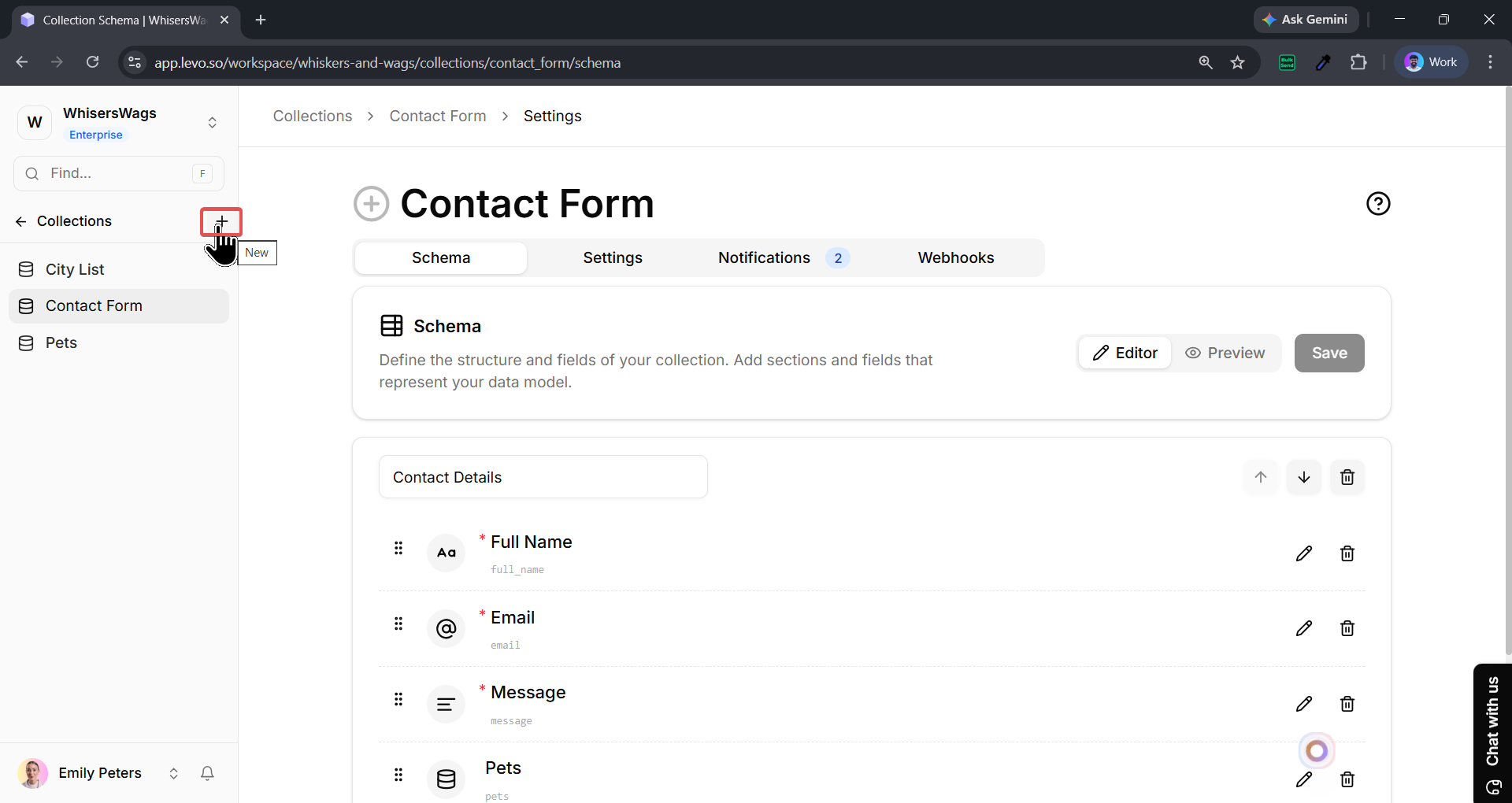
Once that opens, click the Plus (+) or Create button.
You will see a gallery of Templates. These are pre-made collections (like a "Contact Form" or "Product List") that can save you time. If you want to build your own from scratch, look for the Blank Collection button at the bottom of the left panel.
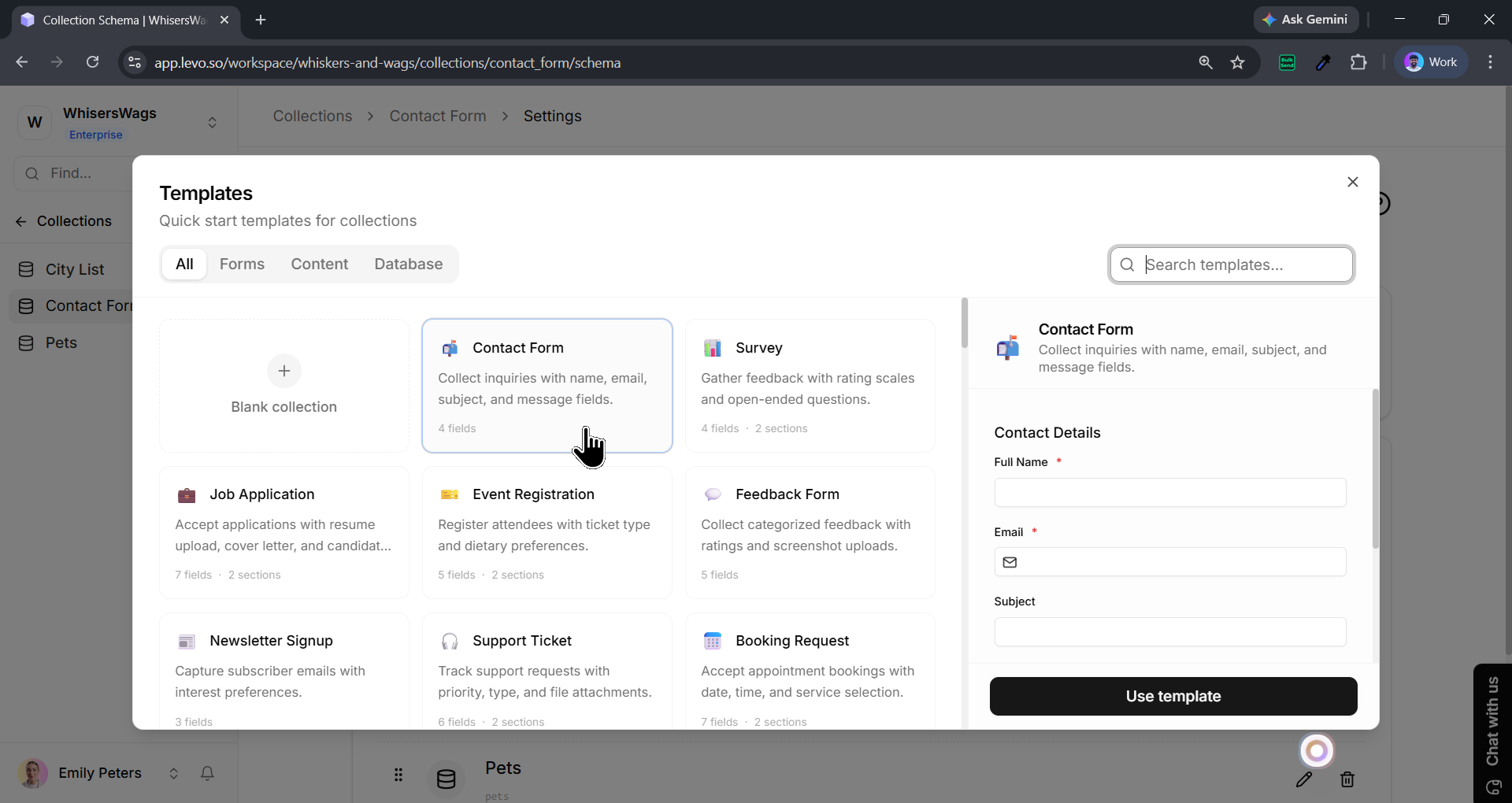
Click Use Template, after which you’ll enter the Schema Editor. This is where you add your other columns/fields (like a "Price" field or an "Email" field). Once your columns are set, you’re ready to start adding your data entries!