
Collection Field Types — What Data Can You Store?
Table of Contents
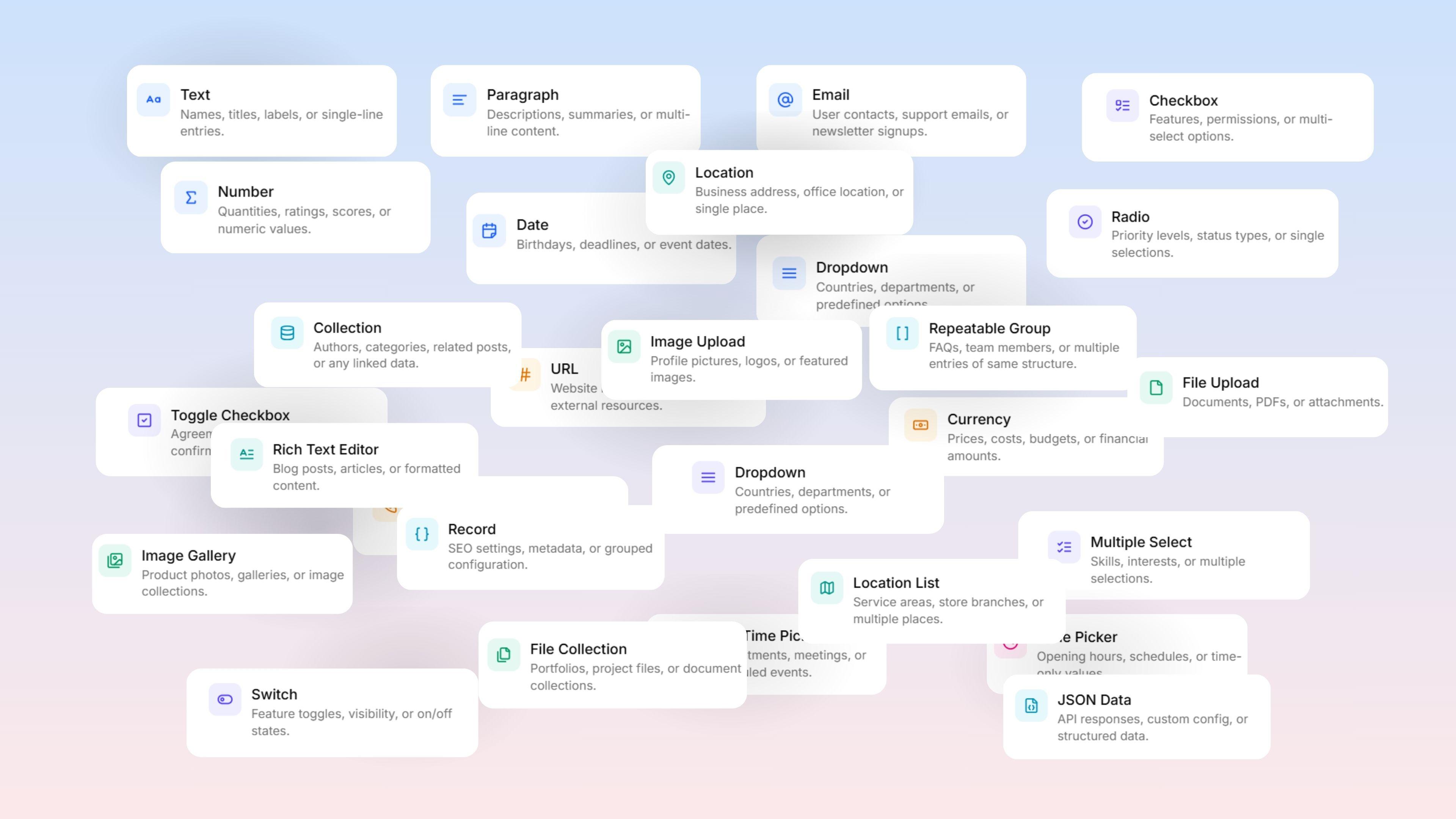
Collections use fields to define what data entries can hold. Field types determine the accepted data, form appearance, and available filtering/sorting options.
Adding Fields
Open a Collection, navigate to the Settings or Schema tab, select Add Field, and choose from available types organized into categories.
Text & Input Fields
Field Type | Description | Key Options |
|---|---|---|
Text | Single-line text input for names and titles | Min/max length, placeholder, regex validation, required, unique |
Paragraph | Multi-line plain text for descriptions | Placeholder, helper text, required |
Validates email format for contacts and signups | Placeholder, required, unique, verification toggle | |
URL | Validates proper URL formatting for website links | Placeholder, required, unique |
Currency | Stores a monetary amount with a currency symbol | Currency code configuration |
Number | Numeric values for quantities and ratings | Min/max values, step size, placeholder, required |
Phone | International format for contact numbers | Country code auto-detection |
Choice Fields
Field Type | Description |
|---|---|
Radio | Single selection for priorities and statuses |
Checkbox | Multiple selections for features and permissions |
Toggle Checkbox | Single true/false checkbox for agreements, with customizable true/false labels |
Switch | On/off switch for feature toggles and visibility settings |
Dropdown | Single-select from a predefined list, with searchability and custom input options |
Multiple Select | Multi-select from a predefined list for skills and interests |
Tags | Free-form comma-separated values where users create custom entries |
Date & Time Fields
Field Type | Description |
|---|---|
Date | Date picker for birthdays and deadlines |
Date Time Picker | Combined date and time picker for appointments and scheduled events |
Time Picker | Time-only values in HH:MM format for schedules and opening hours |
Media Fields
Field Type | Description |
|---|---|
Image Upload | Single image for profile pictures and logos; supports format and size constraints |
Image Gallery | Multiple images for product photos and collections |
File Upload | Single file of any type for documents and attachments |
File Collection | Multiple files for portfolios and document sets |
Structured Fields
Field Type | Description |
|---|---|
Collection | Links this entry to entries in another Collection. Relationship types: Many to One, One to Many, One to One, Many to Many. Deletion behavior: Set Null, Cascade, or Restrict. CSV imports require the linked entry's |
Repeatable Group | A repeatable nested structure — a list where each item has its own sub-fields. Useful for FAQs and specifications. CSV import/export not supported. |
Record | Groups related sub-fields as a single non-repeatable unit for SEO and metadata. |
JSON Data | Stores raw JSON with optional schema validation for API responses and custom configuration. |
Advanced Fields
Field Type | Description |
|---|---|
Rich Text Editor | Formatted text editor supporting headings, bold, italic, lists, links, and images. Content stored as HTML. |
Location | Address and coordinates picker for business addresses and single places, with optional country restrictions. |
Location List | Multiple addresses or locations per entry for service areas and branches. |