
QR Code Check-In for Events
Table of Contents
Levo provides a built-in check-in system utilizing QR code scanning from any camera-enabled device without requiring app installation or specialized equipment.
How It Works
Each confirmed booking receives a unique QR code. Staff scan the code to retrieve booking details and attendee information, then mark attendees as checked in. Manual lookup by booking ID is available as an alternative.
Opening the Check-In Screen
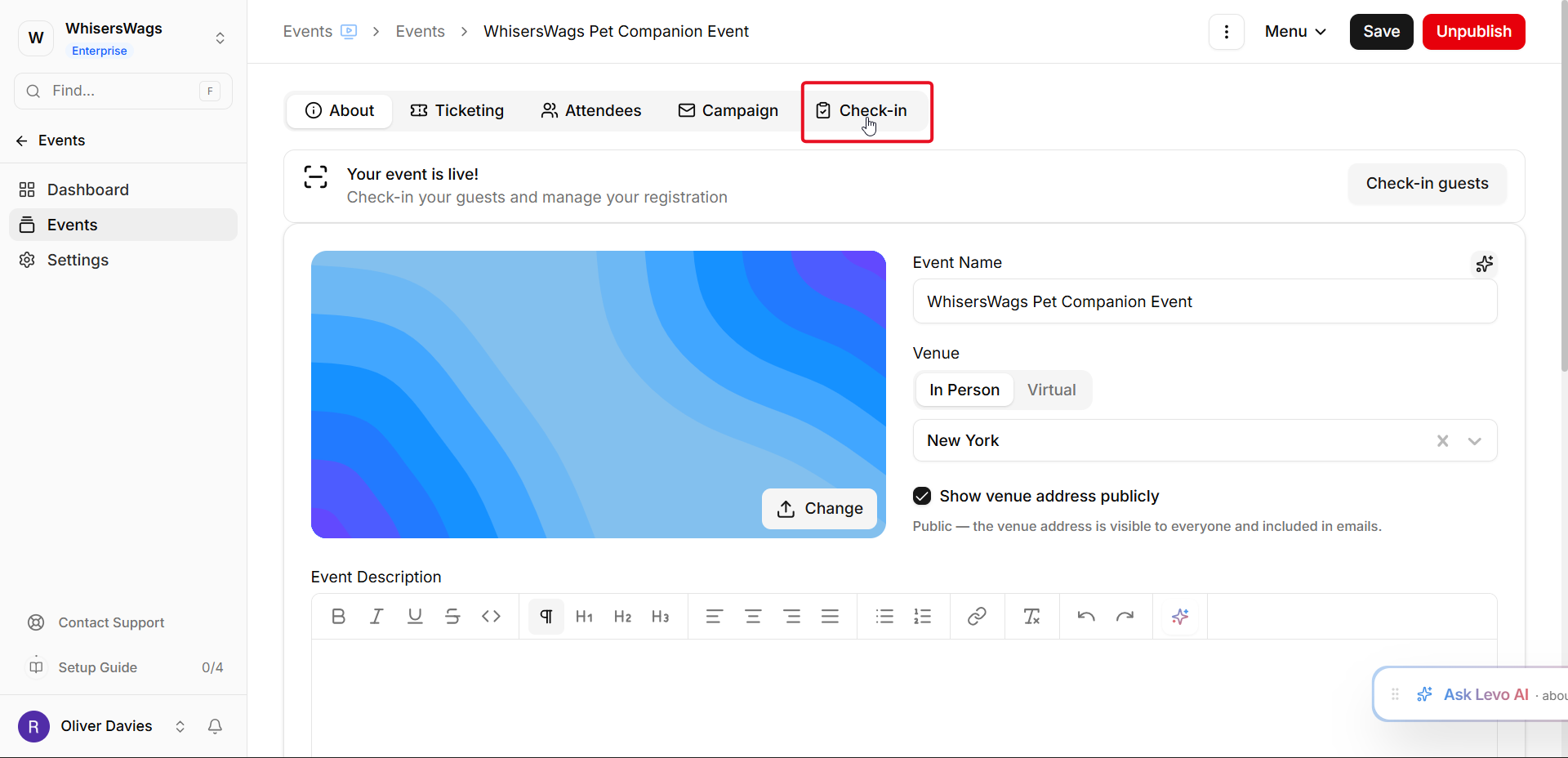
Select "Check-In" from the event toolbar. The system optimizes the full-screen layout for mobile and tablet use. A shareable URL allows staff to access check-in functionality while restricting access to dashboards, financial data, and other events.
QR Code Scanning Process
Point the camera at the QR code displayed on a phone or confirmation email. Upon successful scan:
The booking appears instantly
All associated attendees display with selection checkboxes
Select present attendees
Click "Check In" to confirm the action
Scanned Booking Information
The system displays attendee names, email addresses, ticket types, prior check-in status, and timestamps.
Manual Lookup
When QR codes are unavailable, enter the booking ID from confirmation emails into the search field.
Camera Permission Issues
If the browser blocks camera access, a message appears. Manual booking lookup remains functional. Users must enable camera permissions in browser settings.
Offerings Integration
Events with offerings can track check-ins per session or track, displaying individual attendance counts.
Check-In Status Viewing
The attendees tab post-event shows check-in status filterable by attendance. Data exports to CSV format.
Best Practices
Test scanning before the event
Designate dedicated devices for high-attendance events
Maintain backup attendee lists
Multiple staff members can simultaneously access check-in screens with synced data