
Visual Effects — Borders, Shadows & Opacity
Table of Contents
Effects
The Effects menu helps you add depth and definition to your page. This is where you use borders, drop shadows, and transparency to make your items look incredibly polished!
Opacity (Transparency)
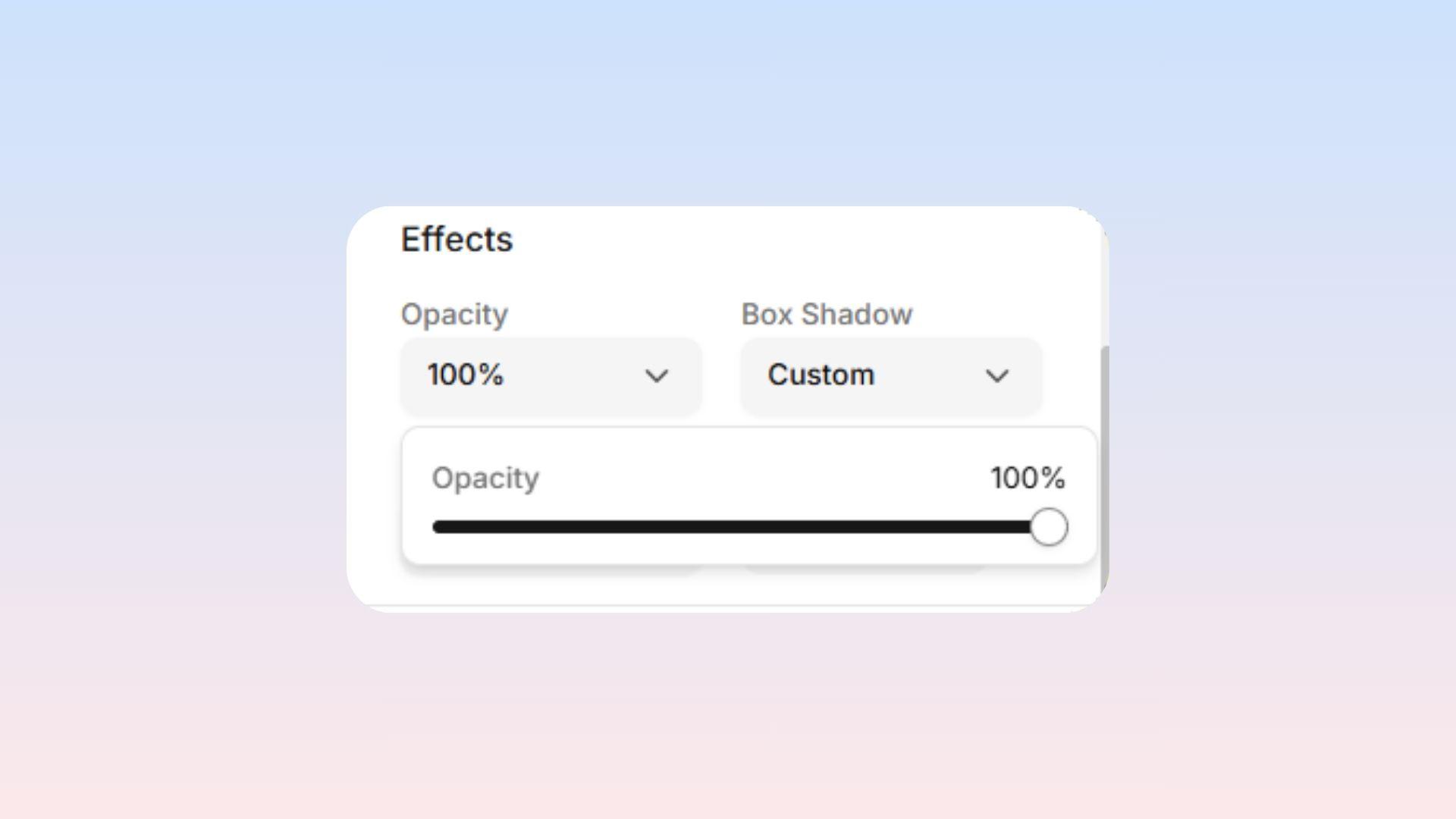
This slider goes from 0% (completely invisible) to 100% (fully visible and solid). It controls how see-through an item is!
Great for:
Creating subtle watermark effects.
Fading out background pictures so they aren't distracting.
Making buttons appear "disabled" or greyed out.
Important Note: Using this Opacity slider fades the ENTIRE item, including any text inside of it! If you ONLY want a see-through background color (but want to keep the text dark and readable), you should adjust the color settings inside the Background menu instead.
Shadow
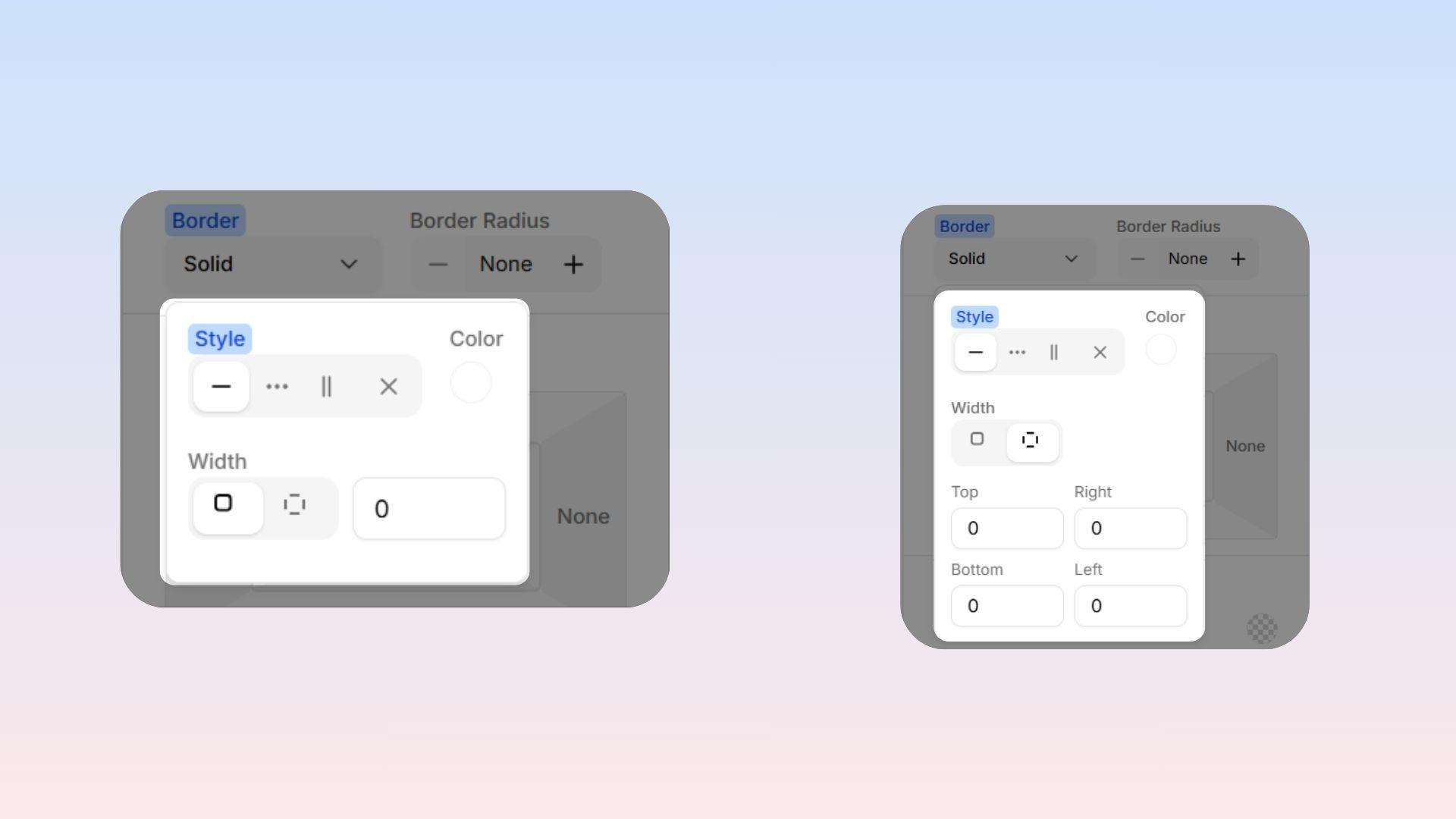
Shadows make your items look like they are floating slightly off the page, giving an awesome 3D effect.
Quick Options: Choose from easy pre-made shadows like: Subtle, Small, Medium, Large, or Lifted.
Custom Controls: Want to build your own shadow? You have total control:
X & Y Offset: Move the shadow left, right, up, or down.
Blur: Make the shadow look sharp and hard, or soft and fuzzy.
Spread: Change how big the shadow area is.
Color & Opacity: Change the shadow's color and make it more see-through.
 Pro Tip: If you add a shadow to Text, the shadow will automatically apply perfectly behind the letters themselves, instead of making a big shadow behind the entire box!
Border
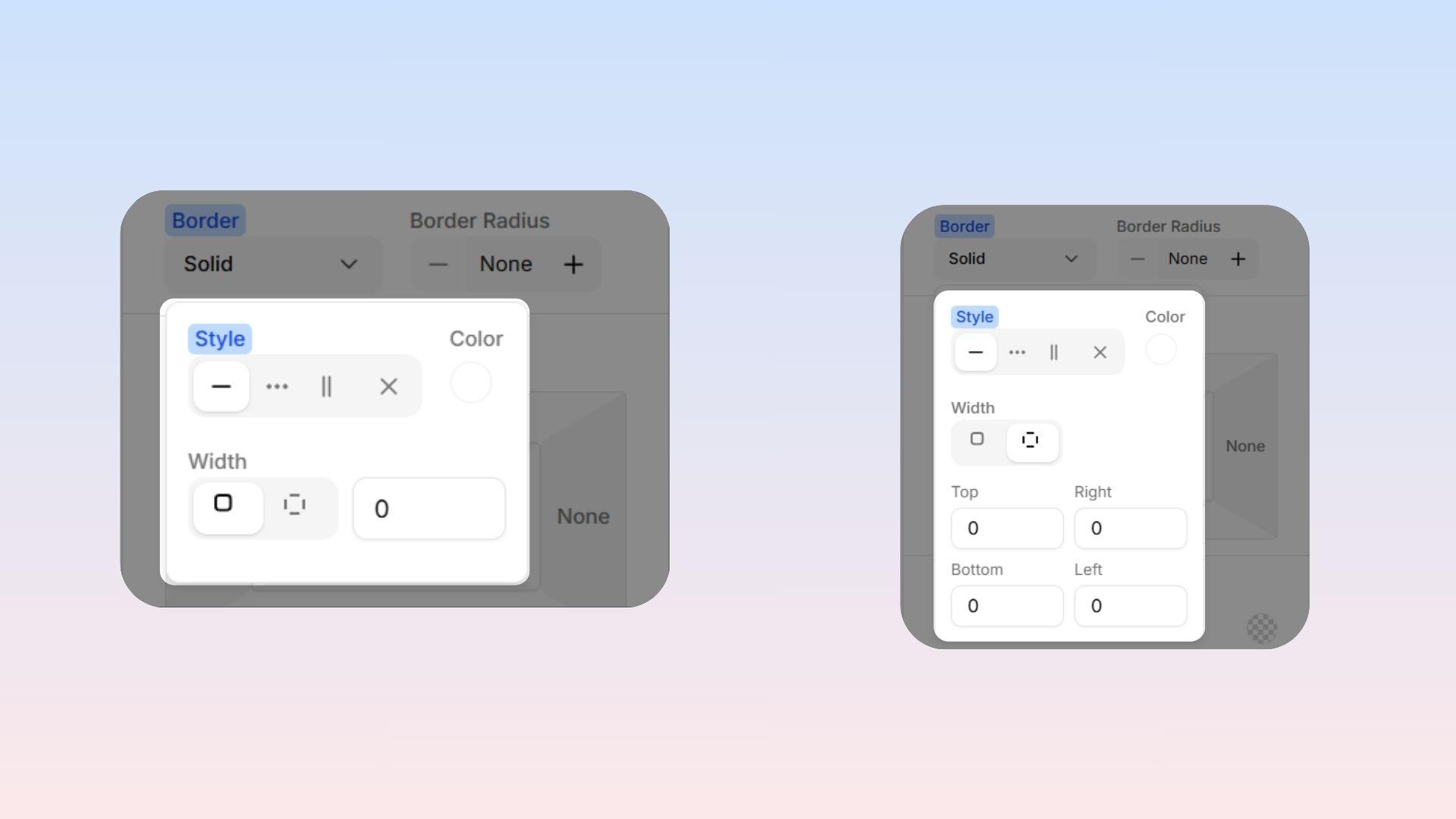
Adds a visible outline around your item! You can customize three things:
Style: Choose the look of your line: Solid, Dashed, Dotted, Double, or None (no border at all).
Color: Pick any color for your border line using the color picker.
Width: Set exactly how thick the line should be (in pixels). You can make all four sides the exact same thickness, or adjust the top, bottom, left, and right sides individually.
Border Radius (Rounded Corners)
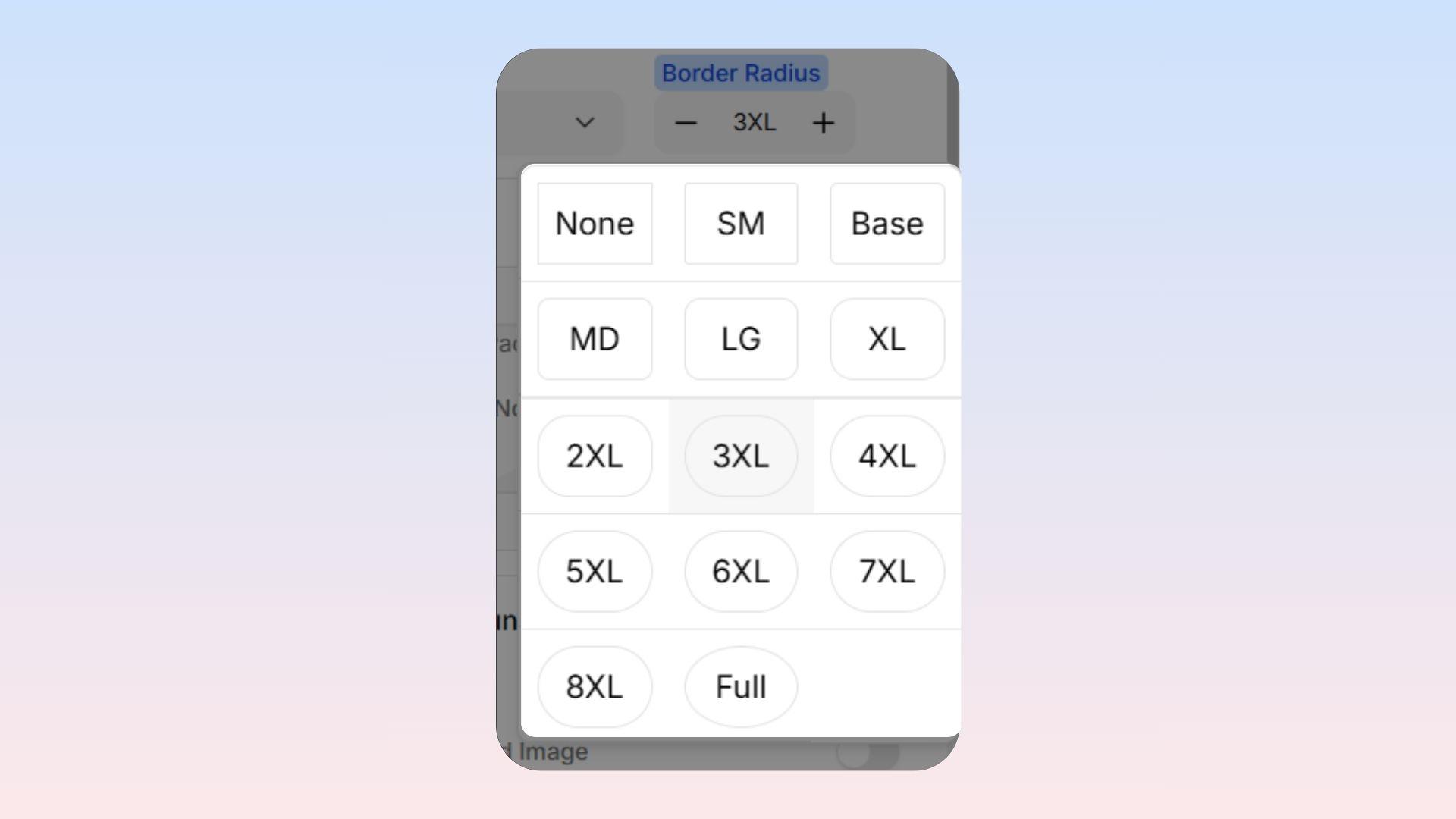
This smooths out sharp corners to make things look friendly and modern! You can set it to anything ranging from perfectly sharp squares, all the way to complete circles.
Slight Rounding (4-8px): Perfect for making buttons and forms look soft and clickable.
Medium Rounding (12-16px): Great for larger backgrounds and "card" style boxes.
Maximum Rounding: Turn this all the way up to make perfect circle profile photos and badges!
Note: The default roundness for your whole website is controlled in your main Theme settings. Changing the Border Radius here will only affect this one specific item!