
Domain Settings Overview
Table of Contents
What is a Domain in Levo?
A domain is the web address people use to visit your site (e.g., yourbrand.com).
In Levo, you can use:
A free subdomain (e.g., yourbrand.levo.so)
One or more custom domains (e.g., www.yourbrand.com)
Domain Setup Guide
Connect and verify a custom domain (e.g., yourwebsite.com) so your Levo site looks professional and is fully integrated with your brand.
Steps to connect a custom domain:
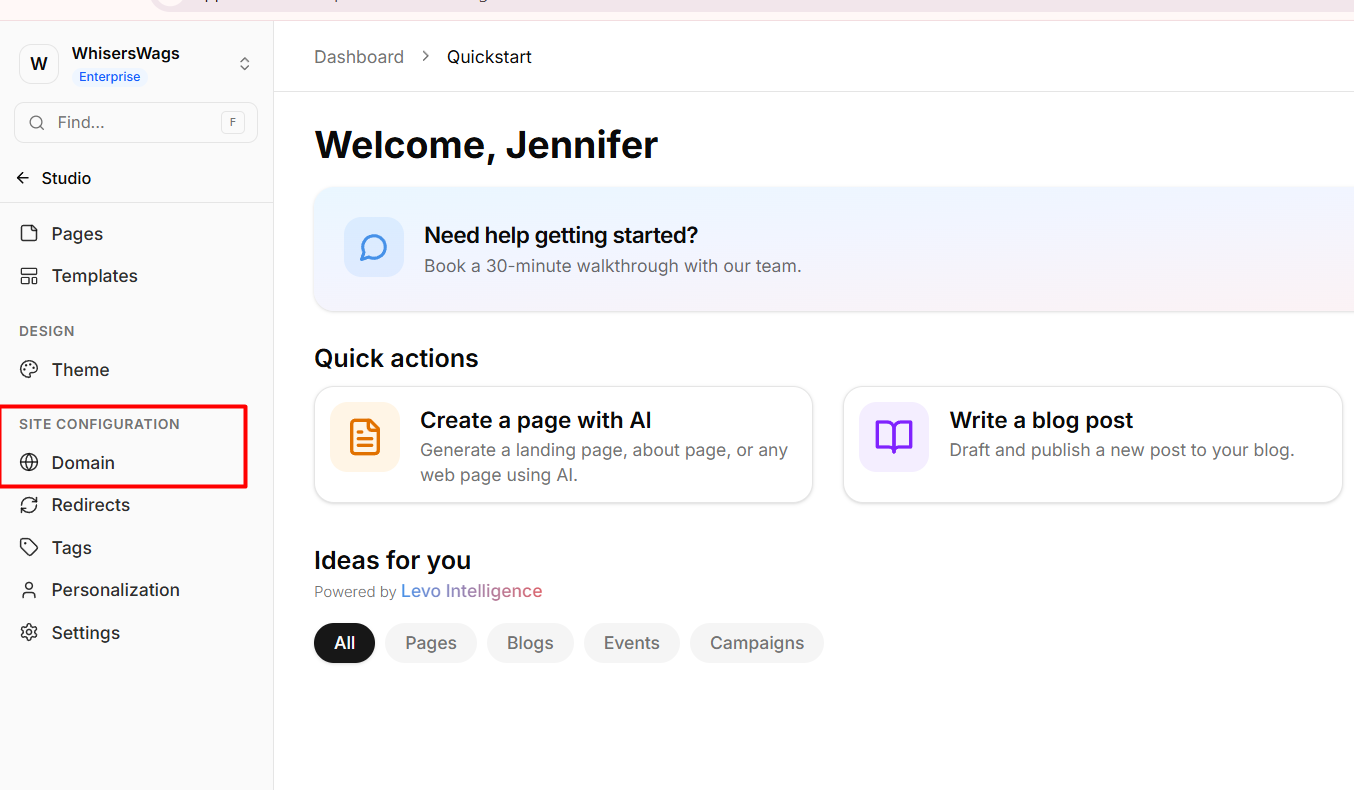
Navigate to the Domain tab in the Studio sidebar.
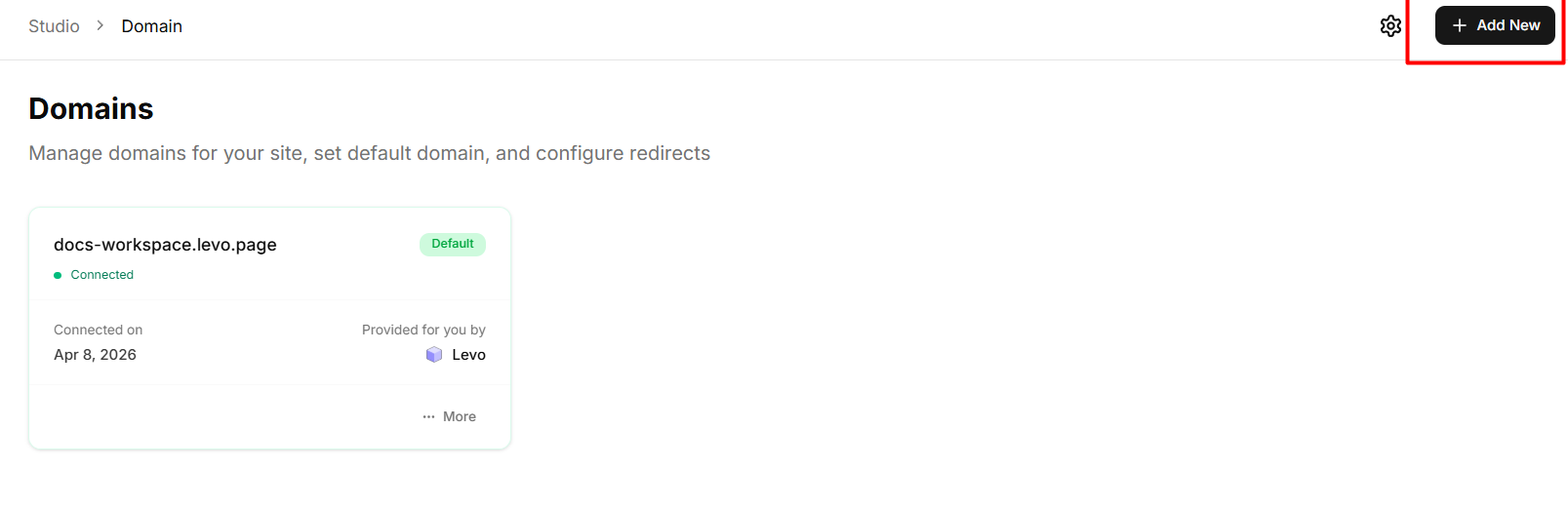
Click the Add New button.
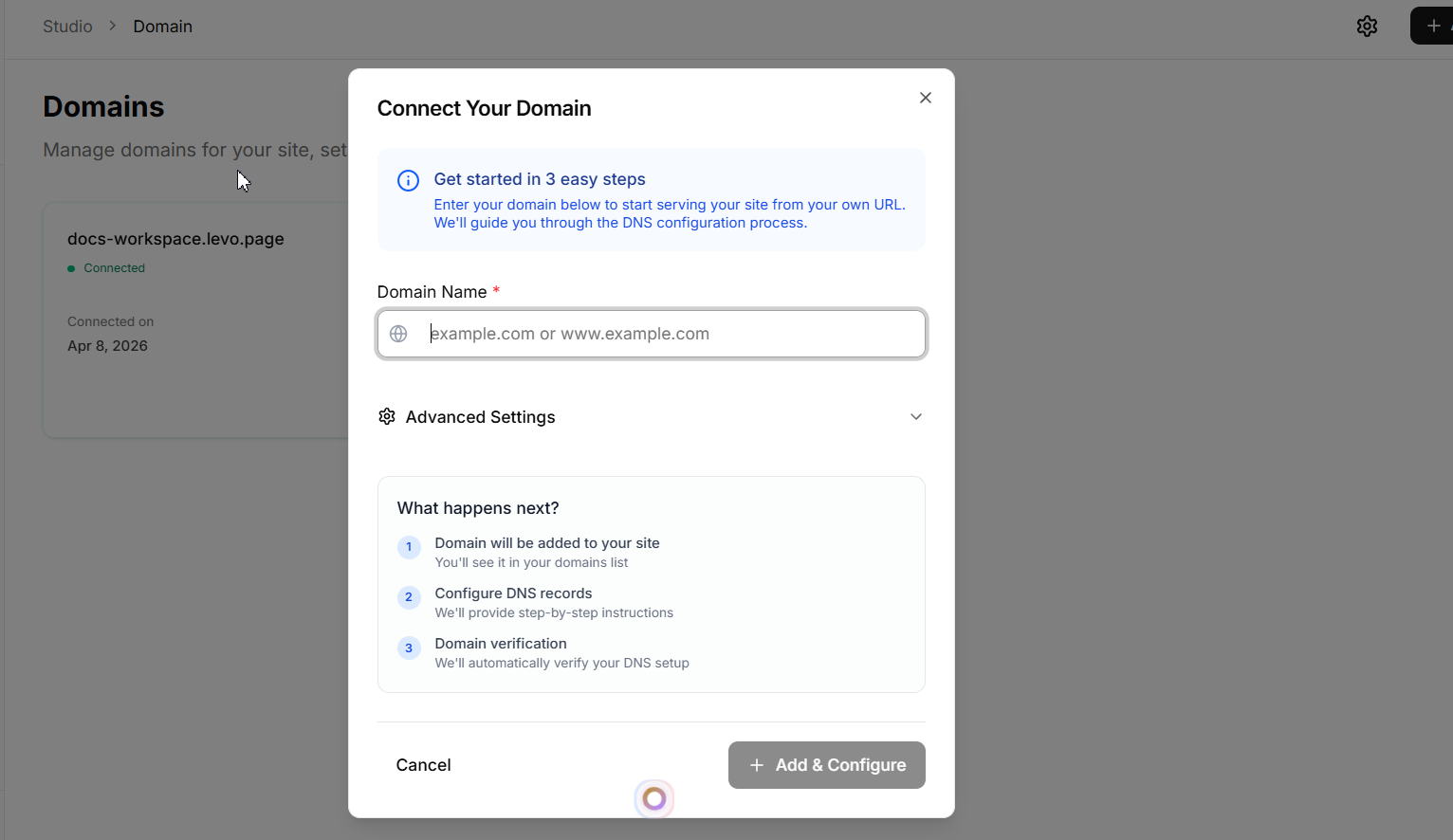
Enter your desired custom domain in the modal.
After adding the name click on add and configure button.
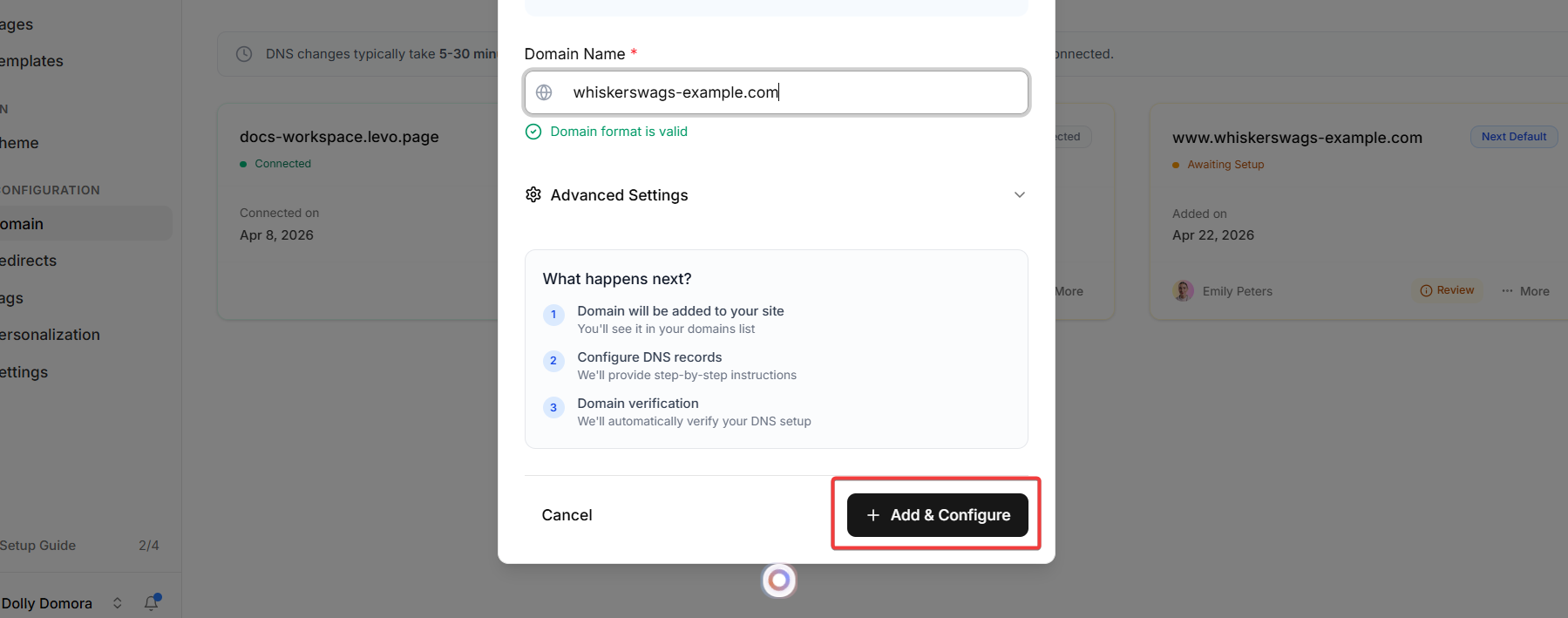
And it will open the DNS records page for you. Levo will provide you with specific DNS Records (such as an A Record or CNAME). Add these records directly into your domain registrar's DNS settings (e.g., GoDaddy, Cloudflare, Route53).
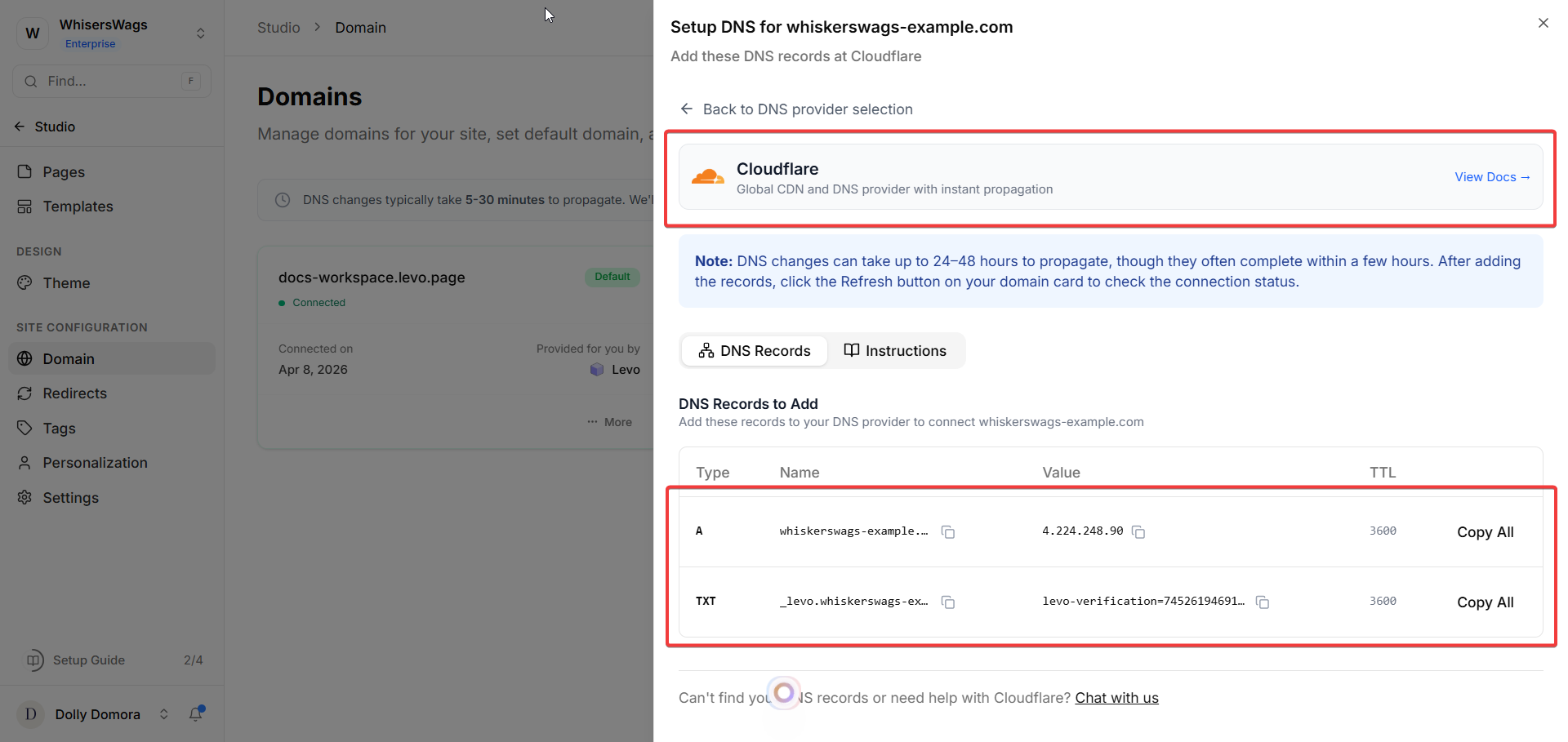
Wait for the DNS changes to propagate (this usually takes 5–30 minutes).
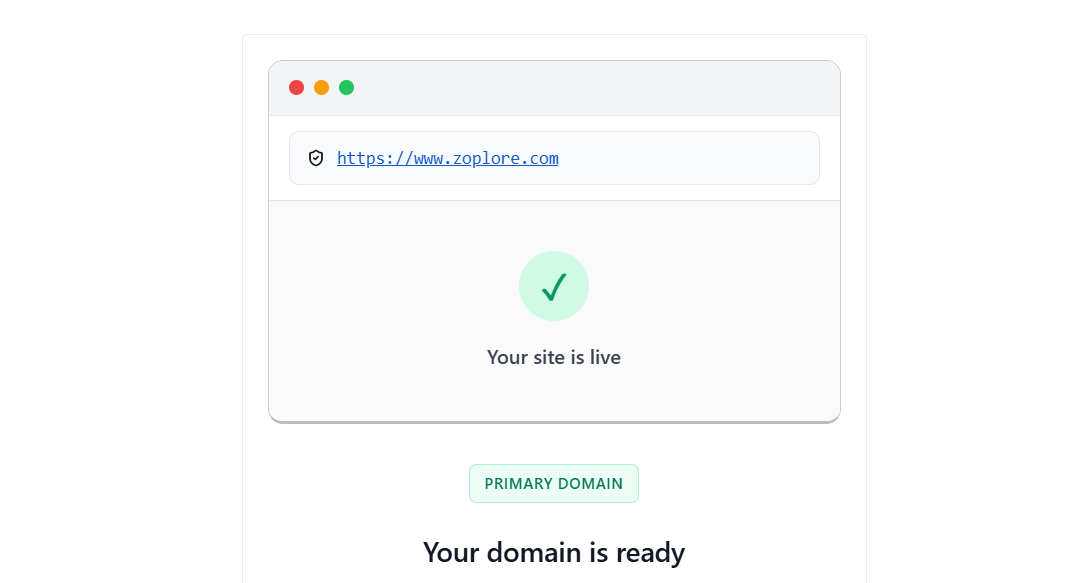
After that, you’ll receive an email confirmation that your domain is live.
URL Redirections
URL redirects allow you to forward traffic from an old or broken link to an active page. This is critical for maintaining an excellent user experience, preserving SEO rankings, and maintaining link integrity during site redesigns.
Steps to create a new redirect:
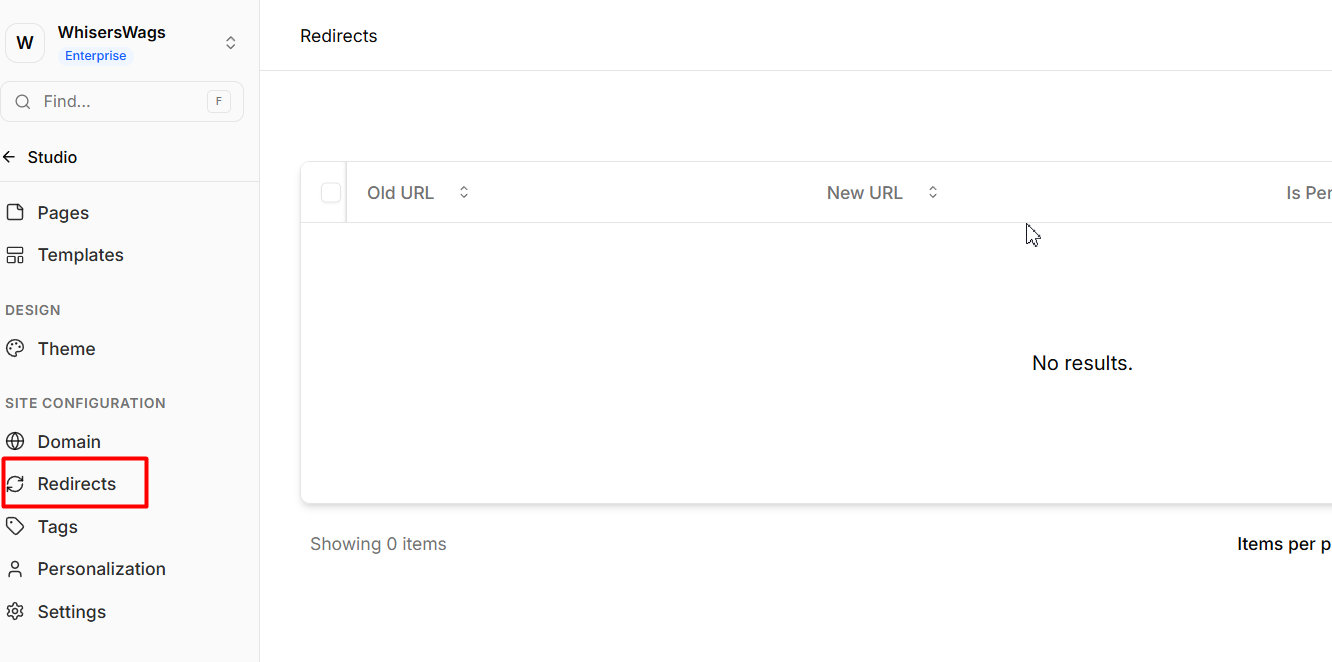
Navigate to the Redirects tab in the Studio sidebar.
Click the button to Add URL.
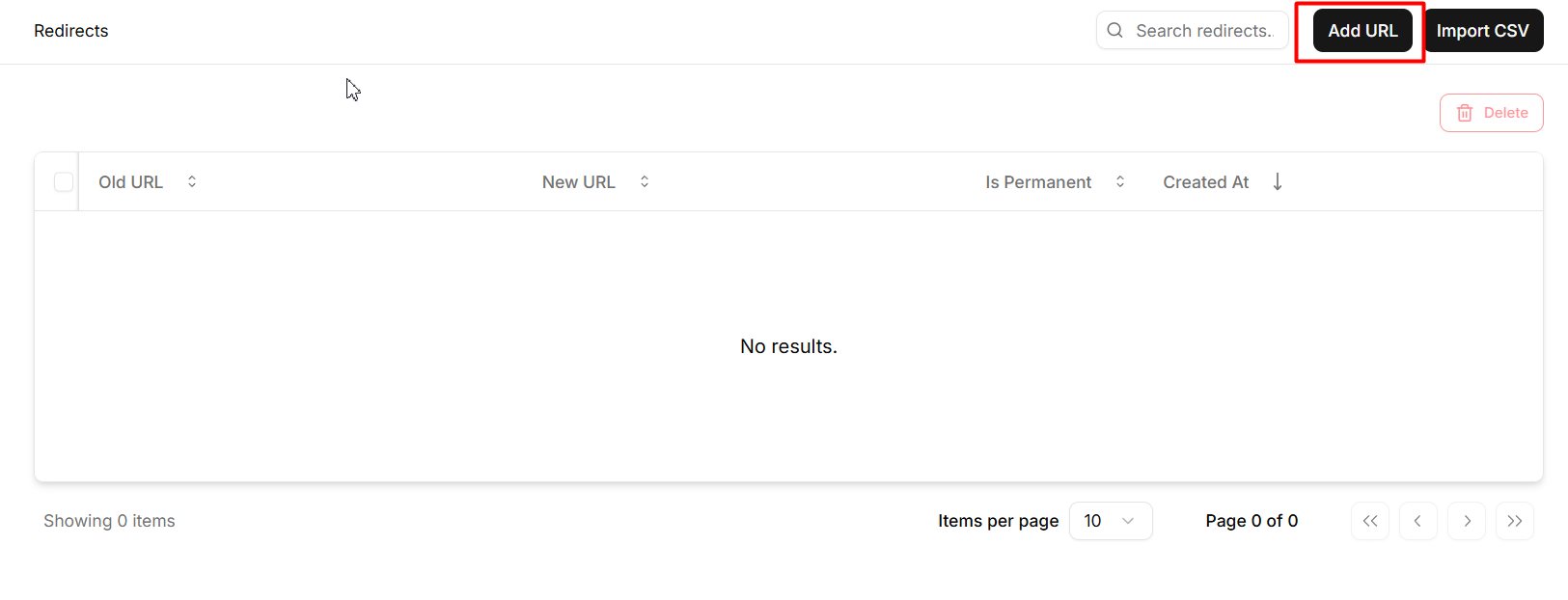
Under Source Path, enter the old URL that users might visit (e.g.,
/about-us).
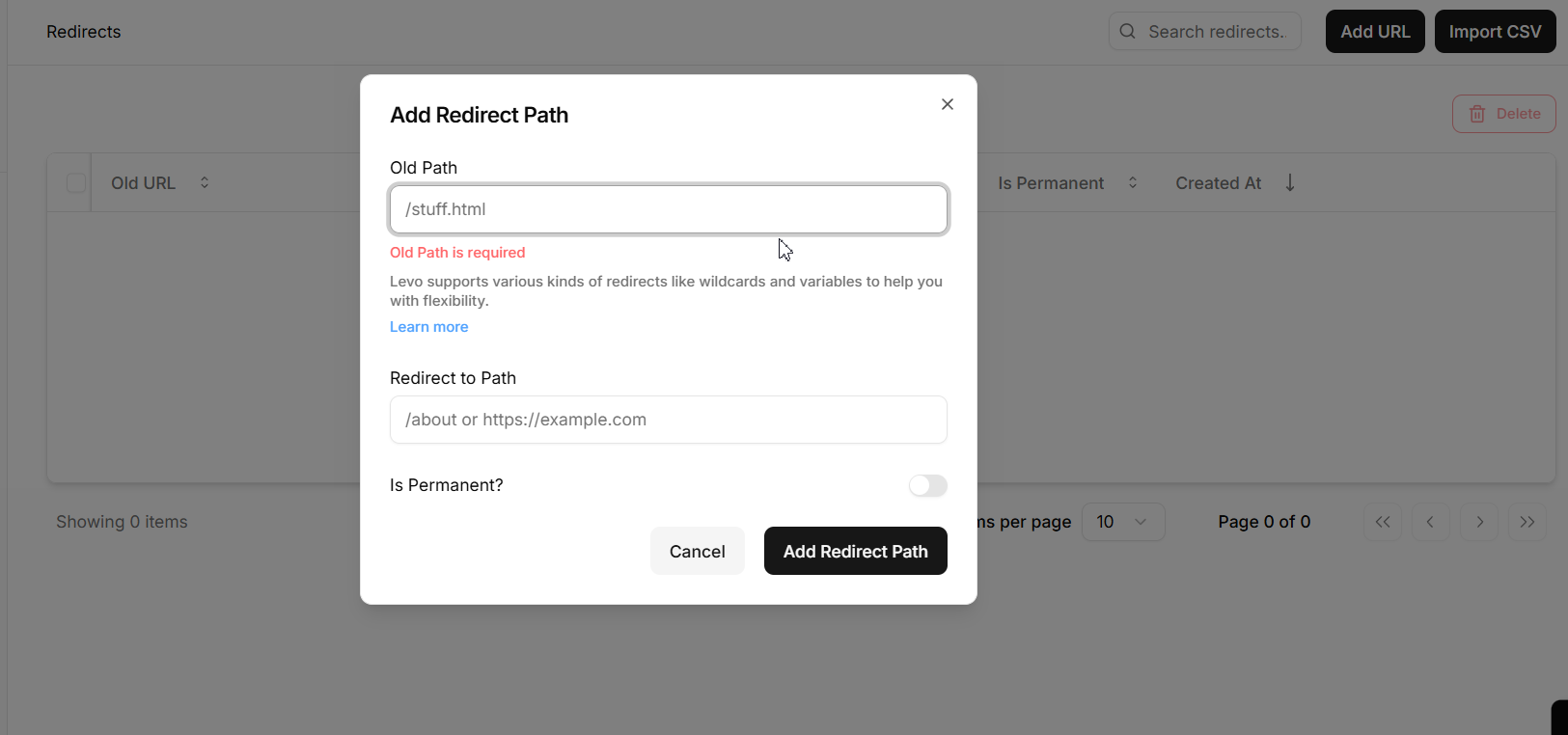
Under Redirect Path, enter the new URL where you want the traffic to end up (e.g.,
/company).
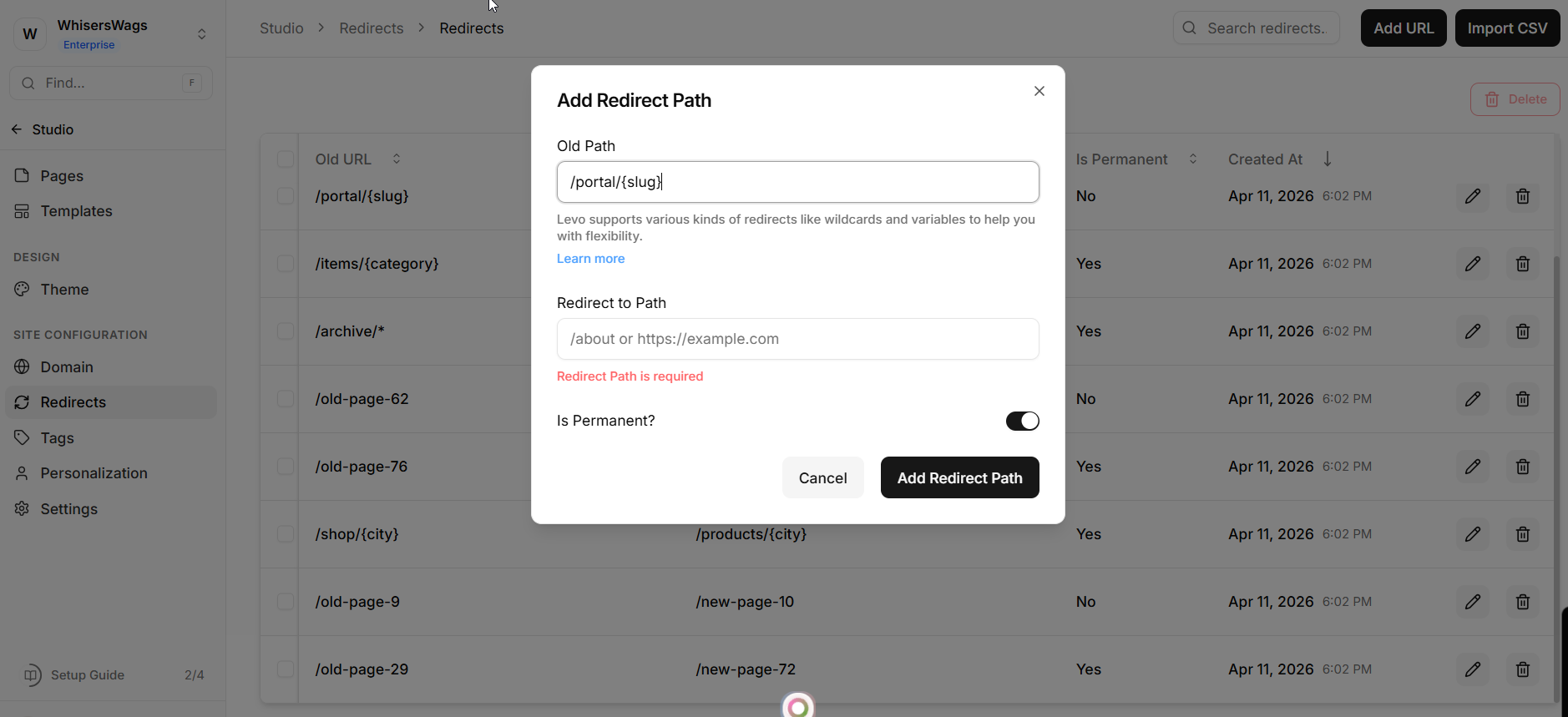
Choose the correct status routing (301 for Permanent, 302 for Temporary).
Click Save. Traffic will now be instantly routed to the new destination.