
Your Workspace Dashboard
Table of Contents
Dashboard
The Dashboard functions as your workspace entry point, designed to prioritize immediate actions, AI-driven content suggestions, and frequent module shortcuts.
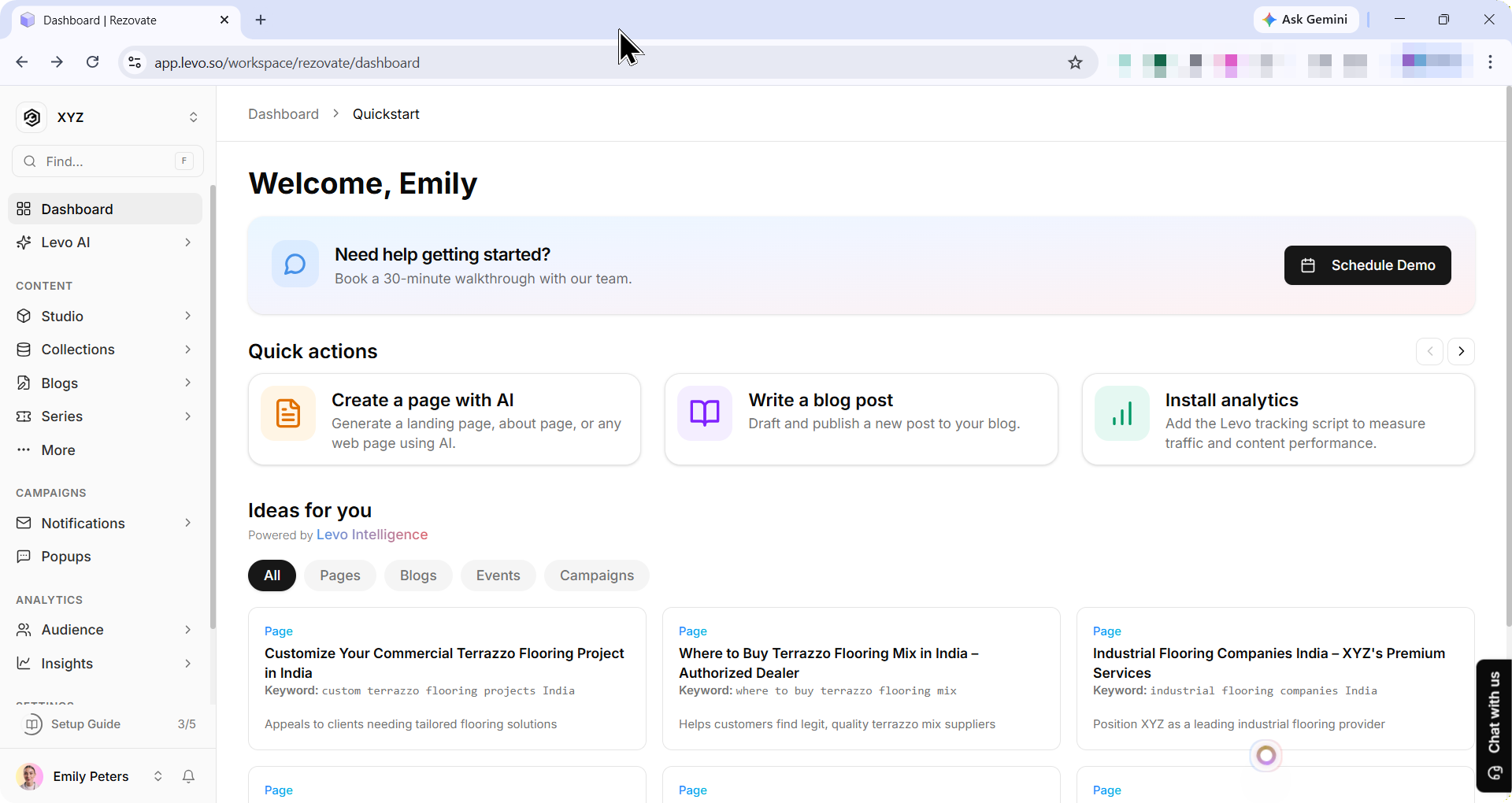
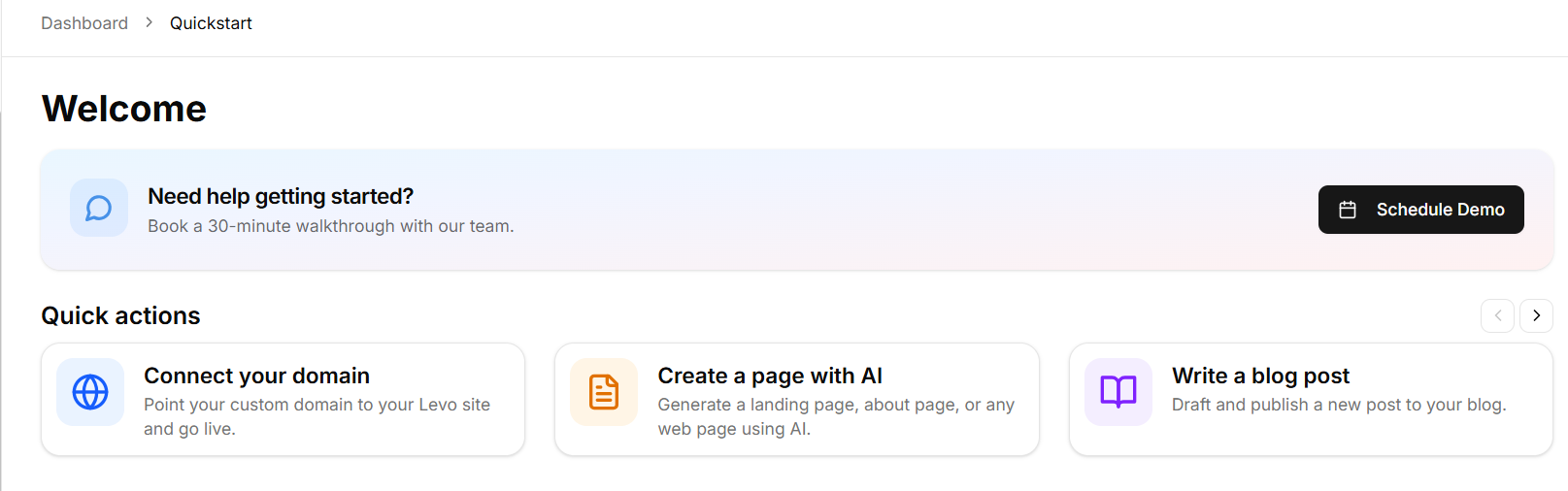
Quick Actions
This area presents six action cards organized by common workflows:
Create pages for my website — opens Studio Pages
Write a blog post — opens Blog New Post
Add insights to my current website — opens Insights setup
Add events to my website — opens Events module
See how my content is performing — opens Insights Overview
Send an email campaign — opens Campaigns module
A persistent help link directs users to the Levo Academy for guides and tutorials.
AI Content Suggestions
This continuously refreshed feed generates business-specific content ideas across pages, blog posts, events, and campaigns. Each suggestion displays a module badge, title, keyword, and reasoning.
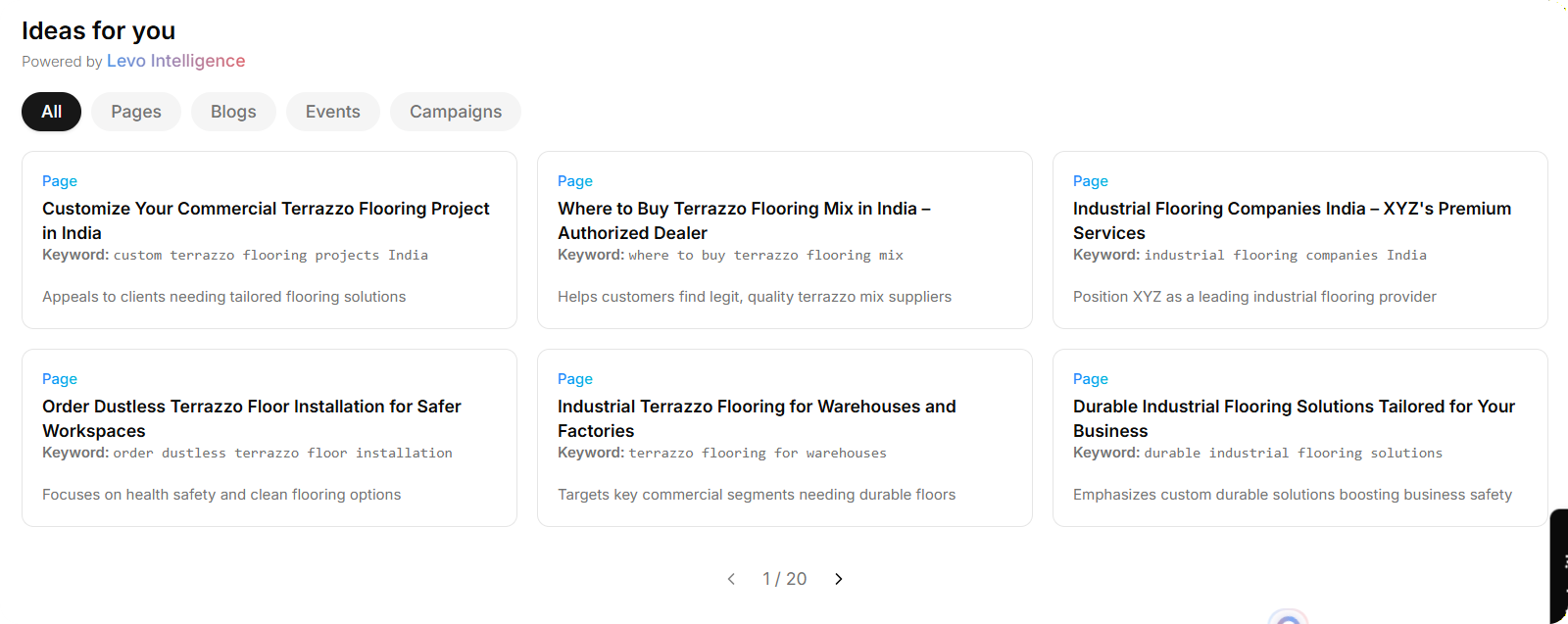
Users can filter by module type (All, Pages, Blogs, Events, Campaigns) and click cards to pre-populate the relevant module with the suggestion.