
Creating Custom Style Variants
Table of Contents
Every single component in Levo Studio lets you build custom Variants! If the built-in styles (like the standard Button sizes or Text options) don't perfectly fit what you need, you can easily build your own from scratch.
How to Create a Custom Variant
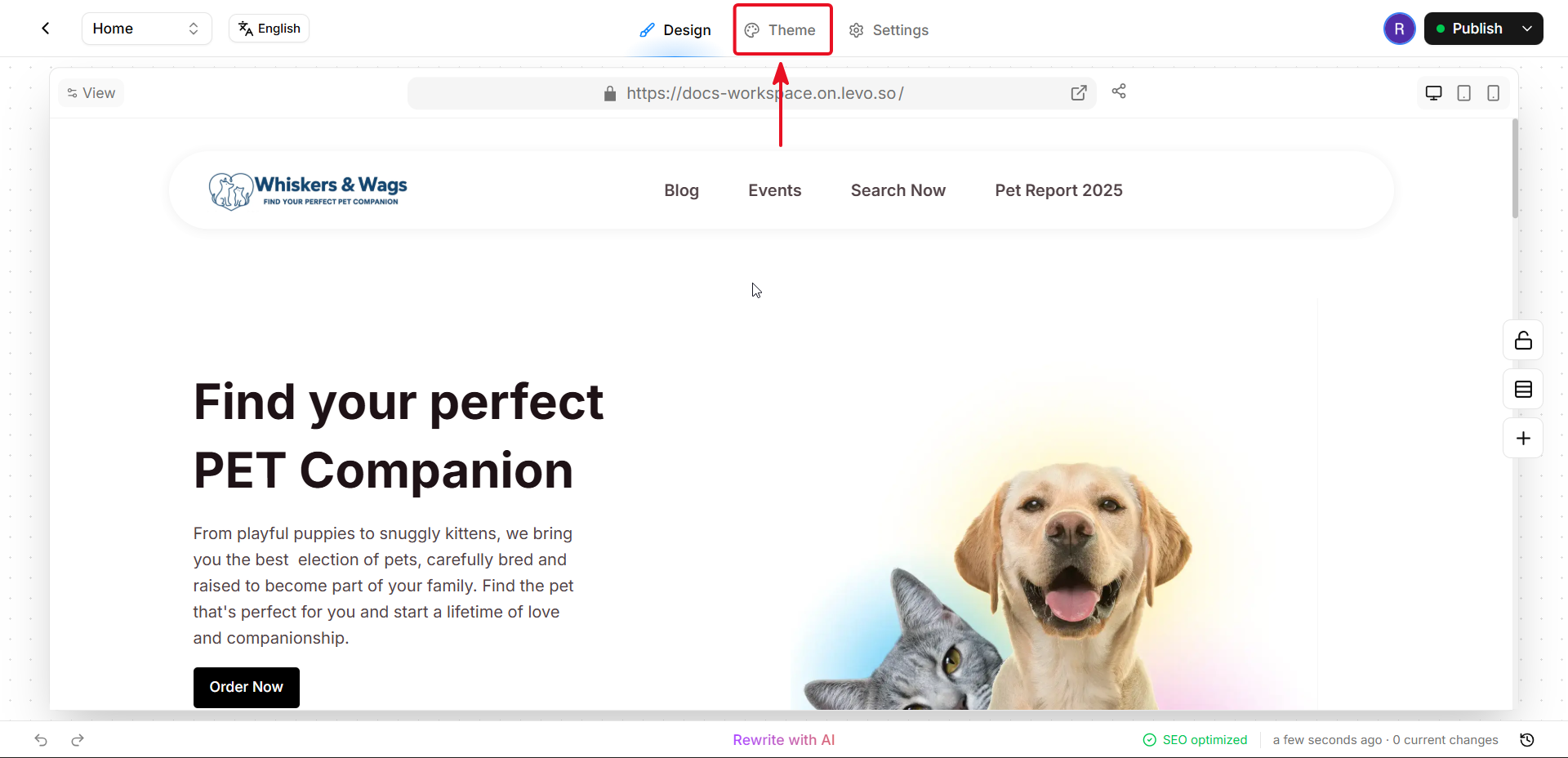
Open the Theme Editor: Go to the Theme Editor and find the component you want to customize (like a Button, Heading, or Container).
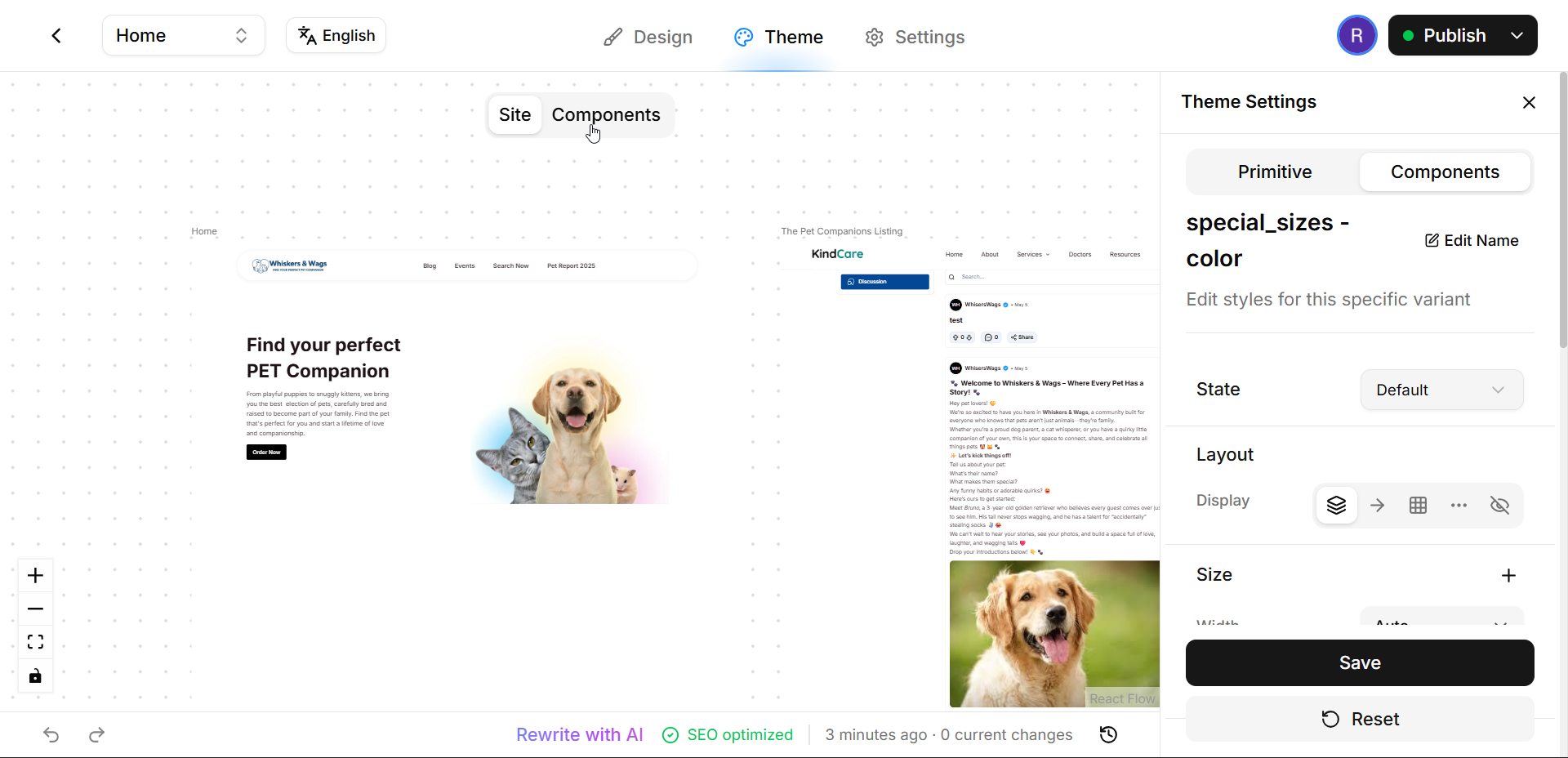
Find or Create a Variant Group:
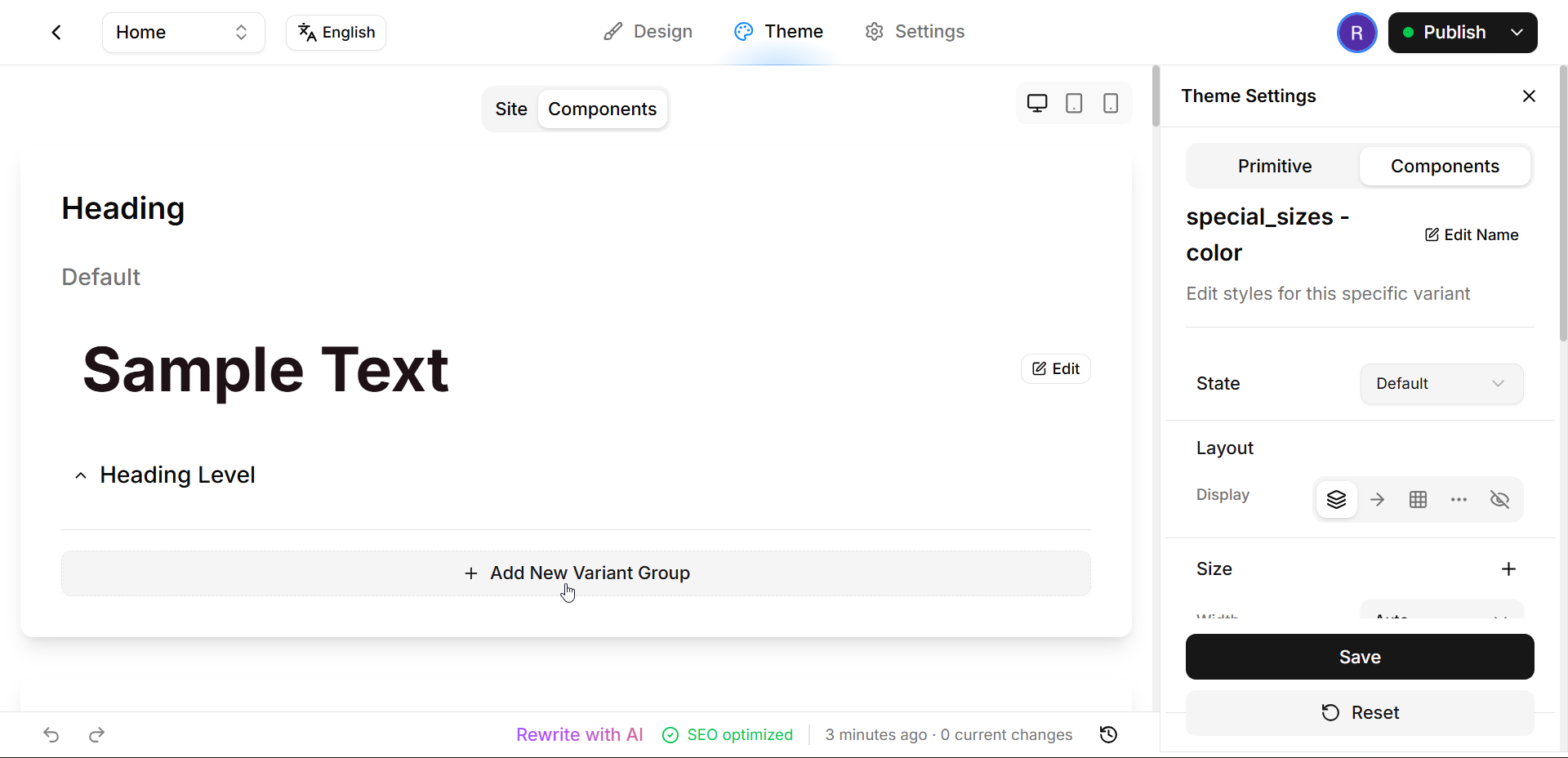
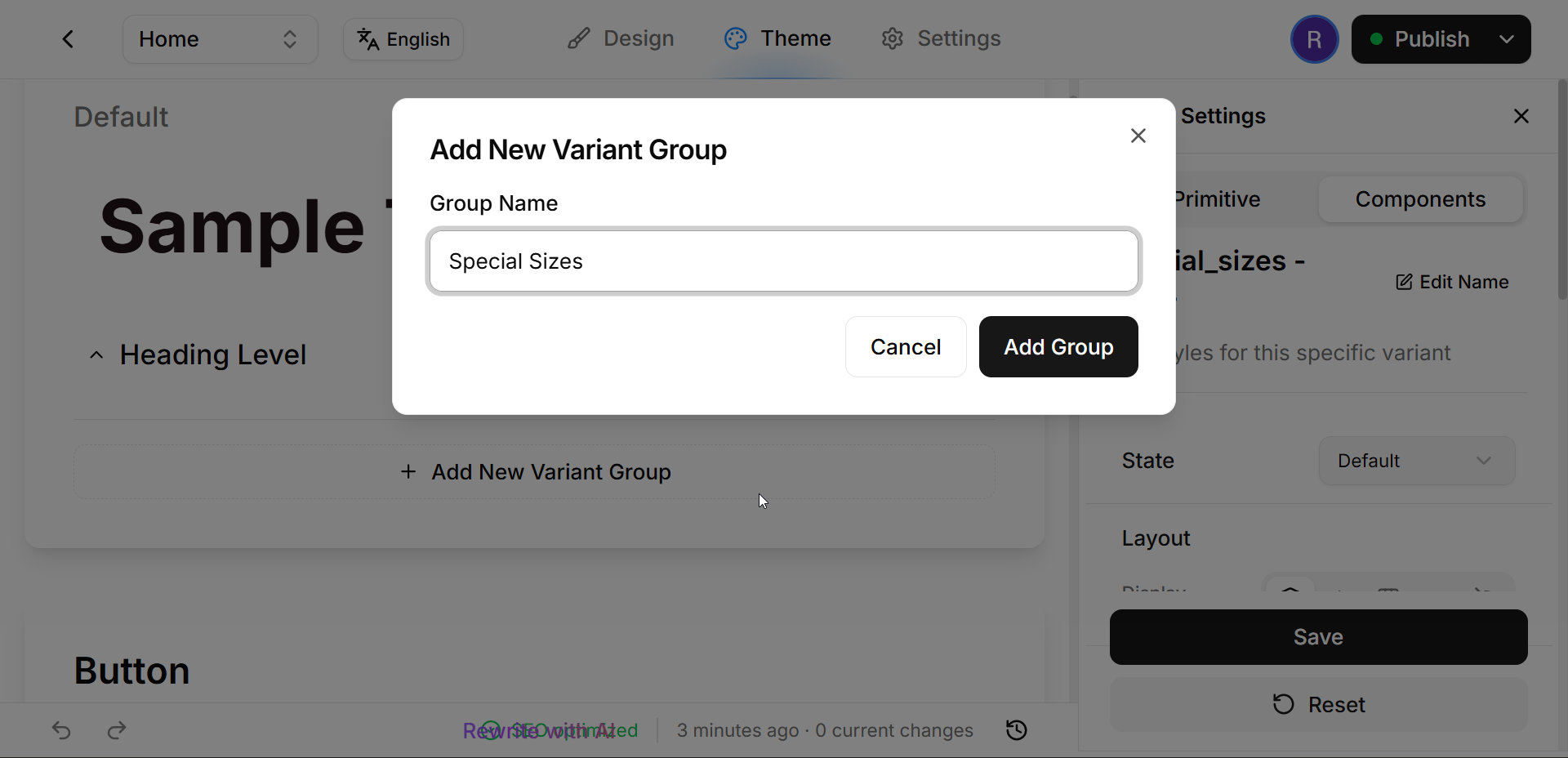
If you want to add a completely new category (like "Special Sizes"), click "Add New Variant Group" and give it a clear name.
If an appropriate group already exists (like "Style" or "Color"), you can just use that one!
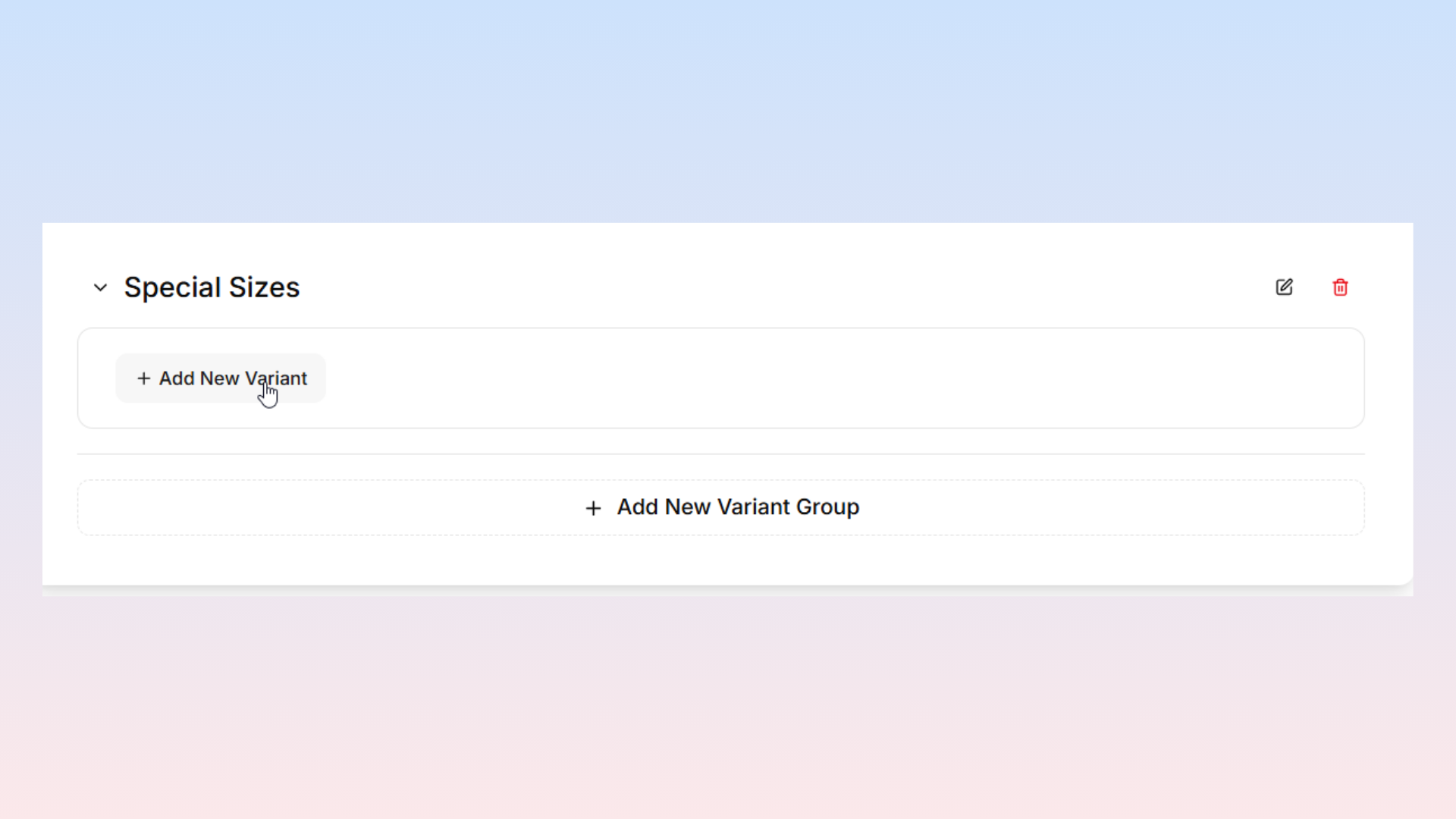
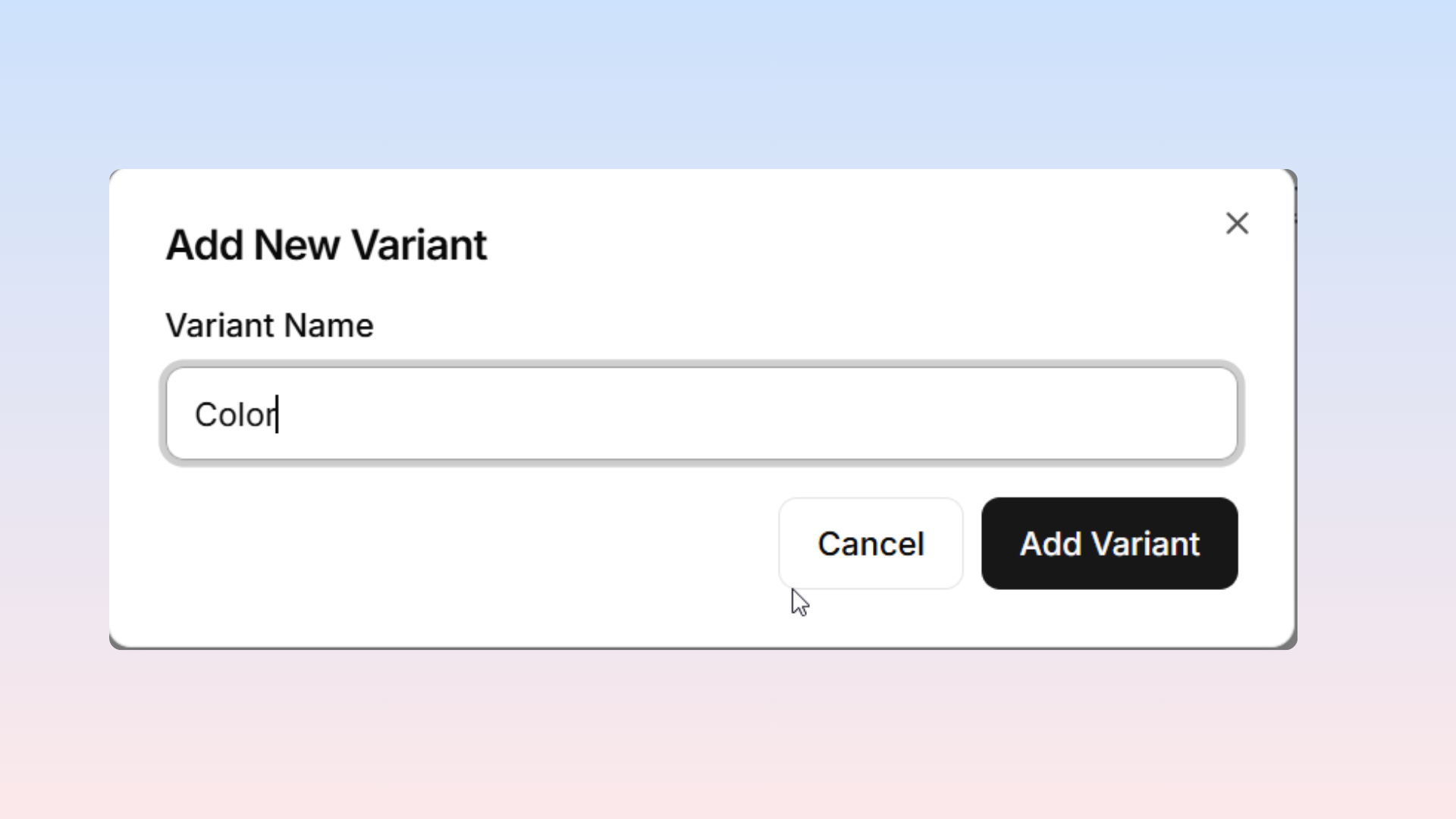
Add Your Variant: Inside your chosen group, click "Add New Variant" to create a new option. Give your variant a name.
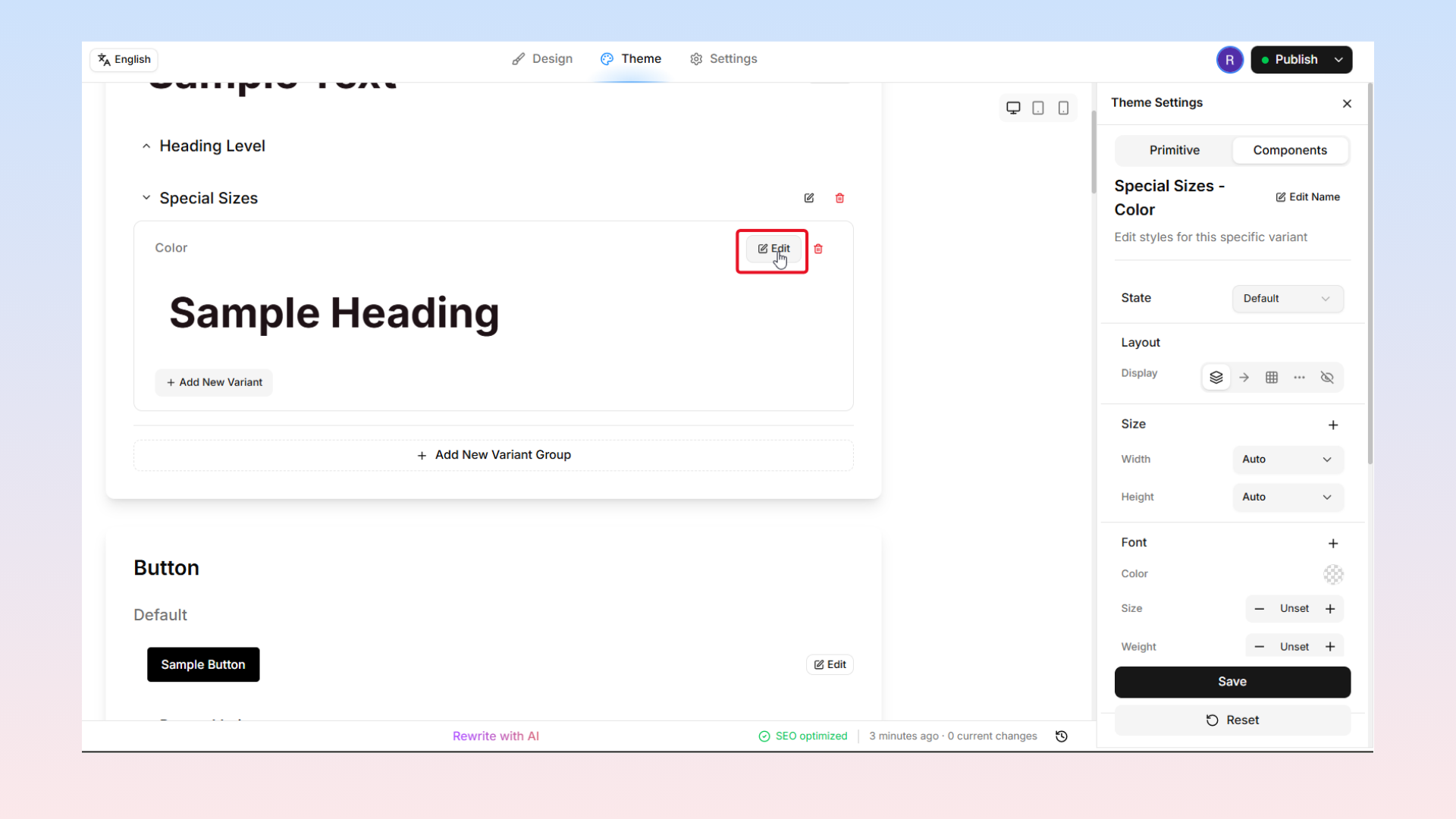
Style Your Variant: Click the "Edit" button next to your new variant. Then, use the style controls to design exactly what it should look like!
And that's it! Once you are done, your shiny new custom variants will instantly become available across your entire website. You can select and use them exactly like the built-in ones.