
Managing Blog Authors
Table of Contents
Authors
Authors are the individuals who create blog posts. Each author receives a dedicated profile page featuring their biography, photograph, and links. Multiple authors can be assigned to individual posts.
Creating an Author
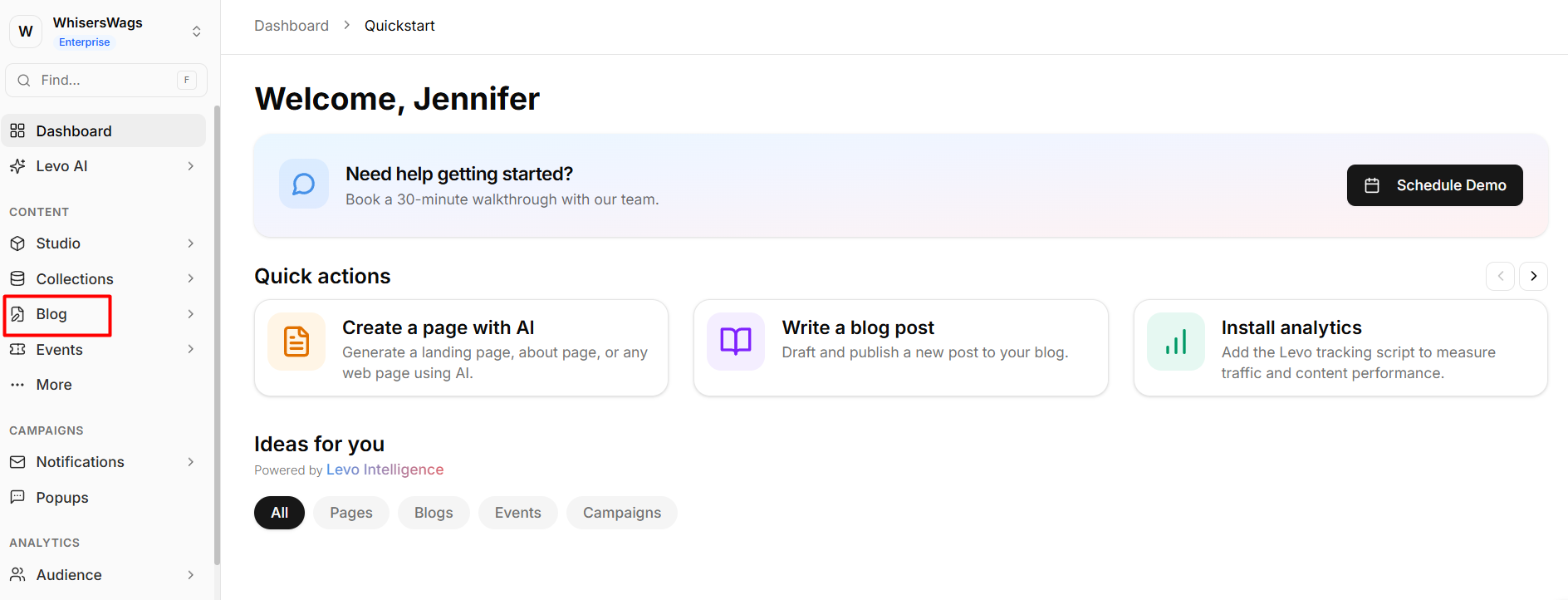
Navigate to the Authors tab. From your Workspace, open Blog in the sidebar, then click Authors. You'll see a table listing all current authors with their Name, Email, and Created At date. Click the Add button in the top-right corner.
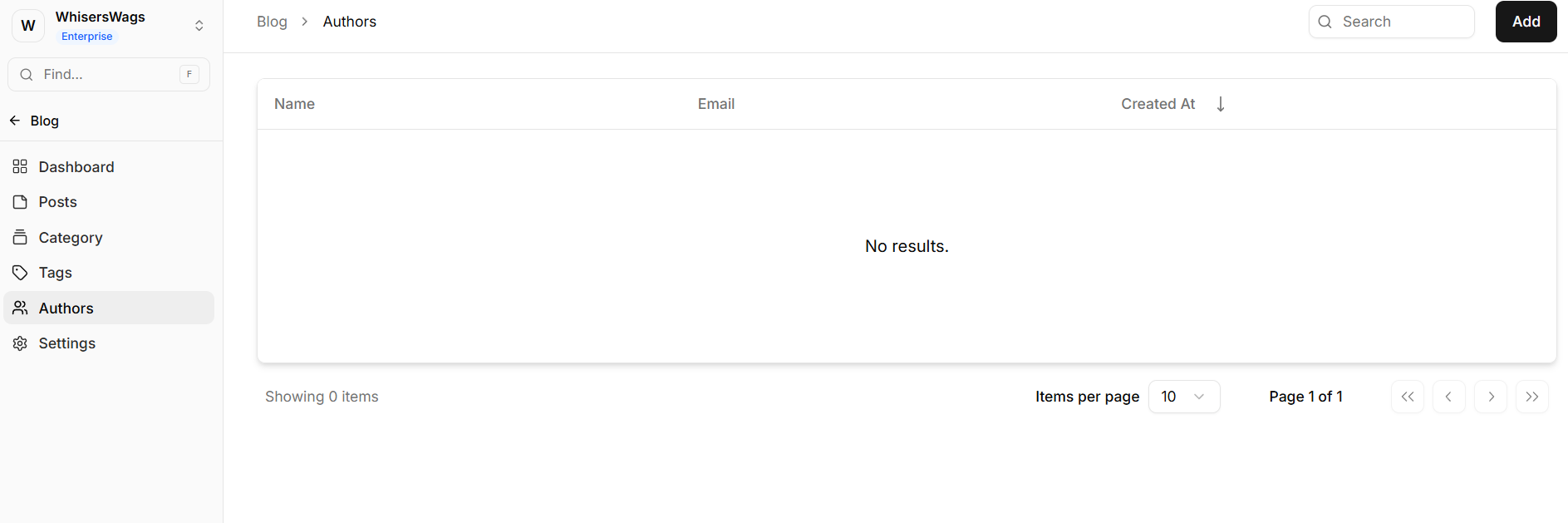
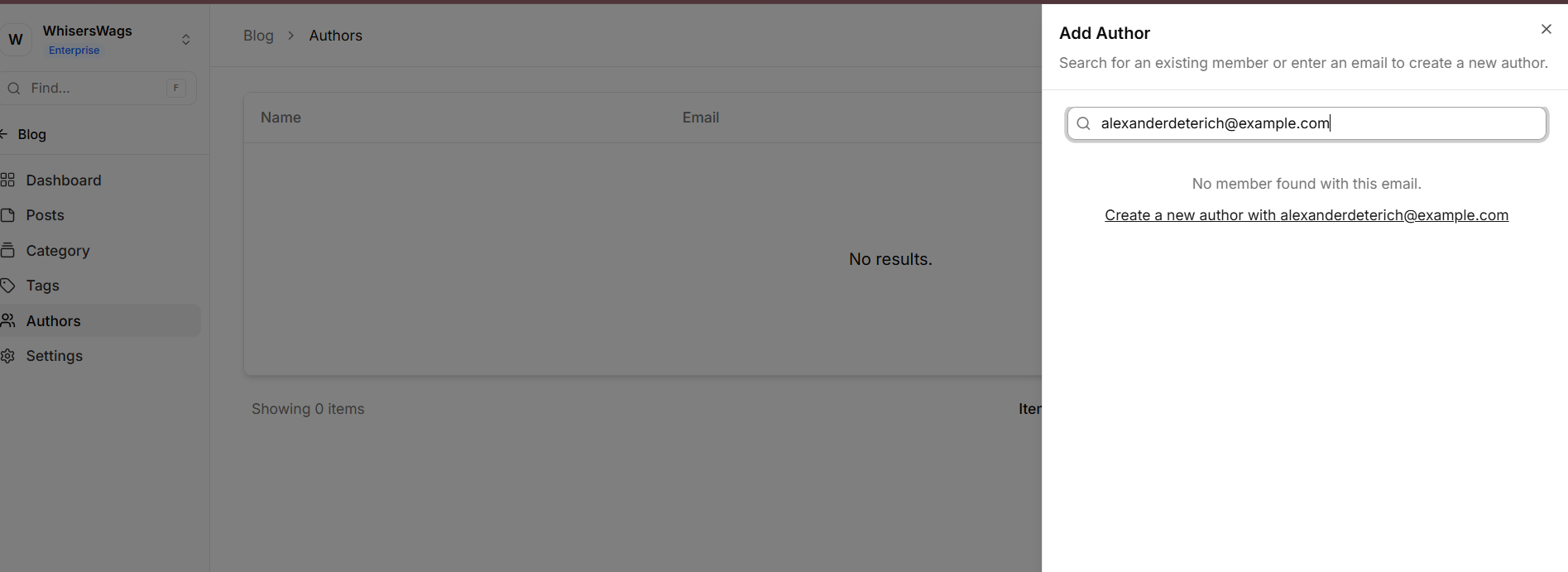
Search for an existing member or enter a new email. The Add Author panel will open. Type a name or email address into the search field.
If a matching workspace member is found, select them from the results list and click Add as Author.
If no member is found with that email, you'll see a "No member found with this email" message along with a "Create a new author with <email>" link. Click it to proceed with creating a new author.
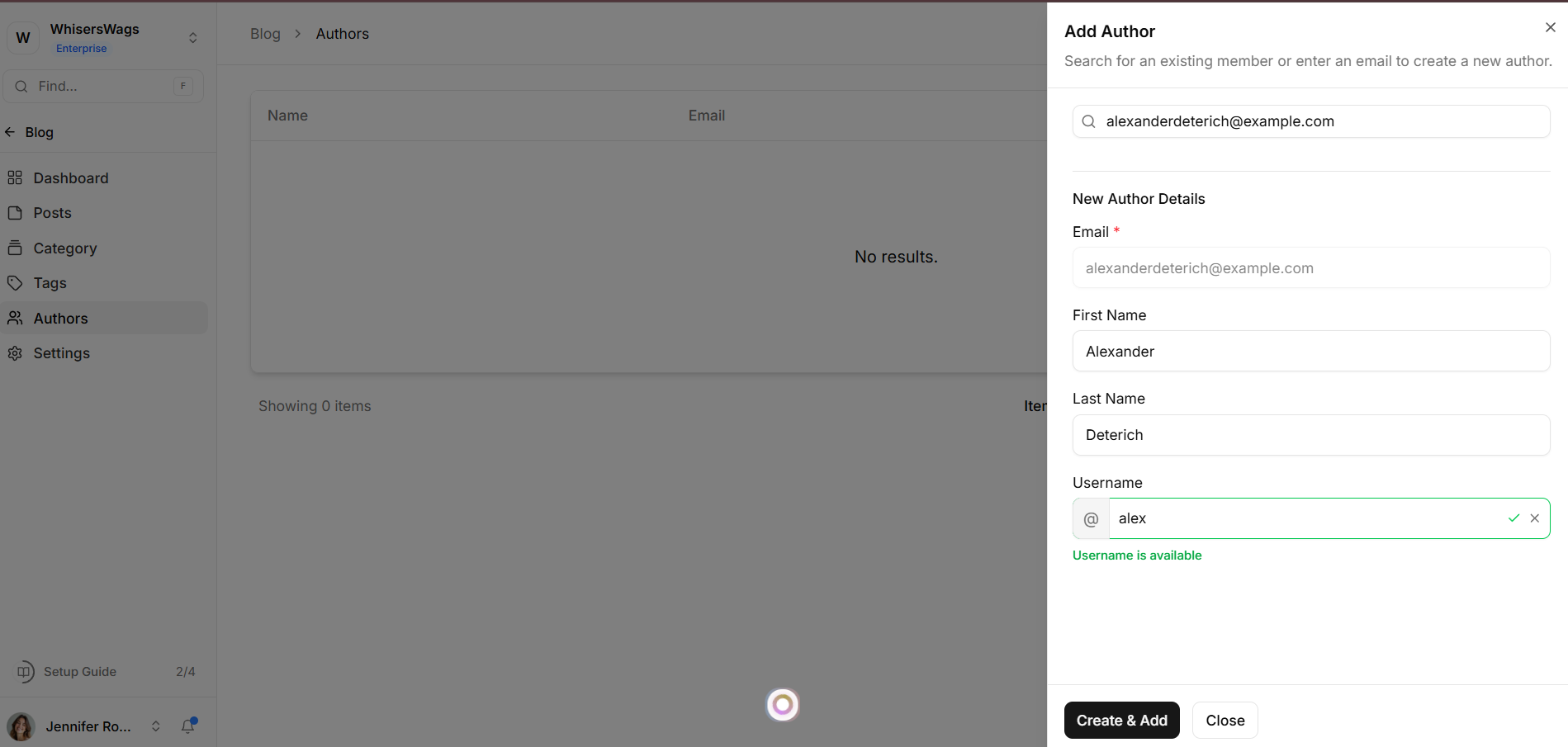
Fill in the new author's details. A New Author Details form appears with the following fields:
Email — Pre-filled from your search (read-only).
First Name — The author's first name.
Last Name — The author's last name.
Username — Choose a unique handle (prefixed with @). Levo checks availability in real time — a green "Username is available" confirmation appears when valid. If the username is taken, alternative suggestions are offered.
Click Create & Add to create the author and add them to your blog, or Close to cancel.
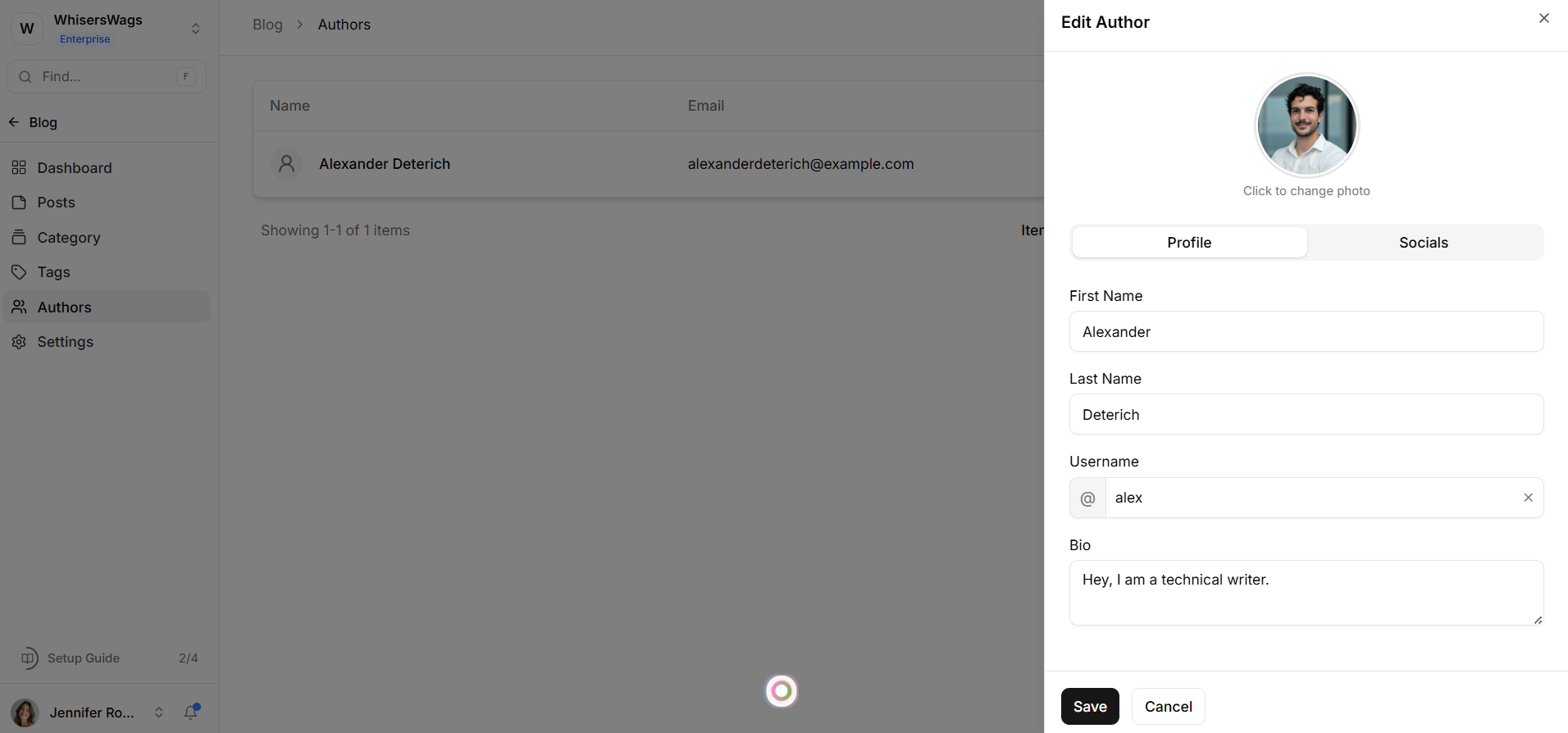
Author Details Fields
First Name and Last Name — The author’s display name.
Slug — Auto-generated from the name, used in profile URLs (e.g.,
/blog/author/jane-doe).Bio — A short biography displayed on the author’s profile page.
Profile Picture — The author’s photograph displayed in post bylines and profile pages.
Website — A link to the author’s personal site, company page, or social profile.
Author SEO Settings
Each author profile page has dedicated SEO configuration:
Meta Title — The
<title>for this author’s profile page.Meta Description — The search snippet for the author page.
OG Title, OG Description, OG Image — Open Graph fields for social media sharing.
Assigning Authors to Posts
When editing a post, select one or more authors from the Authors field in the post settings panel. A post can have multiple authors — all will appear in the byline.
Author Profile Pages in Studio
Each author can have a dedicated site page displaying their bio, profile picture, and complete post list. Create a Studio page connected to the Blog module’s author context using variables like {context.blog_author.account.first_name}, context.blog_author.account.blog}, and {context.blog_author.account.profile_picture.location}.