
Assets
Table of Contents
The Assets section is like a personal storage box for your website. This is where every image, video, and document you’ve uploaded to Levo is stored and organized.
Upload Limits
To keep your website running smoothly, Levo has a few rules for uploads:
Maximum File Size: Each file you upload can be up to 25MB. If a file is larger than this, you should try to compress it before uploading.
Multiple Uploads: You can drag and drop many files at once to save time!
Allowed File Types
You can store a wide variety of files in your library, including:
Category | Allowed Extensions |
|---|---|
Images | .jpg, .jpeg, .png, .svg, .webp, .avif, .gif |
Videos | .mp4, .ogv, .webm |
Audio | .mp3, .ogg, .opus |
Documents | .pdf, .doc, .docx, .txt, .xml |
Data | .xls, .xlsx, .csv, .ods |
Slides | .ppt, .pptx, .odp |
How to Share Your Assets
If you need to send a direct link to a file (like a PDF menu or a logo) to someone else:
Open the Asset: Find the file in your library and click on it.
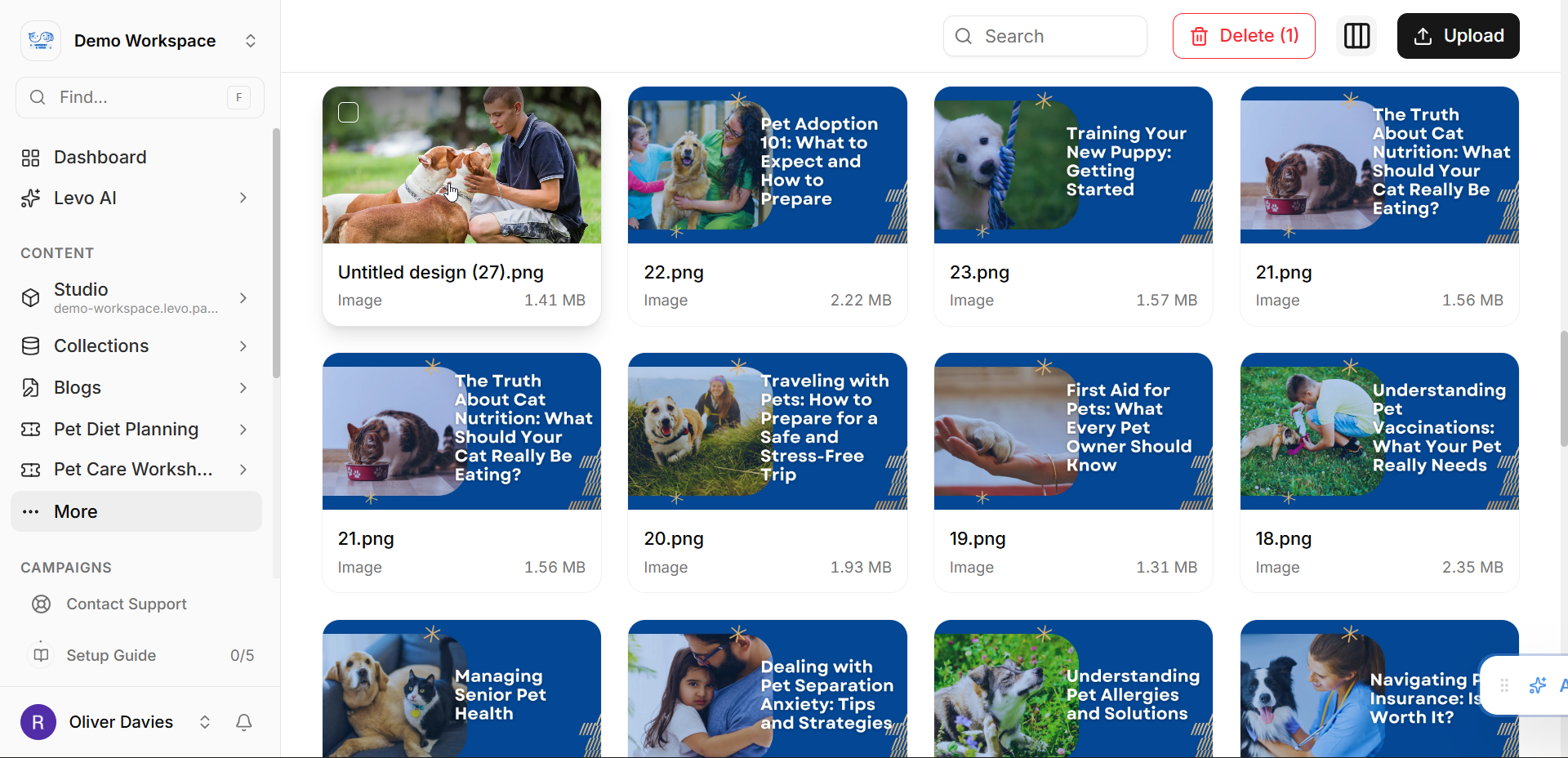
The Hover Trick: Move your mouse over the large preview image on the left.
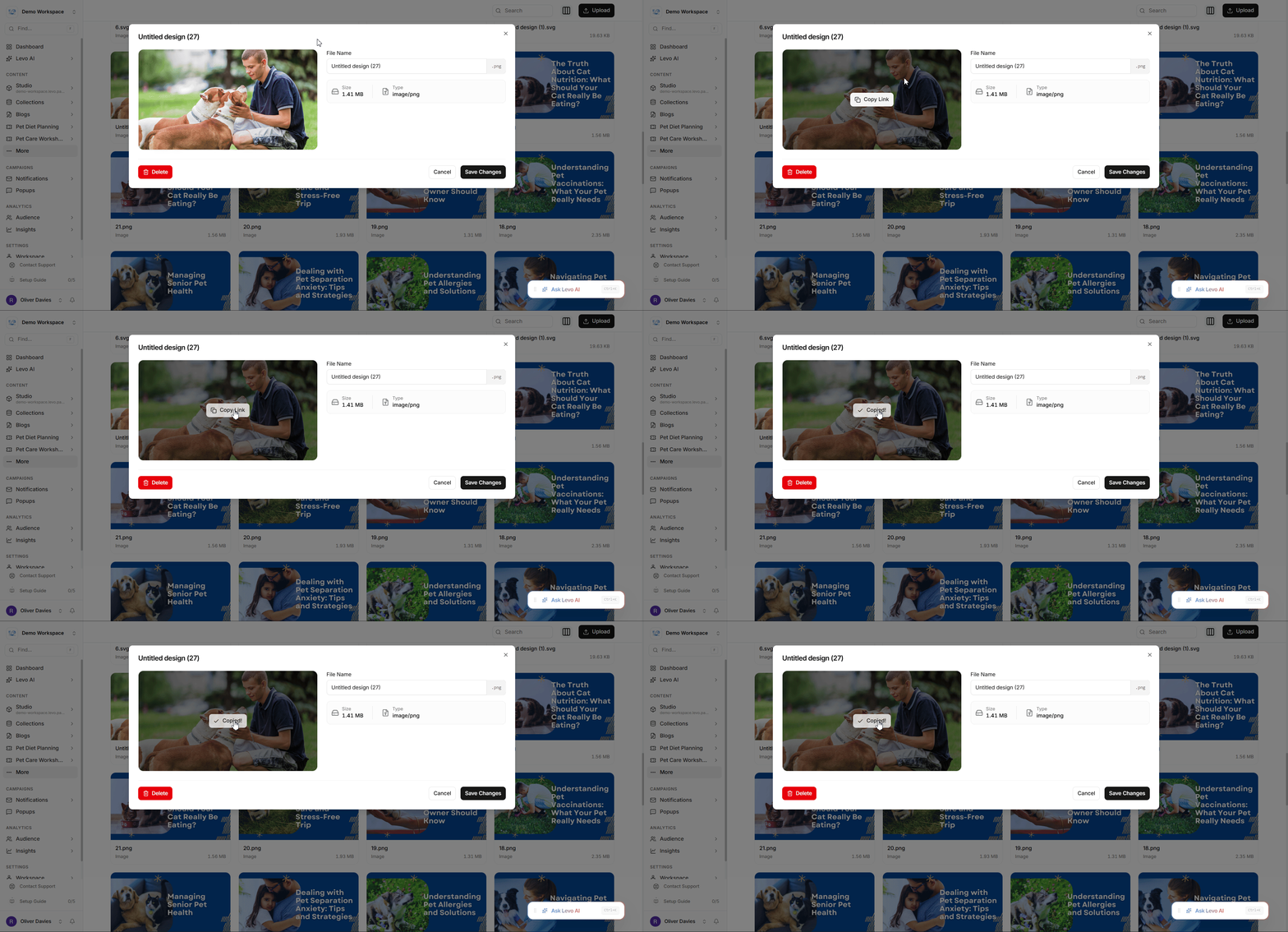
Copy the Link: Click the Copy Link button that appears. The link is now copied to your clipboard and ready to be pasted!
 Pro Tip:
If you are uploading a lot of High-Definition photos, try converting them to .webp or .avif first. These formats keep your photos looking great while making the file size much smaller, which helps your website load faster!