
Getting Started
How to Create Your Levo Account
Table of Contents
Sign Up
How to Create Your Account
Already Have an Account?
What Happens Next?
Sign Up
Getting started with Levo takes less than a minute. No credit card and no lengthy forms required.
How to Create Your Account
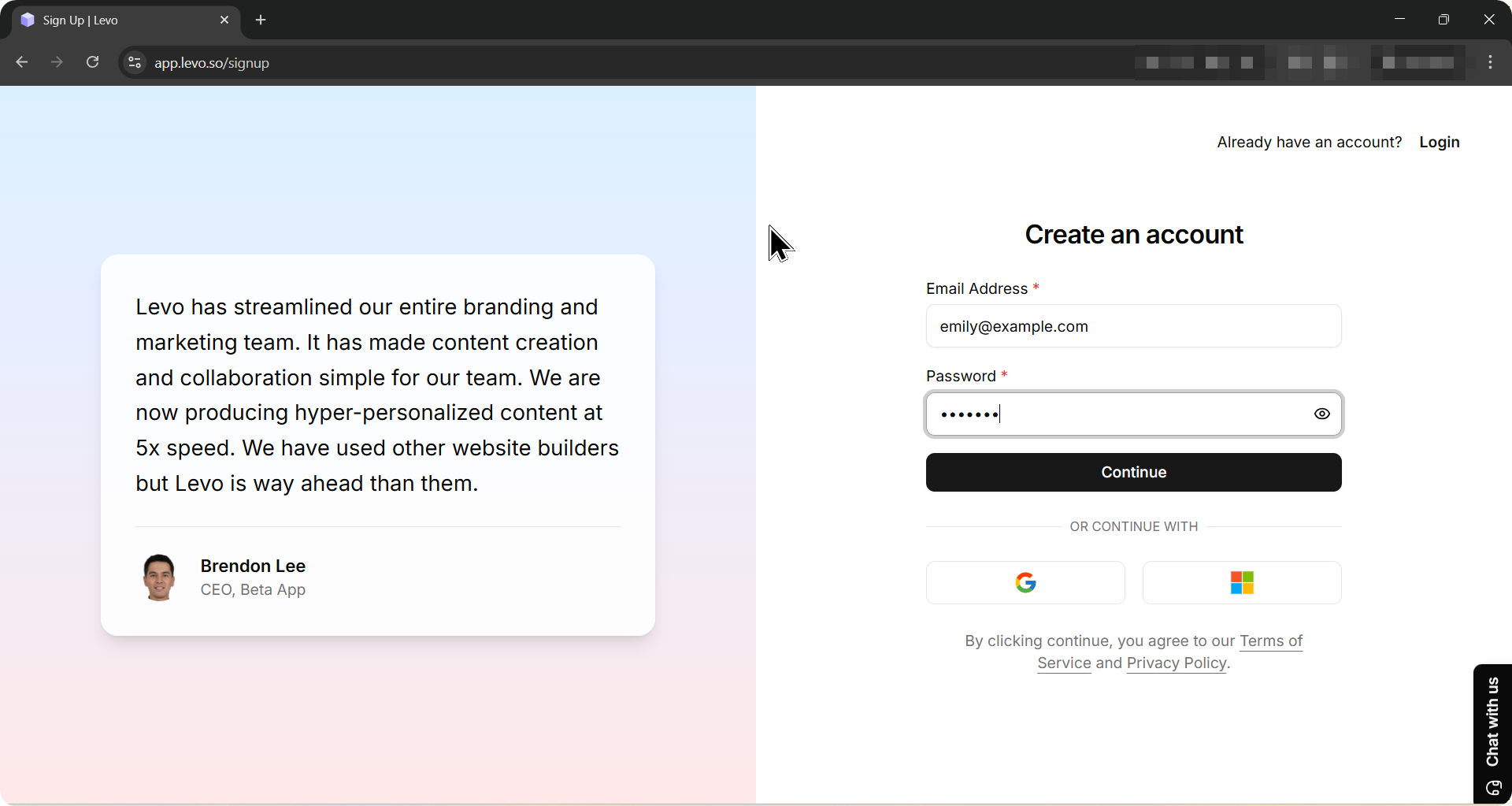
Go to https://app.levo.so/signup.
Enter your email address and choose a password.
Click Continue.
That's it. Your account is ready.
Already Have an Account?
Those with current accounts can log in at https://app.levo.so/signin
What Happens Next?
After signing up, you will be taken straight to the Create Workspace screen. This is where you set up your first project and start building your website
Related Docs
IMTS Chicago 2026: The Last-Minute Guide to Making the Most of the Show
A practical field guide for IMTS exhibitors: get better leads from your booth, find last-minute help fast, navigate McCormick Place smoothly, and make the most of your week in Chicago.
Getting Started with Campaigns
Campaigns helps you create, manage, and track Email and WhatsApp campaigns from one place. You can create campaigns, use templates, manage verified senders, connect WhatsApp through Meta, review campaign history, monitor performance, and track credit usage. It simplifies audience communication while keeping messaging organized, consistent, and easy to manage.
Agent Chat & Persona Chat
Our comprehensive financial services help you achieve your goals through expert guidance and innovative solutions.
1/0