
Types of Pages
Table of Contents
Every page you make in Levo has a Page Type. This type decides how the page works—like if the words stay exactly the same for everyone, or if the page automatically changes to show different items (like different blog posts or events).
You pick the type when you first make the page, and you can always change it later in your Page Settings.
Here are the page types you can use:
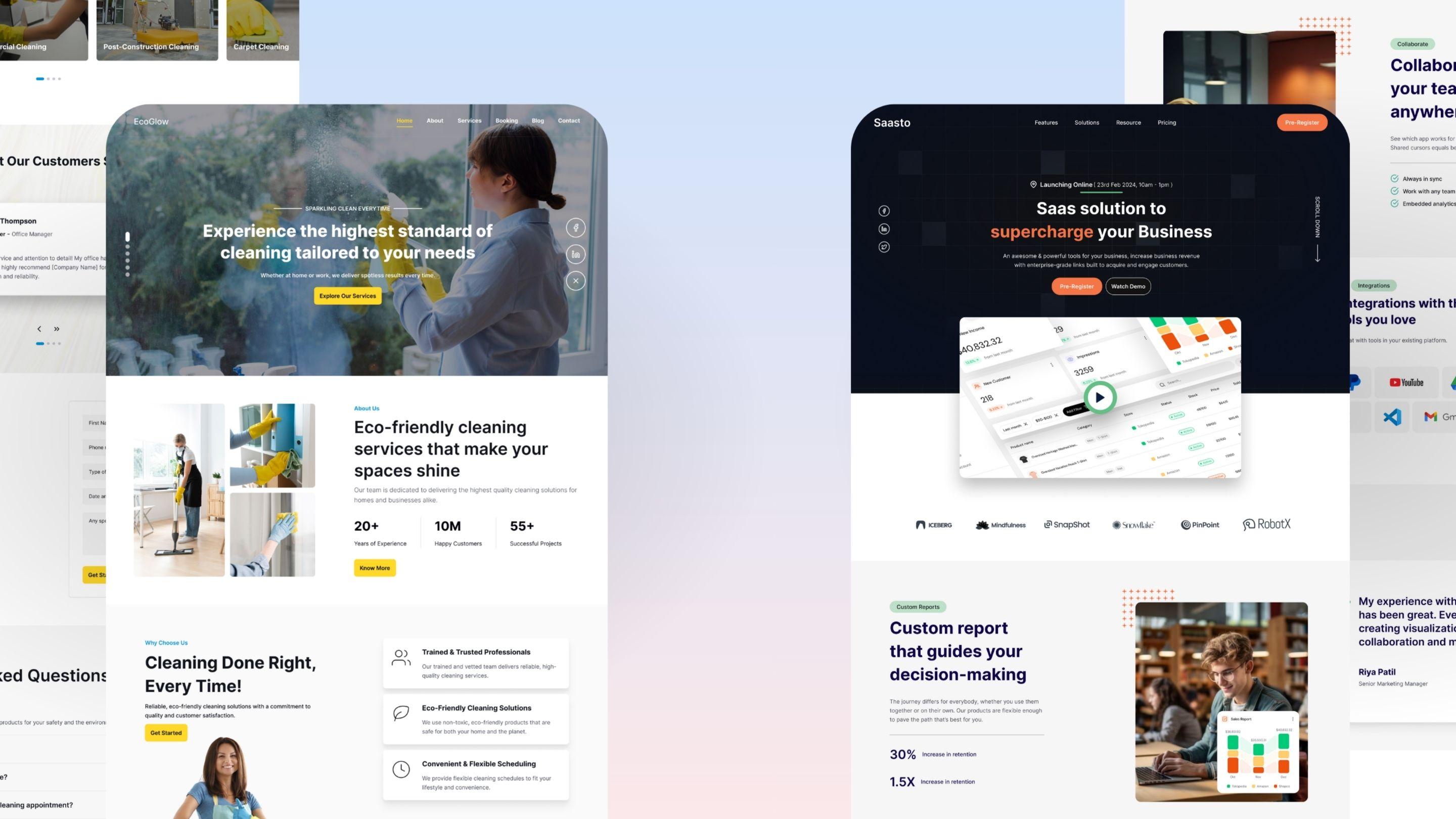
1. Static Page
Best for normal pages that don't change much.
This is the standard option. You use a Static Page when you want the layout and the words to stay the same every time someone visits it.
When to use it: Your Home page, About page, Contact form, Pricing list, or a page that just lists all your blog posts.
Example Links:
/about,/pricing,/blog
2. Blog App Page
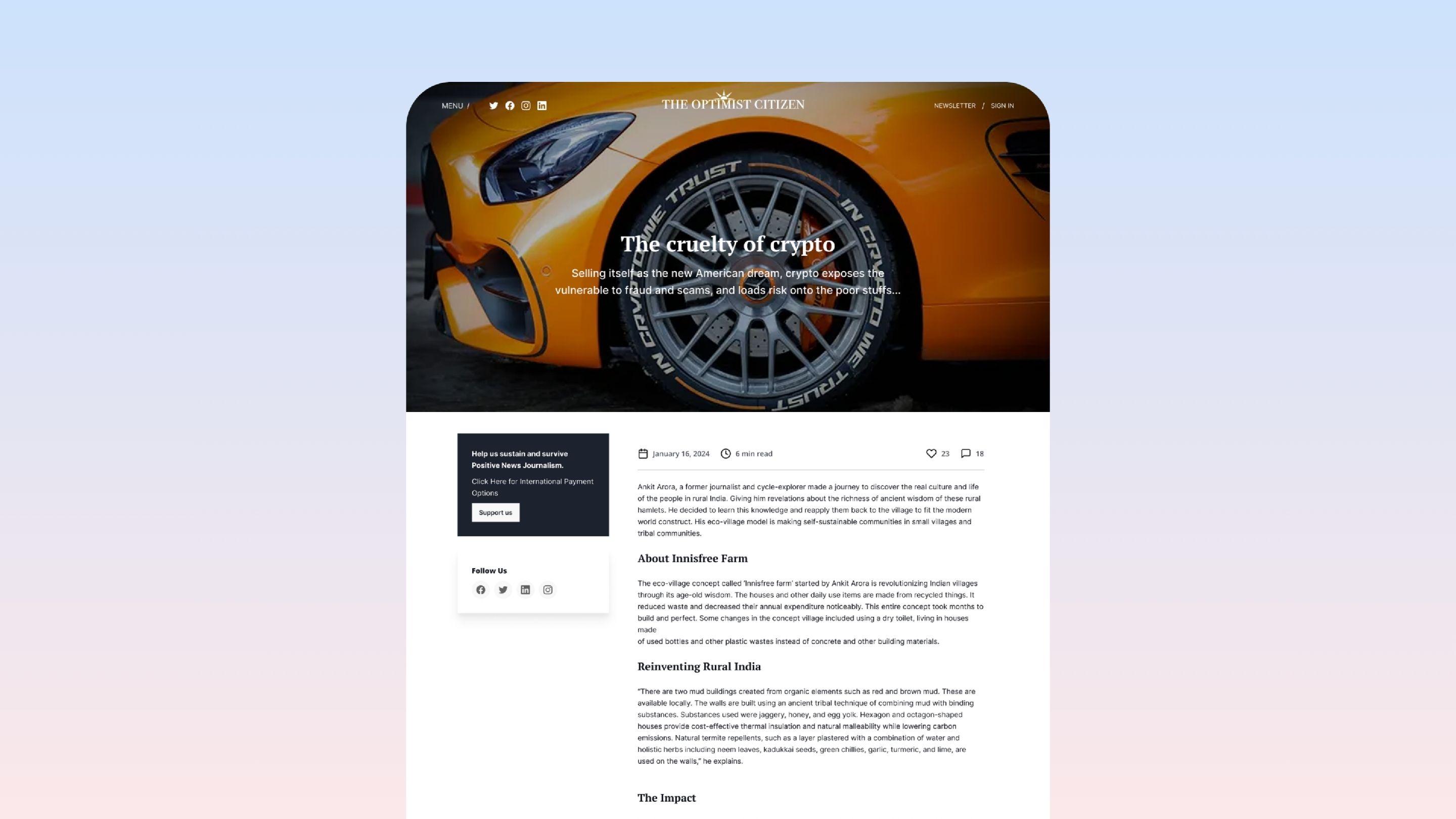
Best for reading a single blog post.
This type of page is set up to automatically show the words, pictures, and author details from a single blog post.
When to use it: Just for the page where people actually read one specific article. (Don't use this for the page that lists all your articles).
Example Link:
/blog/my-post-title
3. Collection Page
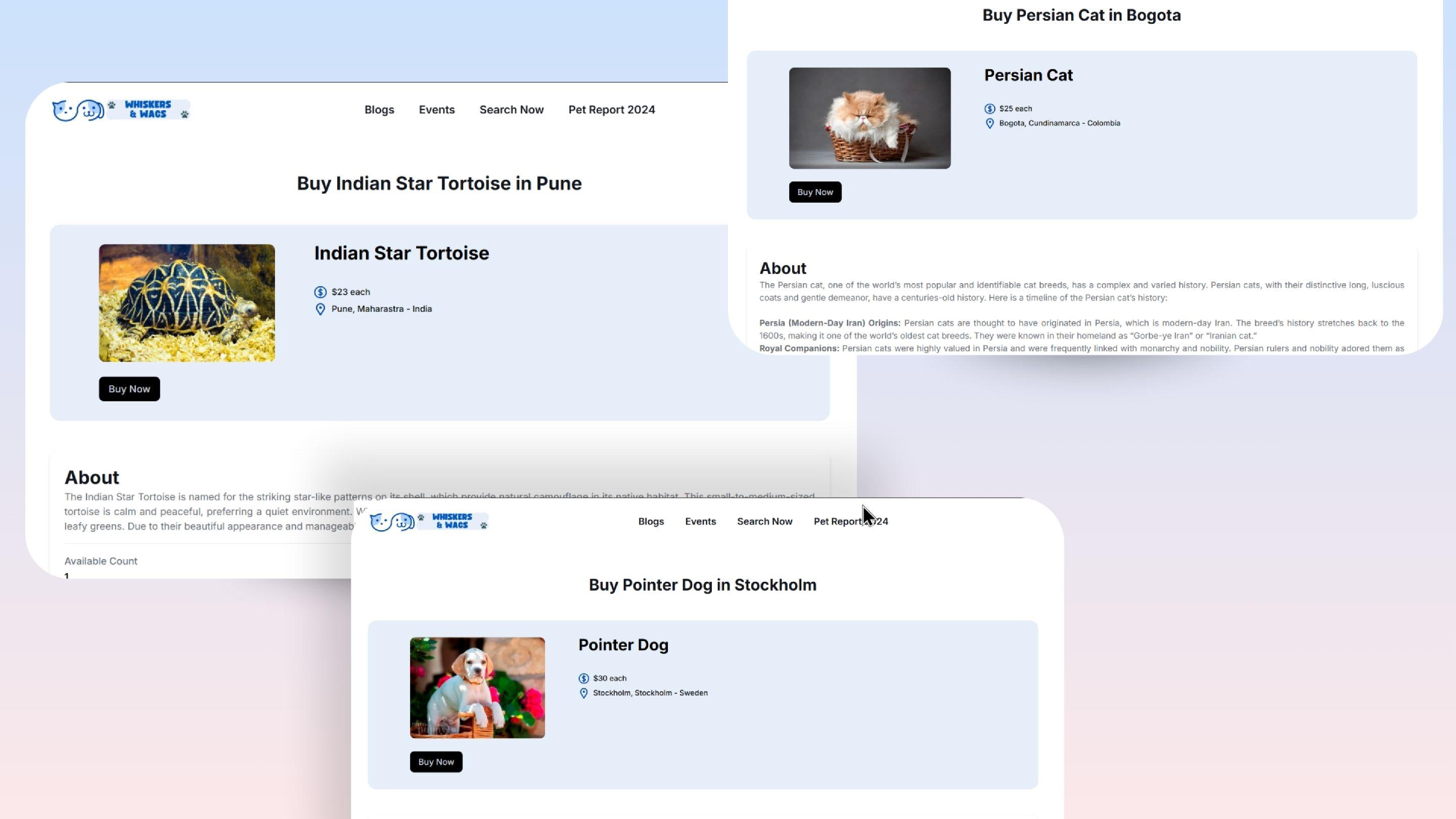
Best for making lots of pages at the same time.
A Collection Page uses a single design template to automatically create many different pages by pulling information from a list or database.
When to use it: If you need a profile page for every person on your team, a page for every item you sell, or pages for different cities.
Example Links:
/team/jane-doe,/buy-shoes-in-london
4. Event App Page
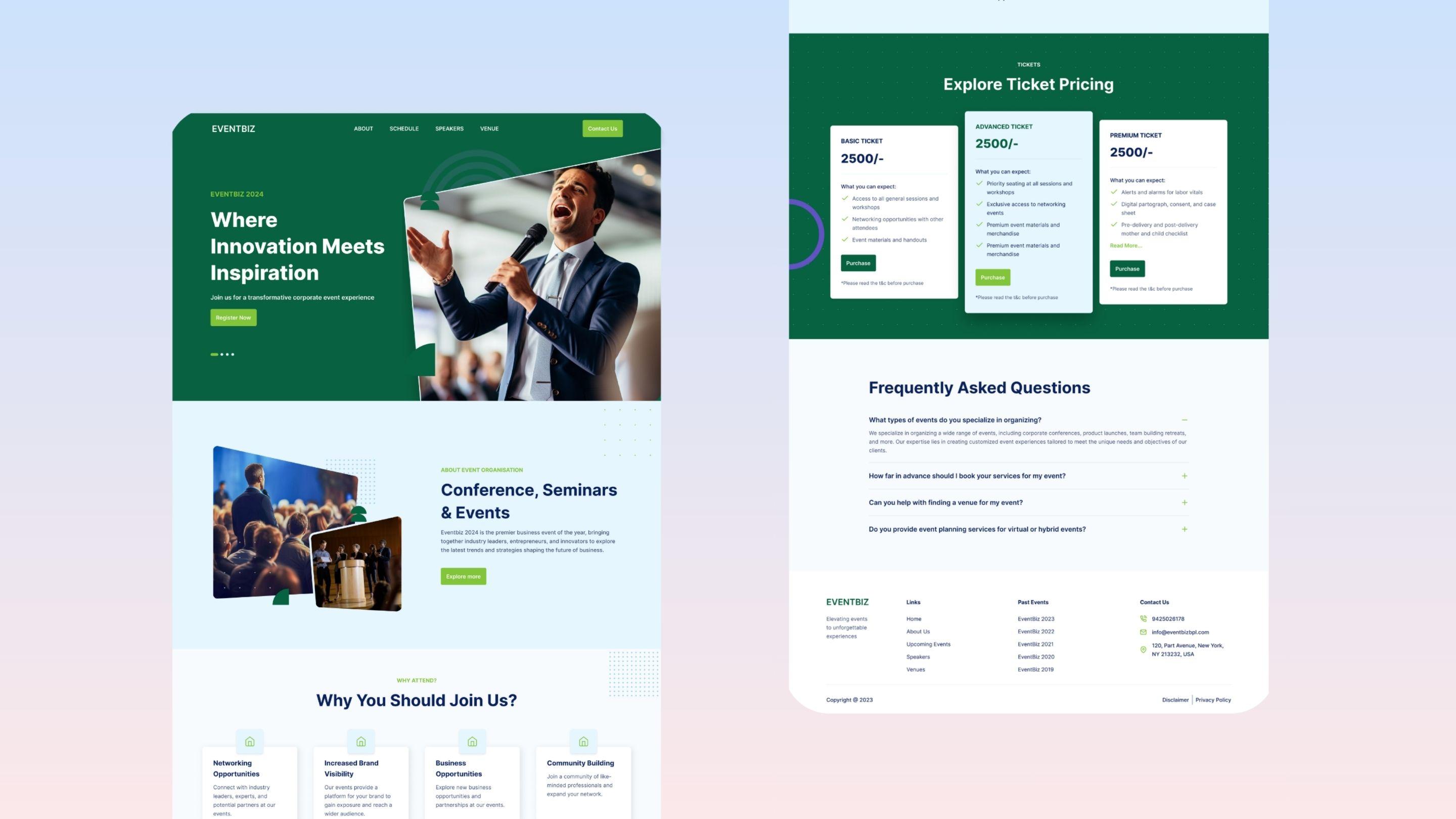
Best for showing off a single event.
This page automatically pulls in all the important details about an event, like the time, location, ticket choices, and the sign-up form.
When to use it: When you want to give people all the details for one specific event they can attend.
Example Link:
/events/summer-party-2025
5. Community Page
Best for building forums and letting users talk to each other.
This type gives you a place where your users can ask questions, write posts, and reply to each other.
When to use it: For help forums, question-and-answer boards, or places where your members can talk.
Note: You must have the Community feature turned on in your workspace to use this.