
Restricting Site Access by Country
Table of Contents
Access Restrictions
Access Restrictions enable site-wide control over which countries can visit your site. This functions as a gating mechanism rather than a content personalization tool.
Navigation
Access the feature via Site Configuration → Personalization → Restrictions tab.
Activation
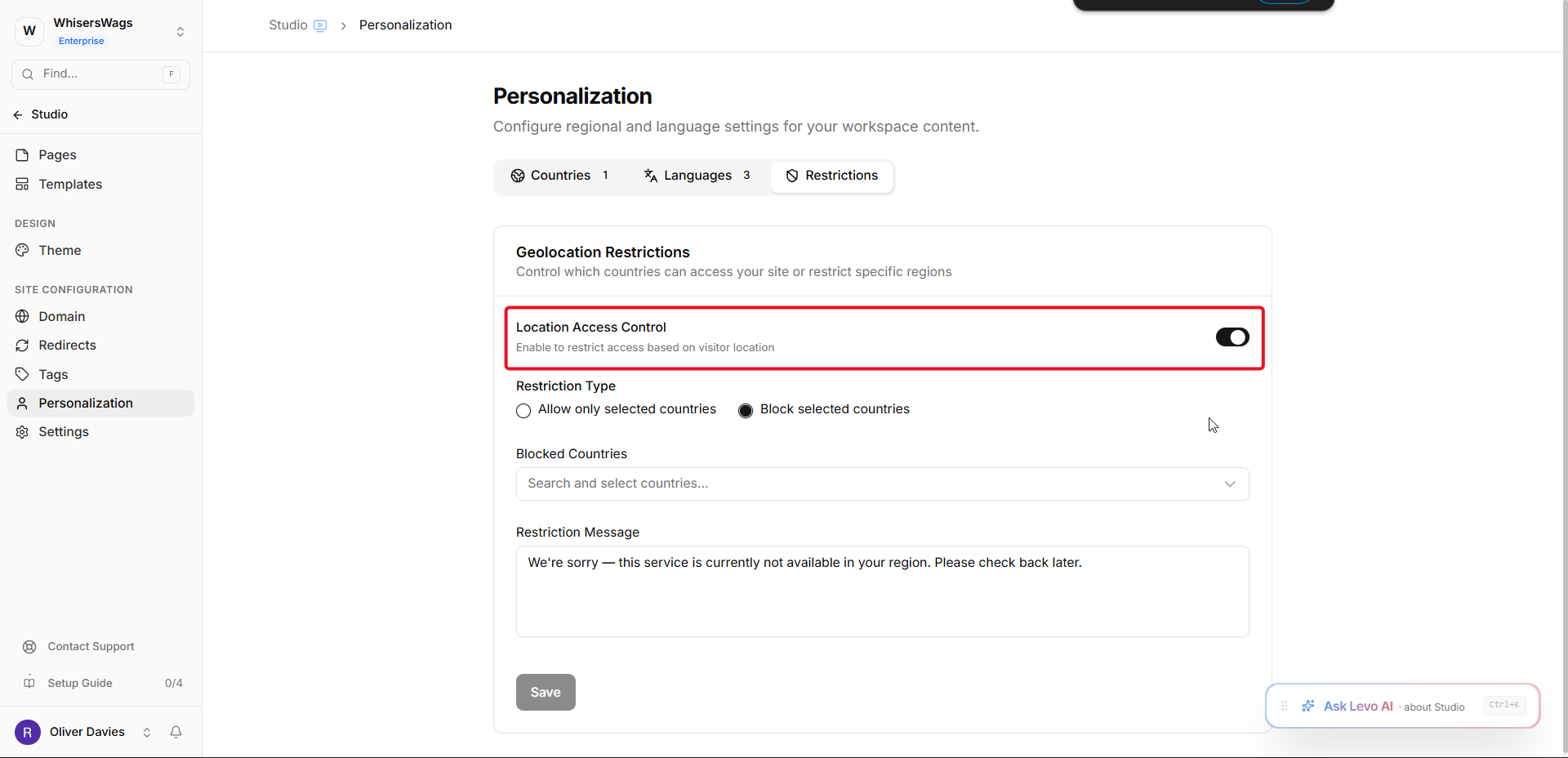
The Location Access Control toggle must be turned on to enable restrictions.
Restriction Modes
Allow Mode
Select "Allow only selected countries" to permit access exclusively from chosen nations. All other visitors receive the restriction message.
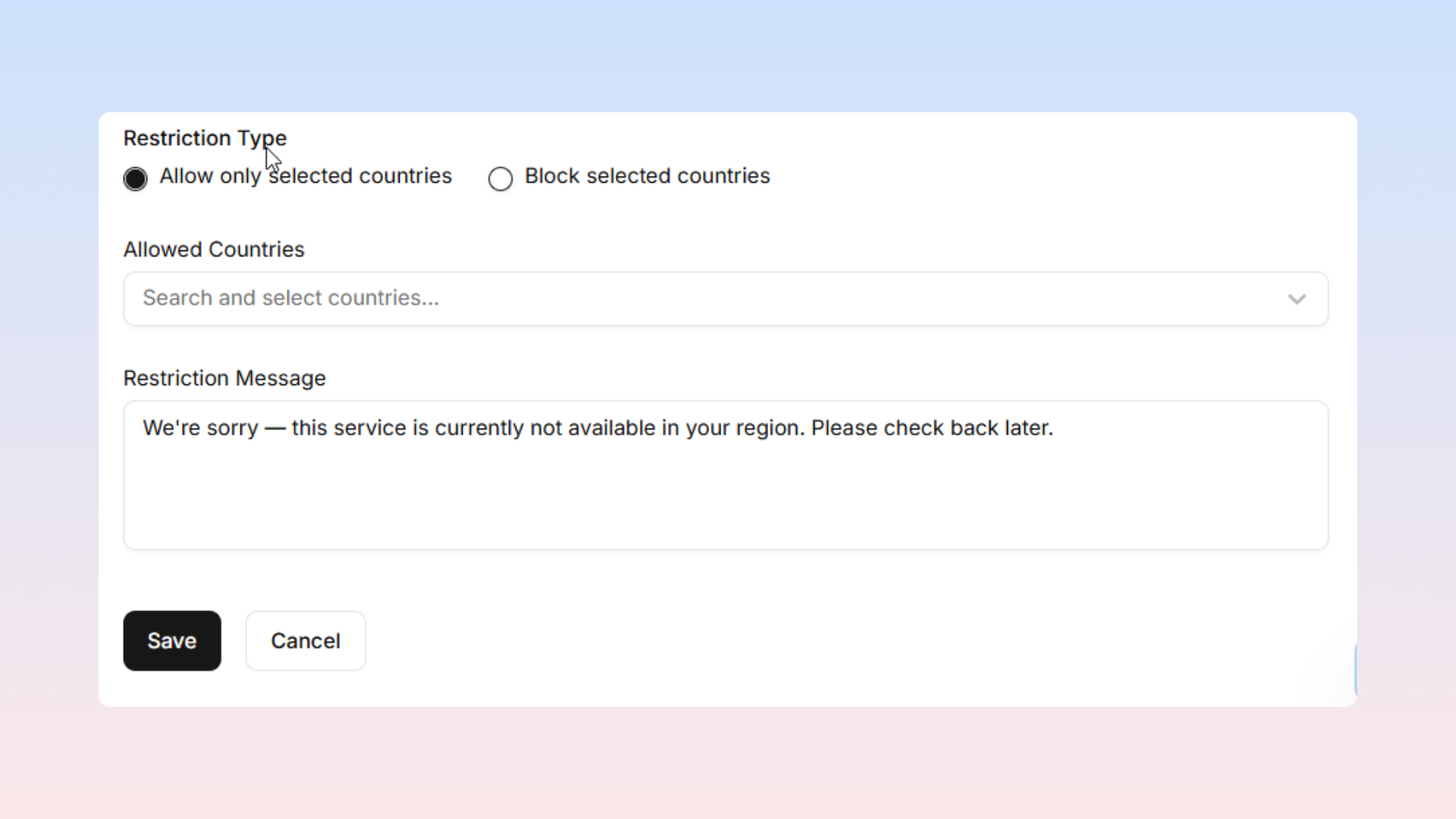
Appropriate uses include:
Region-specific businesses with limited service areas
Products legally available only in certain jurisdictions
Geo-restricted promotions or events
Block Mode
Select "Block selected countries" to prevent access from specified nations while permitting all others.
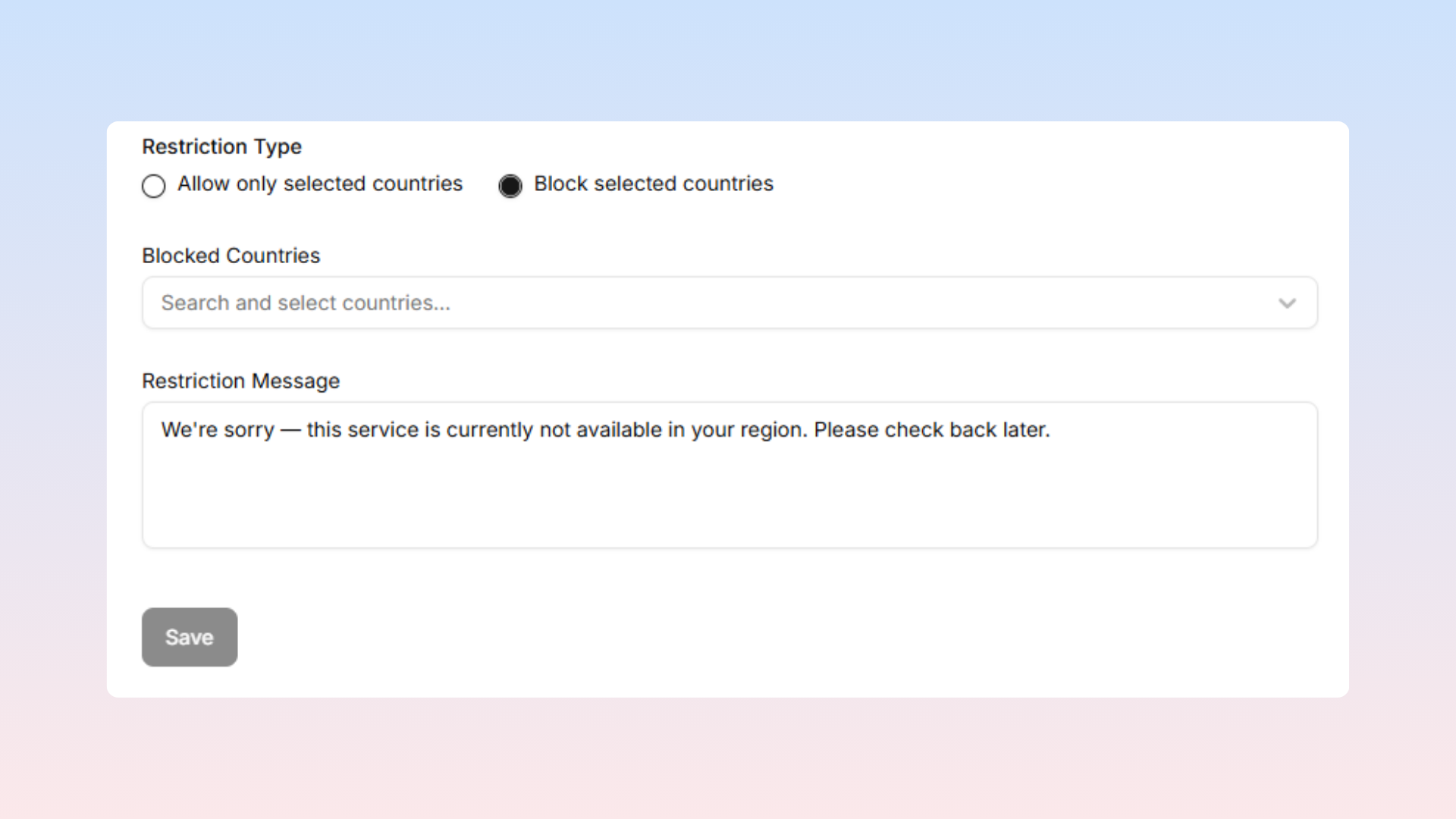
Appropriate uses include:
Legal prohibitions in certain regions
Compliance-based access prevention
Country Selection
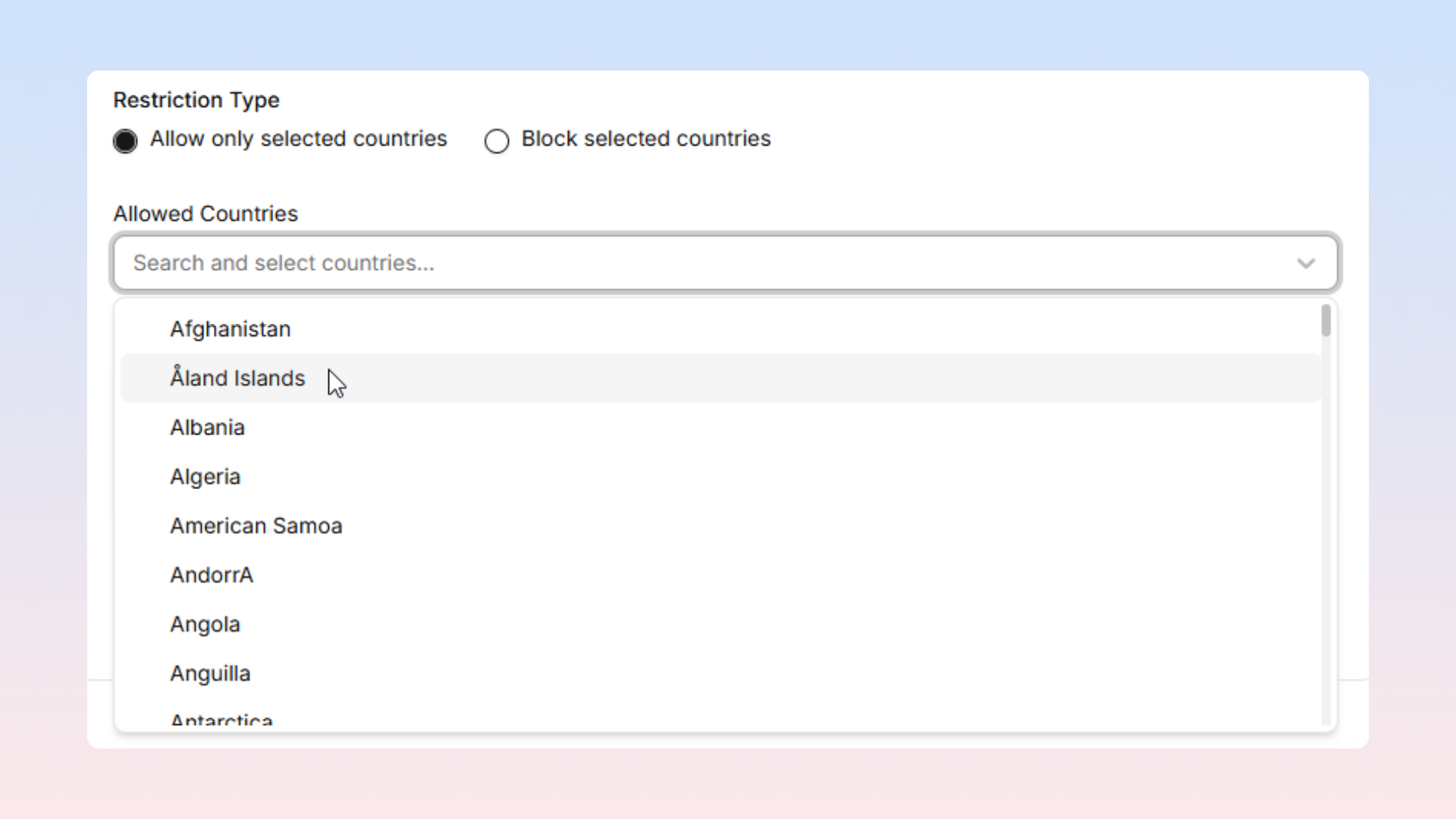
The country dropdown supports selecting individual countries or pre-configured country groups established in the Countries section.
Restriction Messaging
Blocked visitors see a replacement message instead of site content.
The default message states: "We're sorry — this service is currently not available in your region. Please check back later."
Custom messages should clearly explain the restriction situation with specific regional details.
Managing Restrictions
Click Save to apply settings. Click Clear Restrictions to disable location access control entirely and restore universal access.
Technical Details
Restrictions operate site-wide without per-page options
Location determination relies on visitor IP addresses
VPN usage may circumvent restrictions
Internal preview URLs remain accessible regardless of restriction settings